Pay securely with: MBWay, ATM, Credit Card, Paypal or Bank Transfer
Track your order from the moment it leaves for delivery until you receive it at your home.
The price of the products includes VAT at the current legal rate.
We offer refunds and/or exchanges within the first 14 days of your purchase. If 14 days have passed since the date of your purchase, you will not be offered a refund and/or exchange of any kind.
Universal Android Radio with 7" Touchscreen | Wireless CarPlay & Android Auto, GPS, WiFi and Rearview Camera Input - For All 2 DIN Cars
Modernize Your Car: Total Connectivity and Intelligent Navigation on a 7" Screen
Transform your driving experience with this 7-inch Universal Multimedia Radio . Compatible with any vehicle that has a 2 DIN opening, it combines modern connectivity, precise navigation, and complete entertainment in an affordable and easy-to-install device.
Effortless Connectivity and Control
Wireless Apple CarPlay & Android Auto: Instantly connect to your iPhone or Android smartphone, without cables. Safely access maps, messages, playlists, and calls directly on your car's screen using voice commands or touch.
Built-in WiFi and Bluetooth: Connect to WiFi networks to use online apps or create a hotspot with your phone. Bluetooth 5.0 for hands-free calling and high-quality audio streaming.
7" HD IPS Capacitive Touchscreen: 1024x600 resolution for vibrant colors and clarity. Smooth and responsive touch for easy operation.
Navigation and Entertainment Anywhere
Offline/Online GPS Navigation: Use the built-in GPS with pre-installed navigation apps (such as MapFactor) for routes without relying on the internet, or connect via WiFi/Android Auto to use Waze/Google Maps in real time.
Rearview Camera Support: Dedicated video input for installing a rearview camera (not included) to ensure safer maneuvers, with automatic activation when reverse gear is engaged.
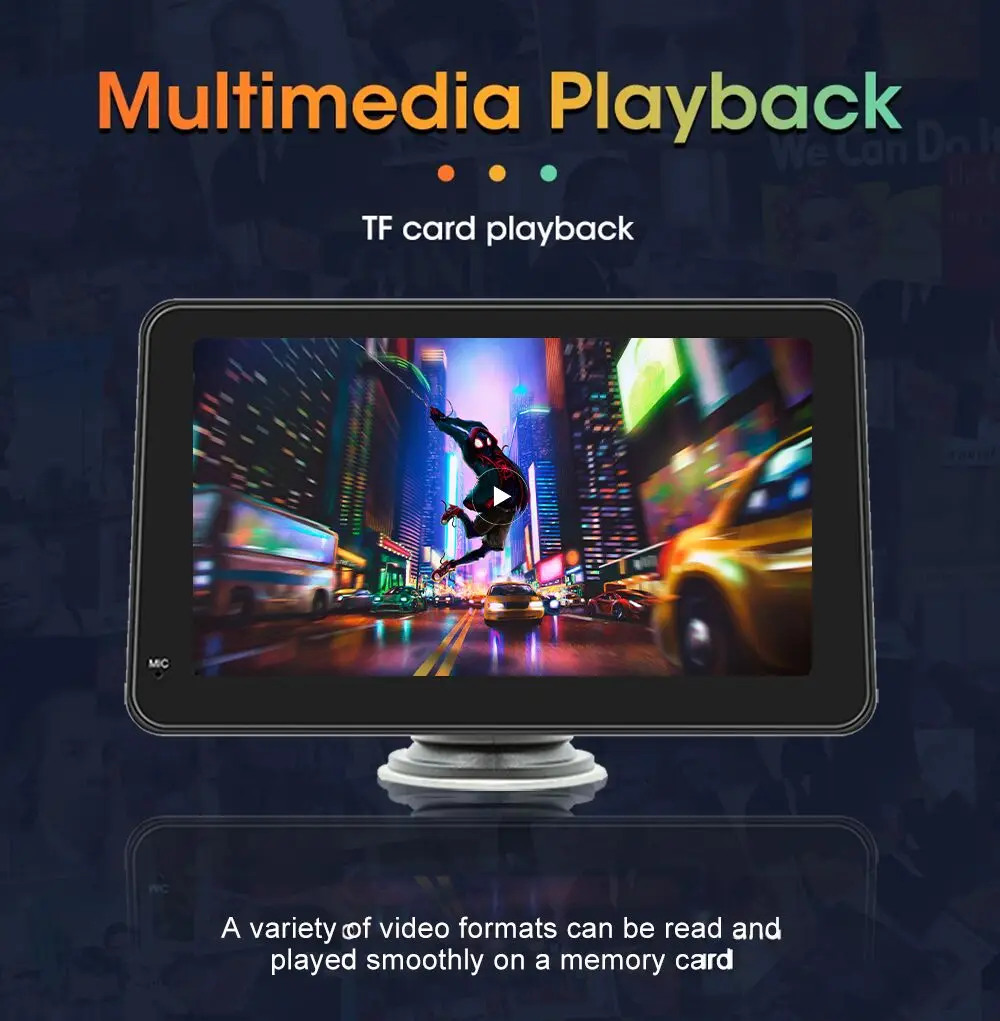
Versatile Multimedia Player: Play music, videos, and photos from USB flash drives, SD cards, CDs, and DVDs (MP3, MP4, AVI, JPEG formats). Includes FM/AM radio with 18 preset stations.
Universal Compatibility and Simple Installation
Universal 2 DIN Design: Fits most cars with a dual radio slot (2 DIN). Standard cable set included for power connection, speakers, and USB/AUX extenders.
Stable Linux System: A dedicated, fast, stable, and uncomplicated operating system focused on the essential functions of a car radio.
Voice Control: Execute basic voice commands for greater safety while driving.
Technical Specifications:
Screen: 7" IPS, Capacitive Touchscreen
Resolution: 1024 x 600
Operating System: Linux (stable and fast)
Connectivity: Wireless CarPlay and Android Auto, WiFi, Bluetooth
Ideal for: Owners of older cars or any brand of car who want to add modern connectivity and navigation technology without a large investment or complexity.
Wireless CarPlay & Android Auto
FIVE CORE TECHNOLOGIES
Home FM Broadcast Time
FM Emission within 1 second of power on (the startup interfacestage has been started to prevent noise).
Quick startup upon startup
Boot Time: Within 3 seconds.
Display reverse image
Display the reversing image: Within 5 seconds.
CarPlay/Android Auto
Carplay/Android Auto Connect Time: 8 Seconds
System Operate and Response
System Operate and Response Time: Instant Response WithoutDelay.
Function Introduction
BT MUSIC AND HANDS FREE CALLING
More stable signal. More mobile phones can be automatically paired. Lower power consumption. More environmentally friendly.
Wireless audio output
Voice Assistant
SIRI & GOOGLE VOICE CONTROL
In the car, you can use Siri or Google Voice to control your navigation for a happy and safe driving experience.
Easy Installation and Mounting
12NM processor - faster speed and less heat dissipation.
Q: How do I connect CarPlay and Android Auto?
A: Search for the Bluetooth device "carplay"
on your mobile phone. When you connect it for the first time, the mobile phone will pop up a prompt, please click to use or trust the device.
Q: How do you get the sound through the car horn?
A: There are three points about the sound problem:
1. Our device comes with a small speaker that can make sound, you can turn it off by setting;
2. Transmit the sound to the original car radio through the FM transmission function of the device (for example, select 86.3MHZ on the device, and then play the U disk music, then search 86.3MHZ on the car radio);
3. Use the 3.5mm AUX cable to transmit the audio to the original carplayer through the AUX OUT interface of the machine (some models do not support this function, please see the interface description of the product for details).
Q: The Bluetooth connection fails, or some functions are abnormal after connection?
A: Please use your mobile phone to search for Bluetooth of the machine, and the name is "carplay"; Delete the devices that have been paired with but are not connected to the phone. Some Bluetooth devices that have been paired with each other may cause the phone's Bluetooth cannot be paired with other devices or its function is abnormal.
Q: Will Bluetooth connection not automatically connect to car paly or Android auto?
A: Some connected Bluetooth devices will cause our device to fail to jump automatically. Please clear all paired Bluetooth devices on the mobile phone, restart the Bluetooth of the mobile phone and the vehicle device, and re-establish the Bluetooth connection.