Pay securely with: MBWay, ATM, Credit Card, Paypal or Bank Transfer
Track your order from the moment it leaves for delivery until you receive it at your home.
The price of the products includes VAT at the current legal rate.
We offer refunds and/or exchanges within the first 14 days of your purchase. If 14 days have passed since the date of your purchase, you will not be offered a refund and/or exchange of any kind.
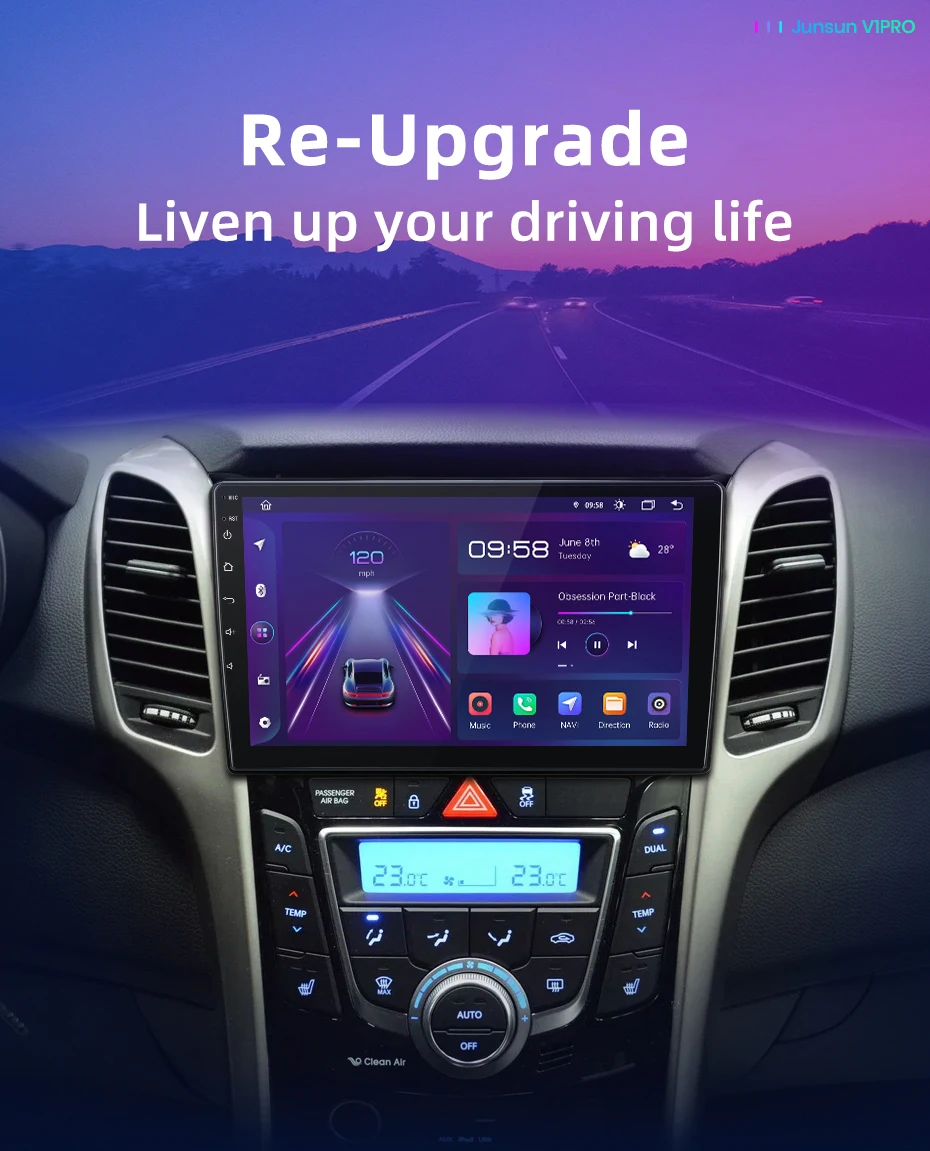
Android 9" radio for Hyundai i30 / Elantra GT (2011-2017) | Wireless CarPlay & Android Auto, GPS
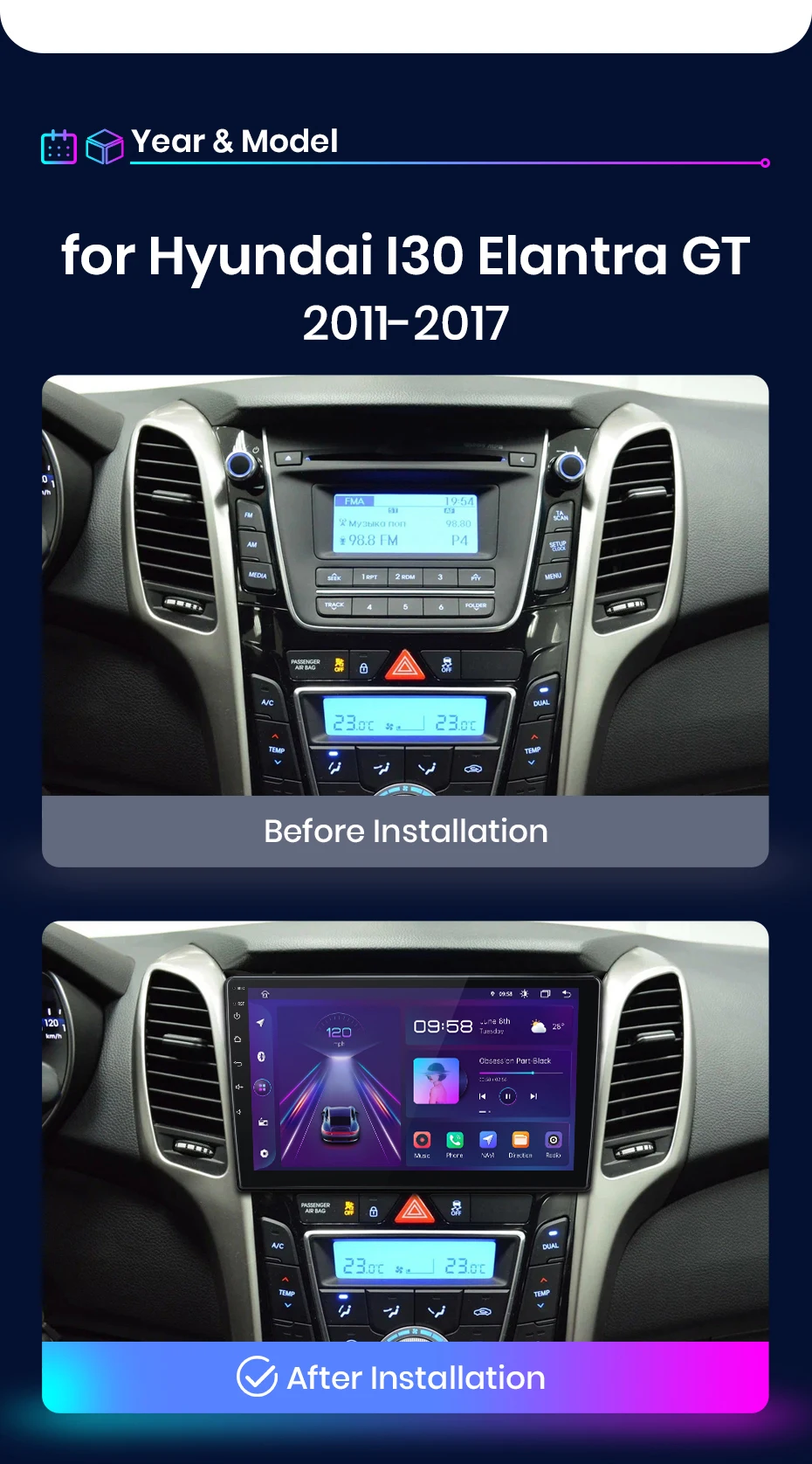
Modernize your Hyundai's multimedia system with a perfect solution. This 9-inch Junsun Android Radio was developed specifically for Hyundai i30 (GD/PD) and Elantra GT models, covering the years 2011 to 2017. It replaces the original radio with a high-resolution IPS touchscreen , the Android 12 system , and the convenience of wireless CarPlay & Android Auto , while maintaining complete integration with your vehicle's controls via the Can-Bus system.
Plug & Play compatibility and installation for your Hyundai:
Exclusive Model: Designed for the Hyundai i30 (GD/PD) and Elantra GT (2011-2017 models) , with connectors that adapt to the original wiring, allowing for direct installation.
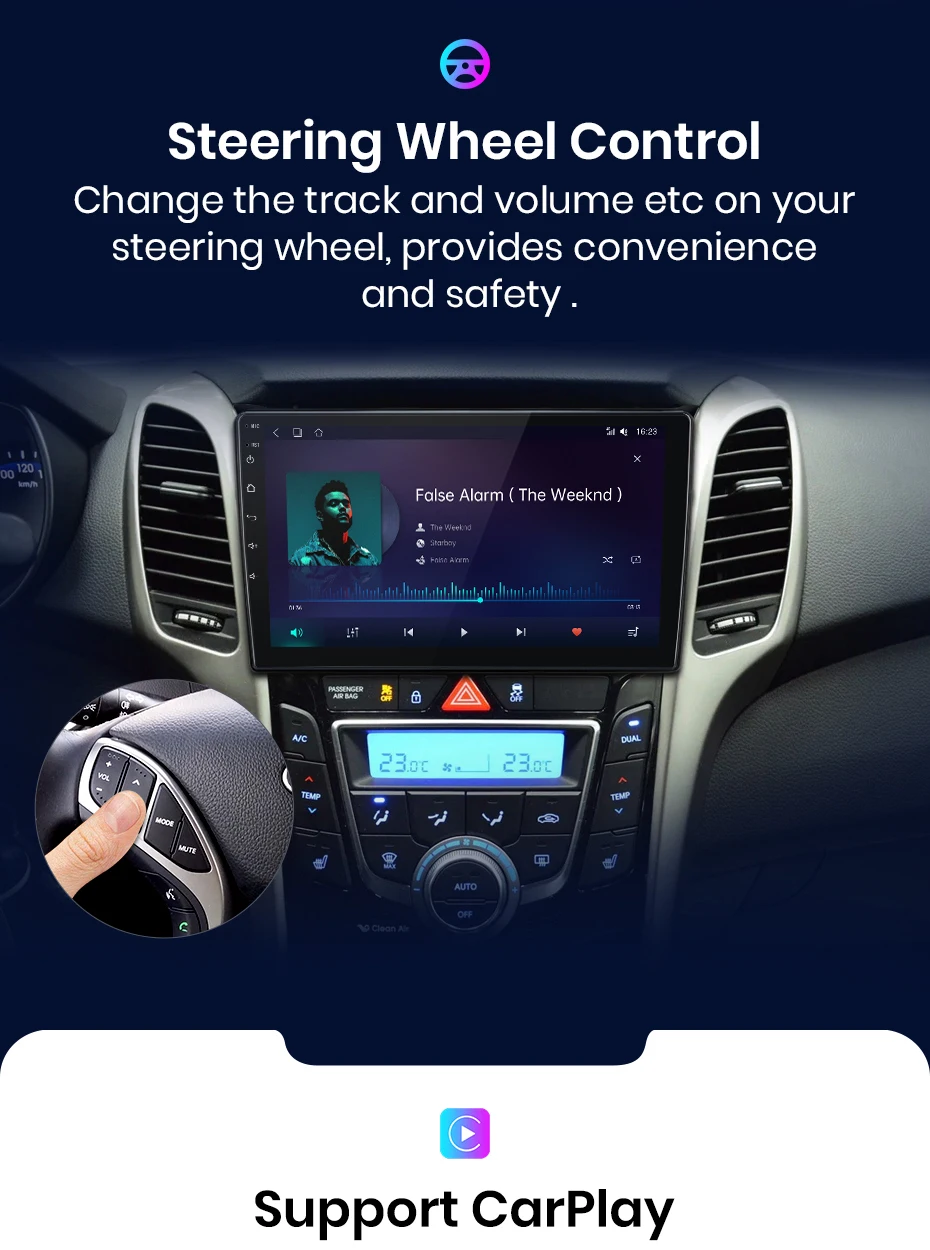
Full CAN-Bus Integration: Maintains the functionality of the original steering wheel buttons for volume control, track selection, and phone calls. If needed, the button "learning" function is available in the settings.
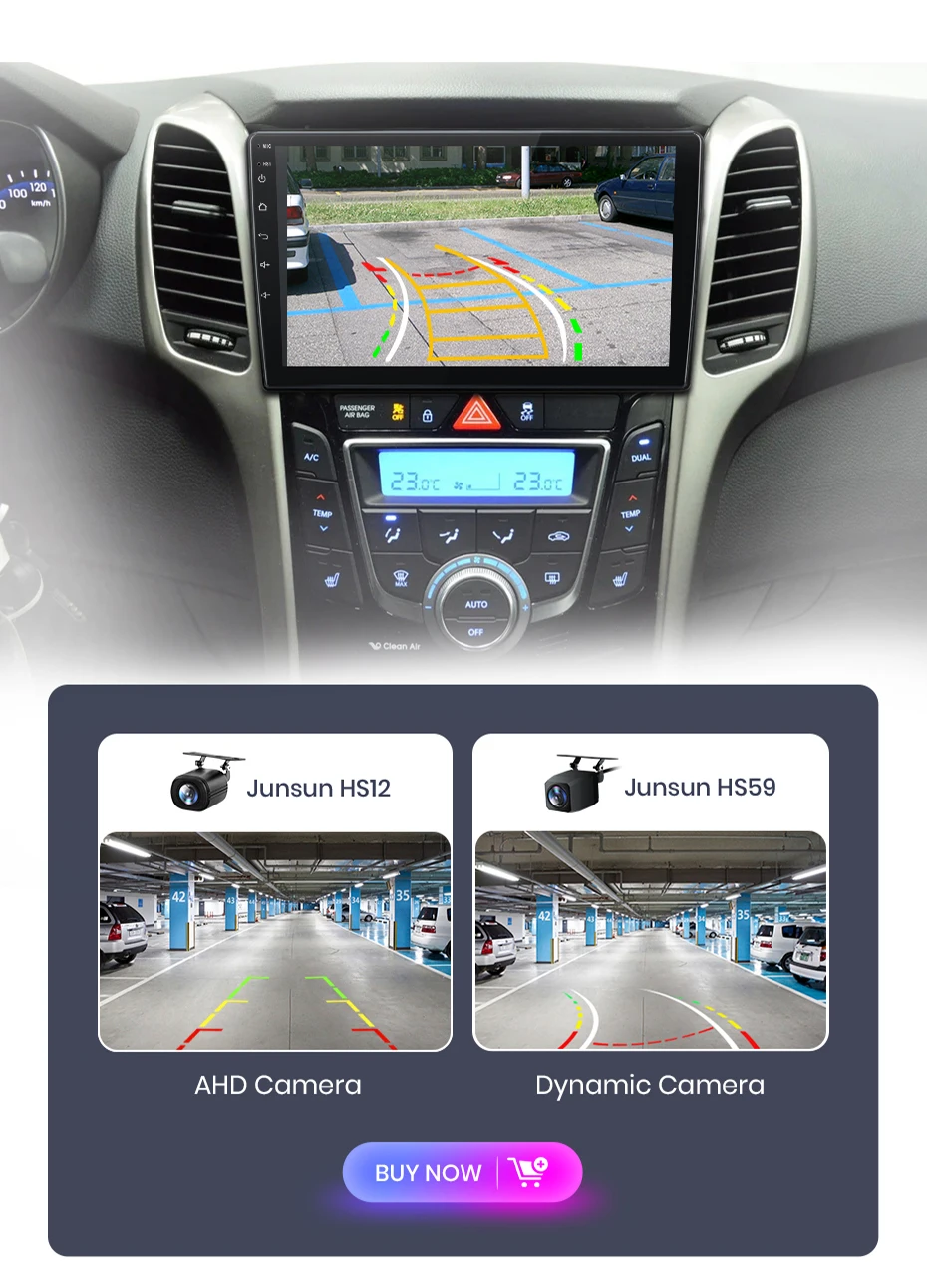
Camera Compatibility: Supports aftermarket rear cameras in AHD 1080P/720P, CVBS, PAL, and NTSC formats.
Important Installation Notices:
The car's original microphone will no longer be used ; the radio has its own built-in microphone.
Not all of the original connectors may need to be used; the main power cable is plug-and-play.
Modern Connectivity and Performance:
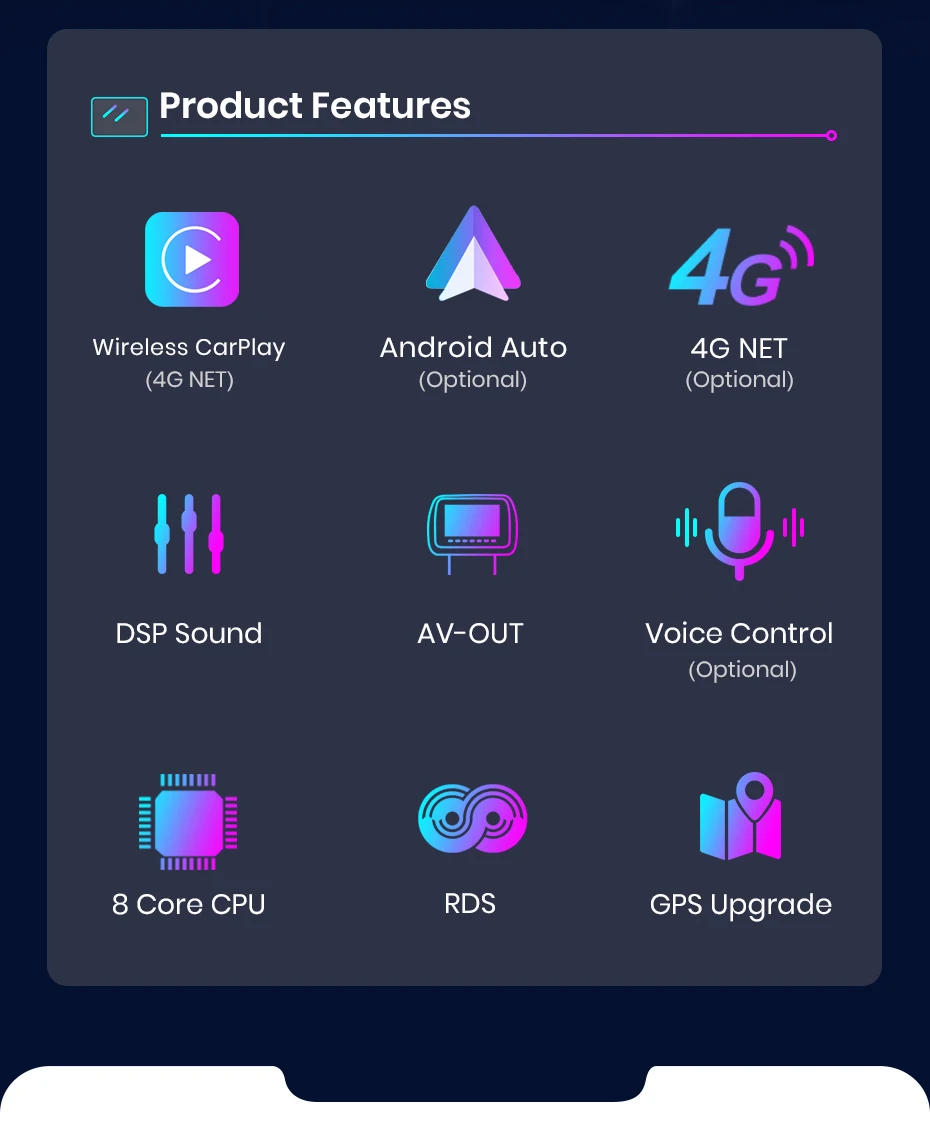
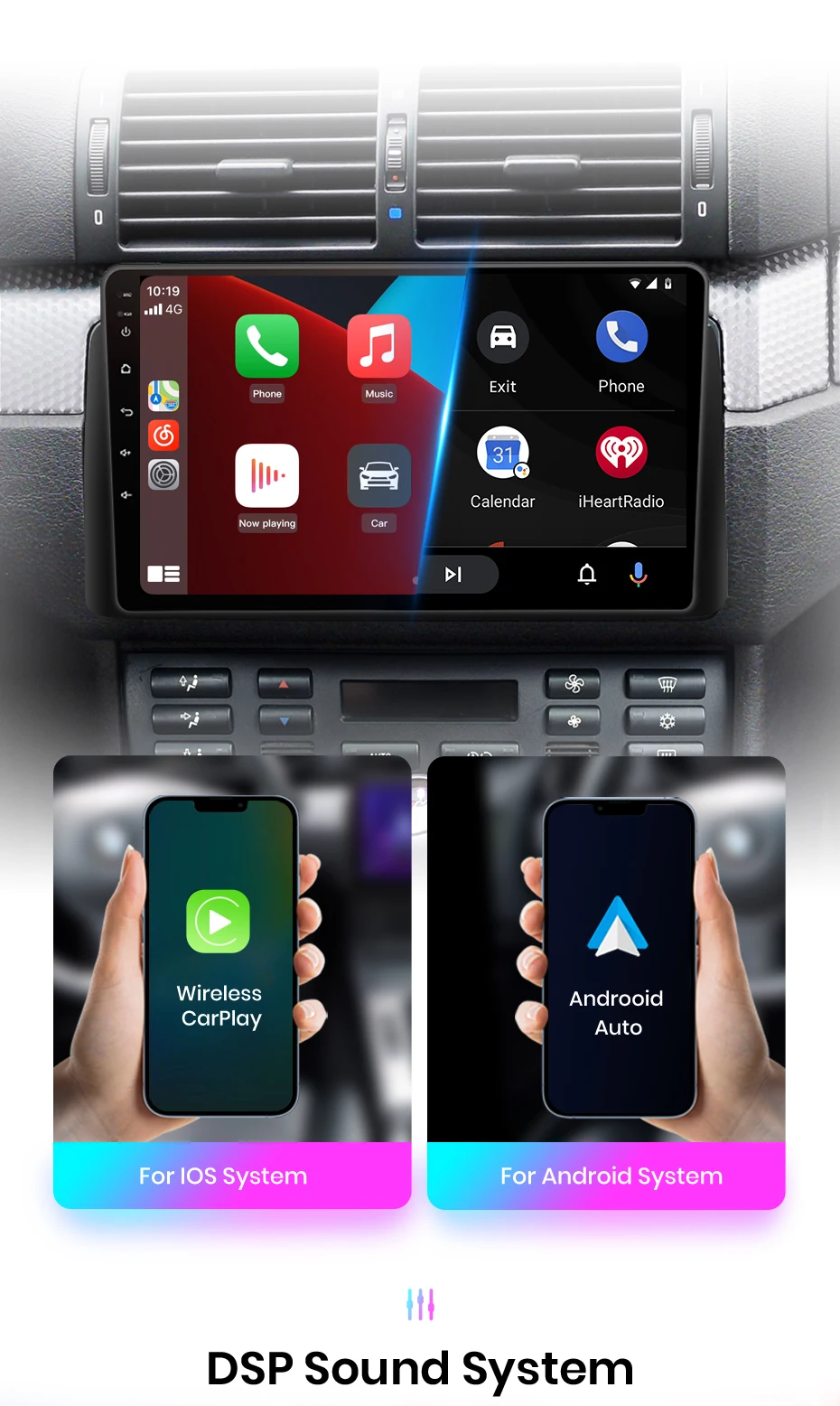
Wireless CarPlay & Android Auto (Optional): Automatically connect your iPhone or Android device to safely access maps (Waze, Google Maps), music, messages, and apps directly on the 9" screen.
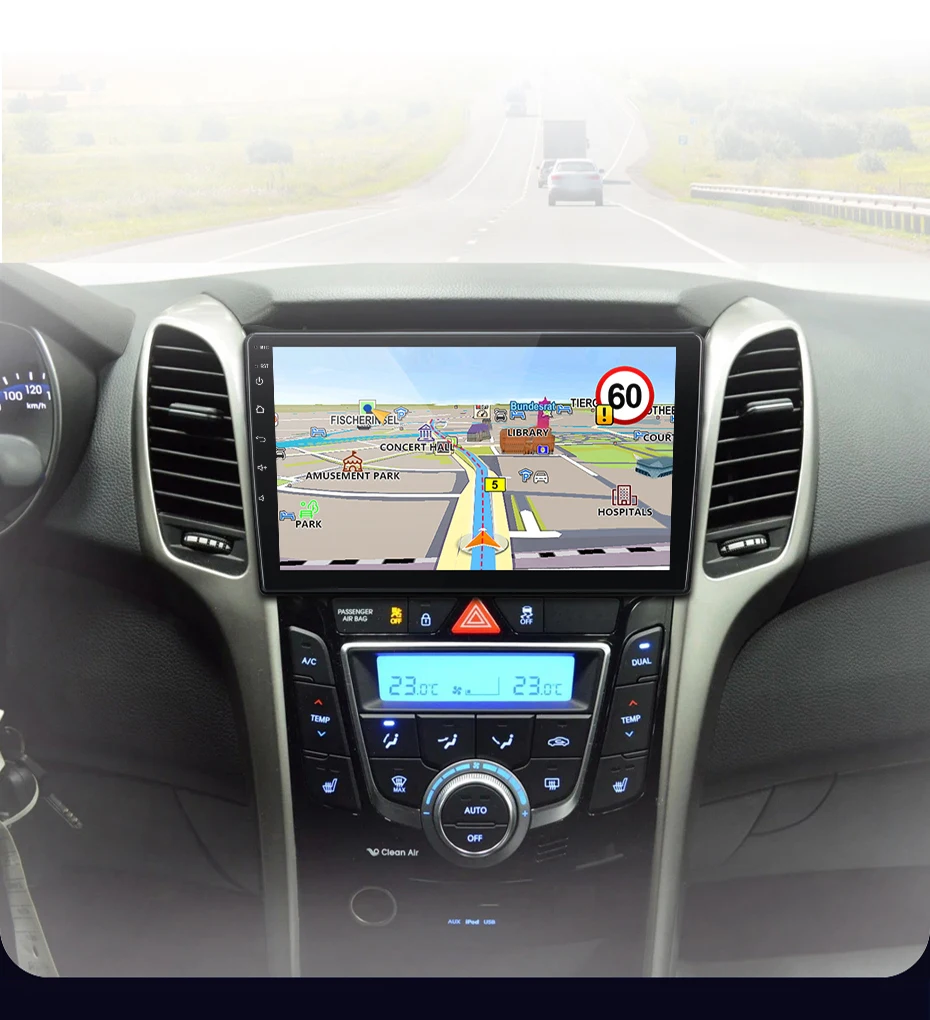
Integrated GPS Navigation: Features built-in GPS with pre-installed offline maps and free updates .
4G and Wi-Fi connectivity: Insert a data SIM card for internet access in your car or connect to your phone's hotspot for streaming, browsing, and online applications (supports installing APKs like Netflix).
Native Android 12 system: Access to the Google Play Store for complete customization with your favorite apps.
High-Quality Audio: 4x45W output, compatible with all audio formats (MP3, FLAC, etc.) and with input for a rear-view camera.
Why choose Junsun for your Hyundai?
Fast delivery: Ships within 24-48 hours from local stock (when available).
2-Year Warranty with Replacement:24/7 technical support and a direct replacement policy in case of defects during the warranty period.
Free updates: Receive free updates for firmware, interface, and navigation maps.
Trusted Brand: Market leader in Android radios, with broad compatibility and millions of satisfied users.
Before you buy, check (FAQ):
Please confirm the exact make and year of your vehicle .
Compare the radio placement photo on our page with the one in your car to ensure a proper fit.
Read all the listed compatibility notes .
Ideal for Hyundai i30/Elantra GT owners looking to: Add CarPlay/Android Auto, have an updated Android system, improve the dashboard interface, and retain the original steering wheel controls.
Transform your Hyundai experience. Technology, integration, and connectivity in a complete and reliable upgrade.
>> Junsun V1 for Hyundai I30 Elantra GT 2011 2012 2013 2014 2015 2016 2017 Function
1. pin to pin: Junsun radios' power cable is pin to pin, ease to install;
2. Built-in Carplay/ Android Auto: access map navigation, phone contacts, notification, music and more in the radio, stable and ease to use;
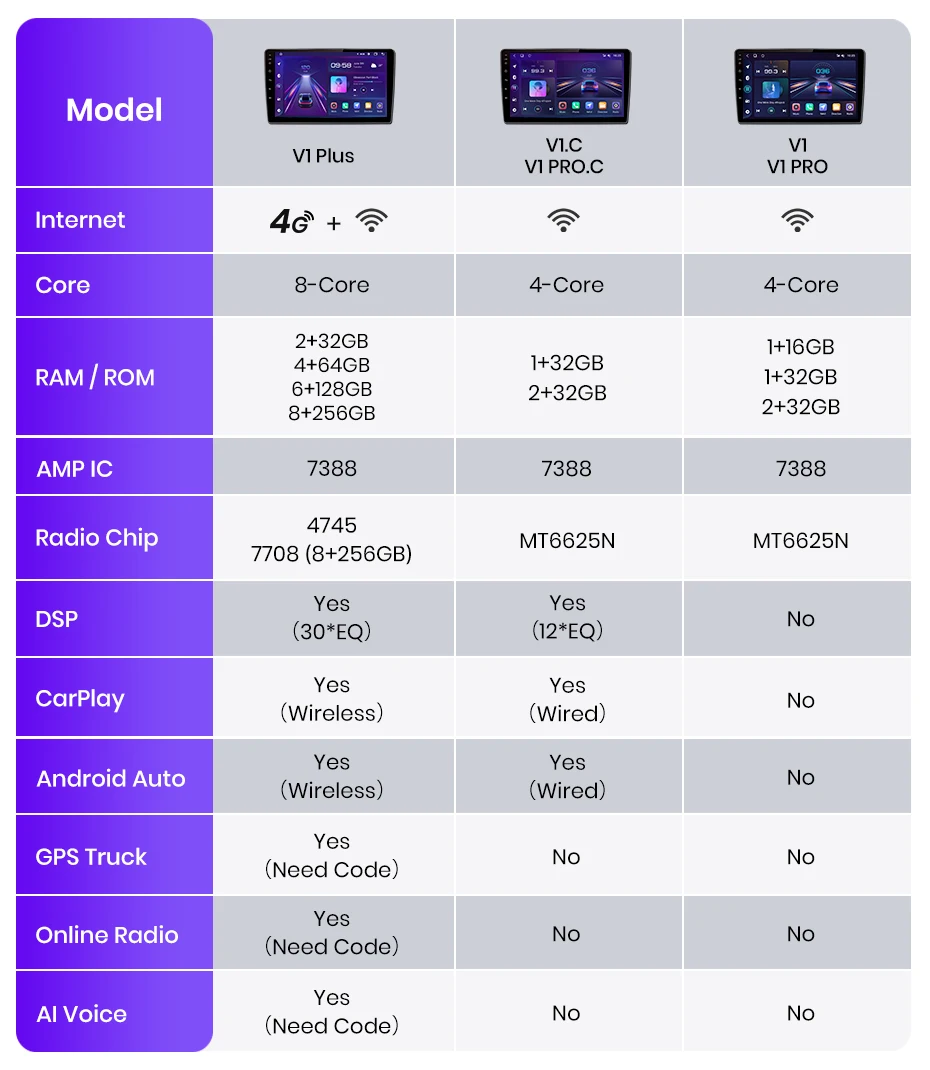
PS: V1 / V1 Pro does not support it; V1.C/V1 Pro.C/V1 Plus built-in Wireless Carplay and Android Auto;
3. Support Head: Only Junsun V1C does not support, the other version buy accessories will support;
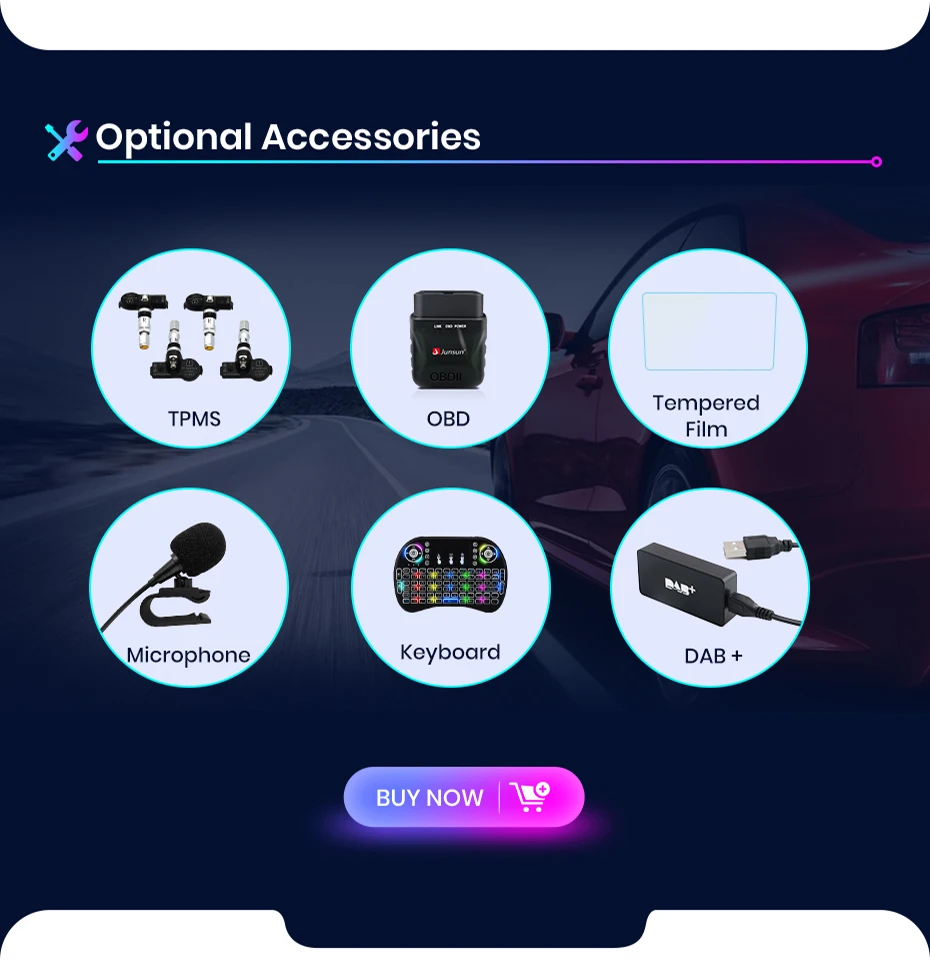
Optical accessories
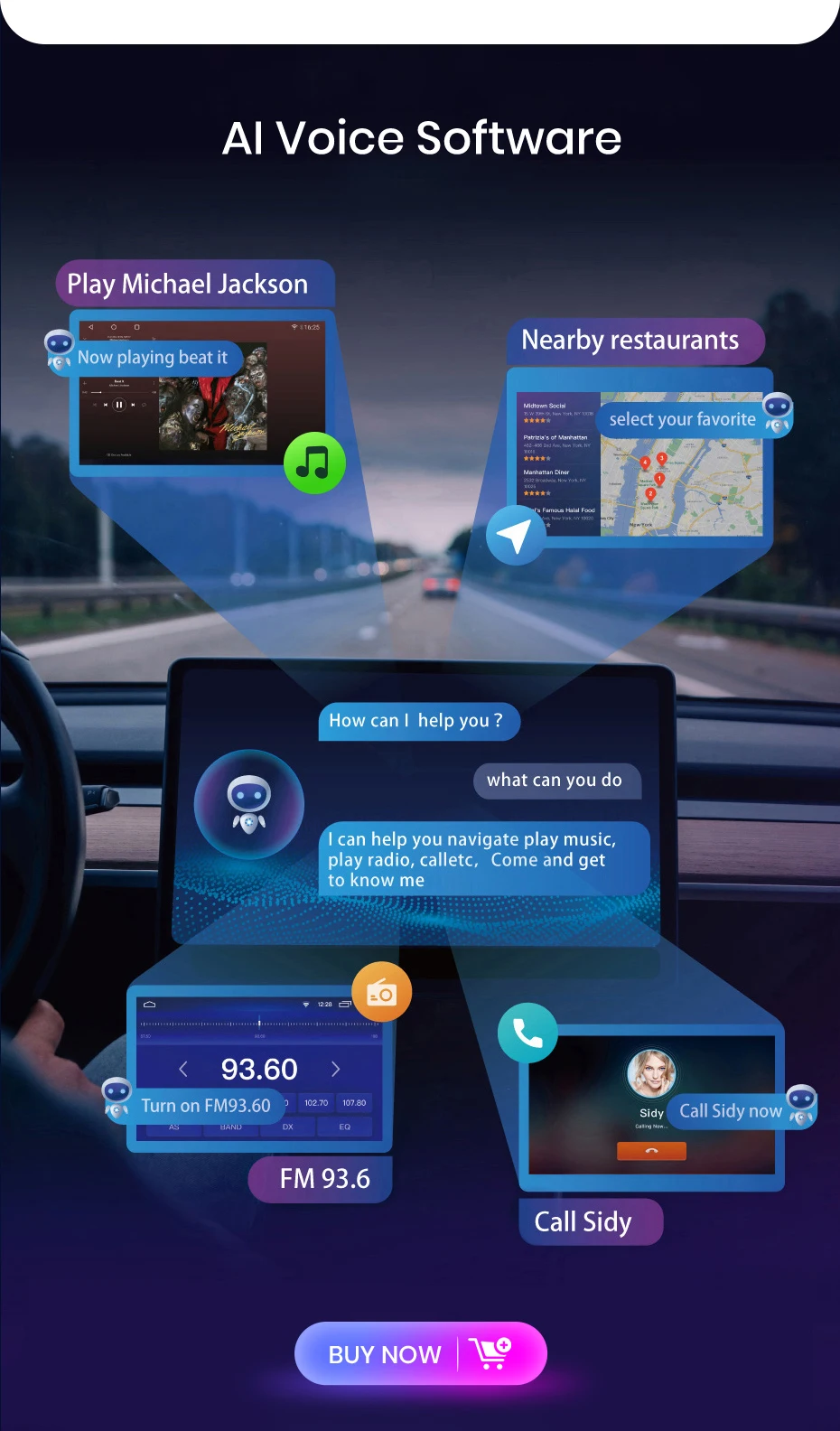
1. APP: Addonal 100+/AI Voice Control
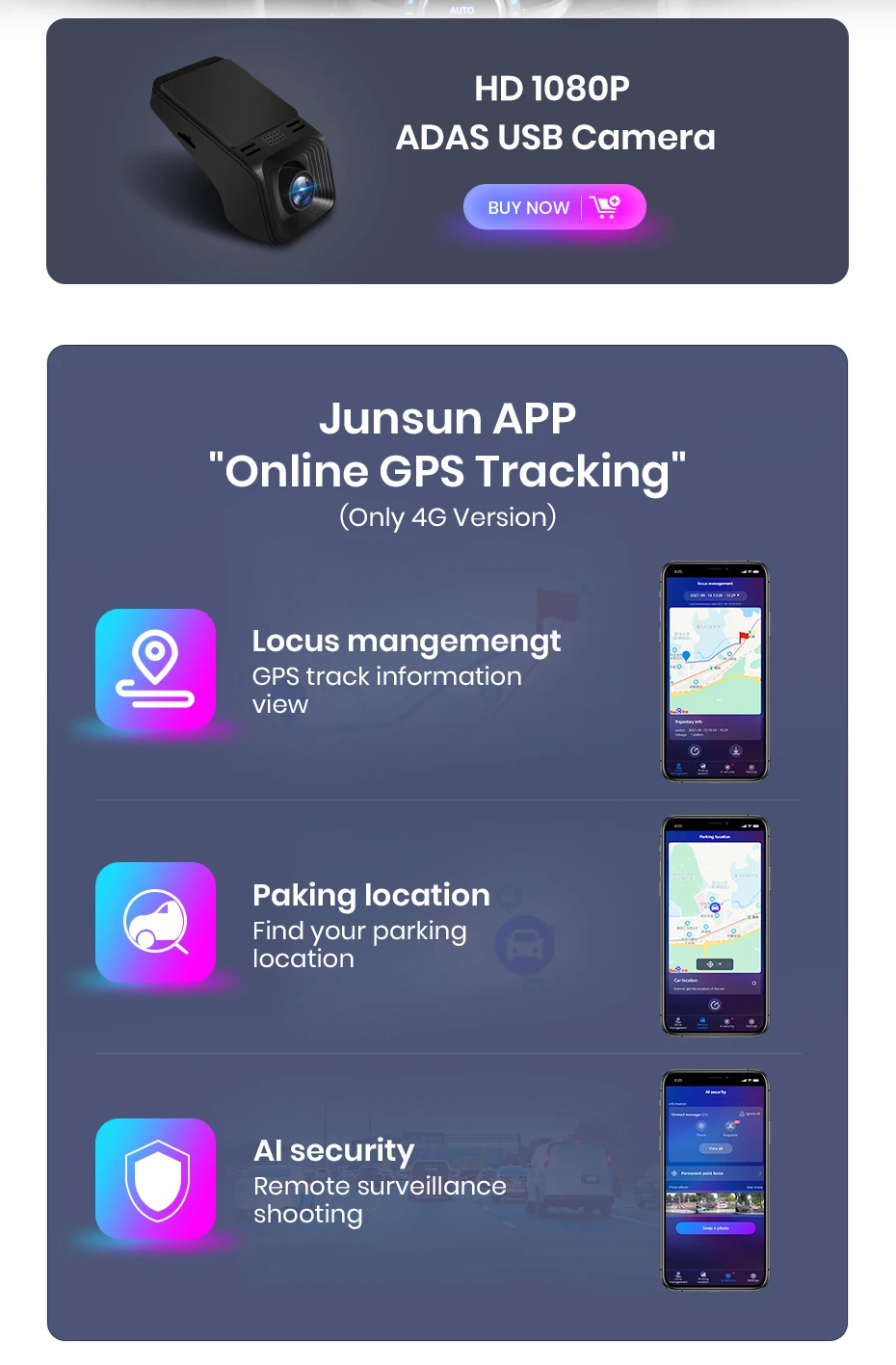
2. Rear AHD camera, ADAS & GPS Tracer DVR, Fire pressure monitor, OBD2, External microphone, RCA cable, DAB+;
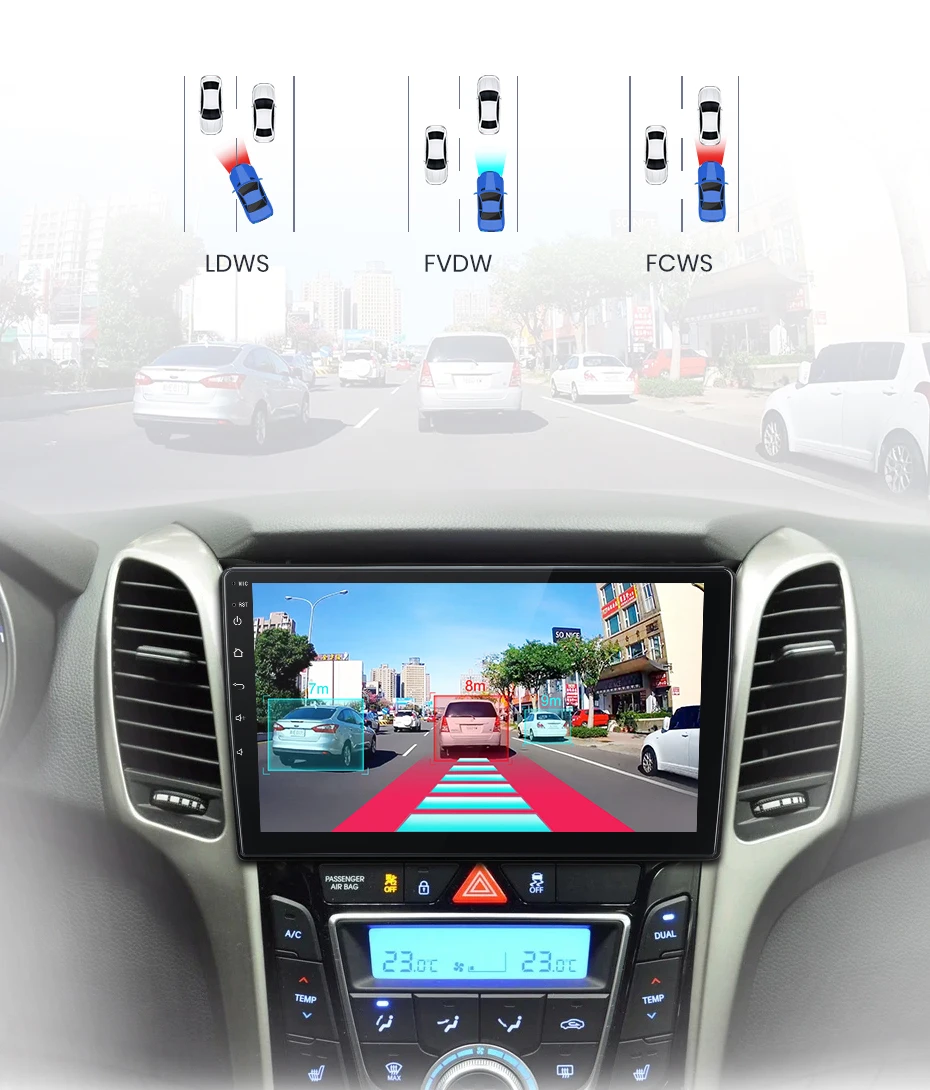
>> ADAS function: Lane deviation warning & Front car reminder & Front distance warning.
>> Remote control function: You can check checking information and parking rental on your phone; What's more if you buy the special DVR, you can take a picture of what happens near your car; making your trip safe, fun and convenient.
PS : Please contact us to get Junsun online software
The JunSun radio Wireless supports CarPlay and Android Auto, allowing you to use smartphone functions and apps such as navigation, music, calls, and messaging during your journey. It offers a high-quality audio experience, enhancing the entertainment and convenience of your driving experience.
PS:V1 C/V1 Pro C/V1 Plus are supported version.
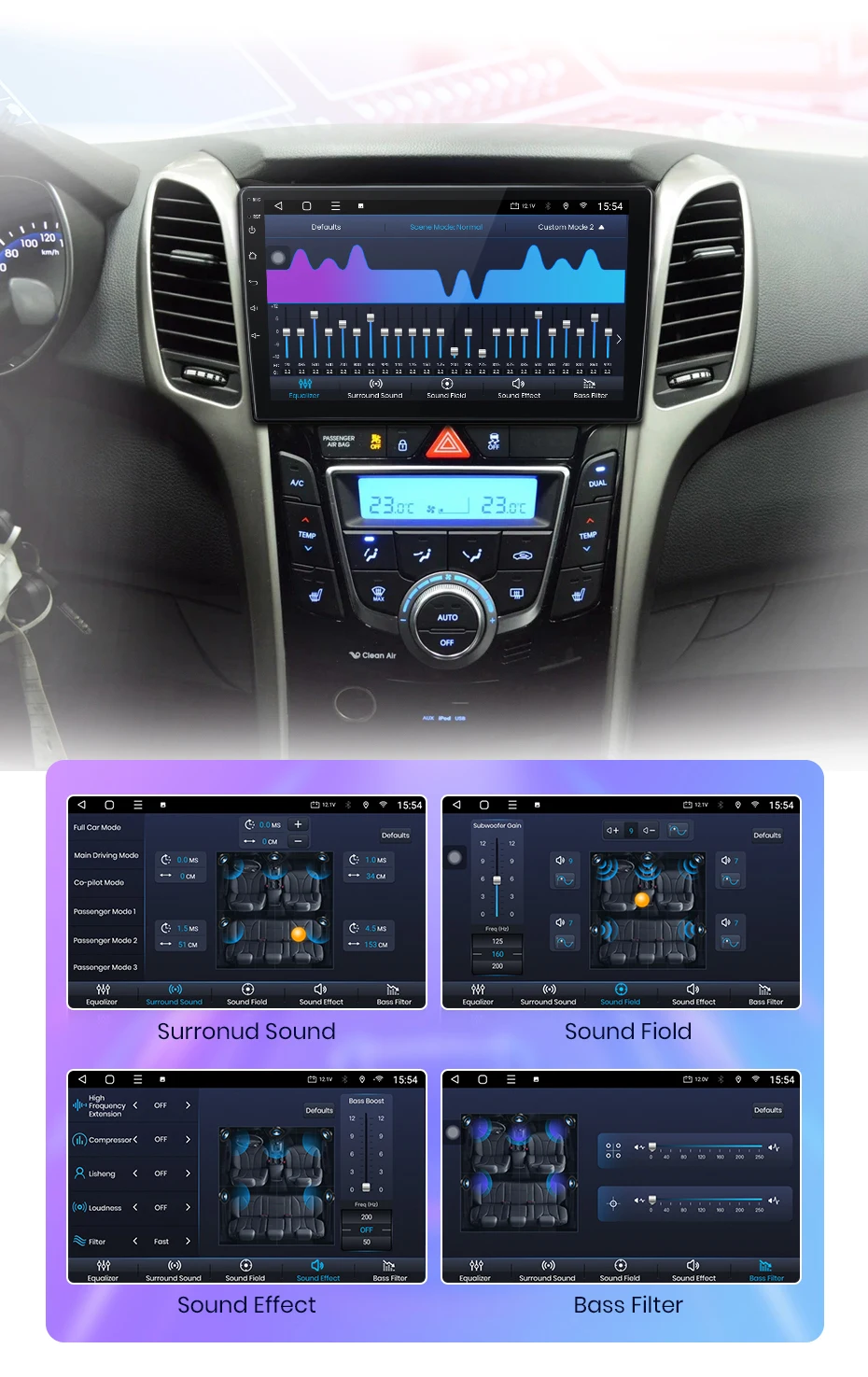
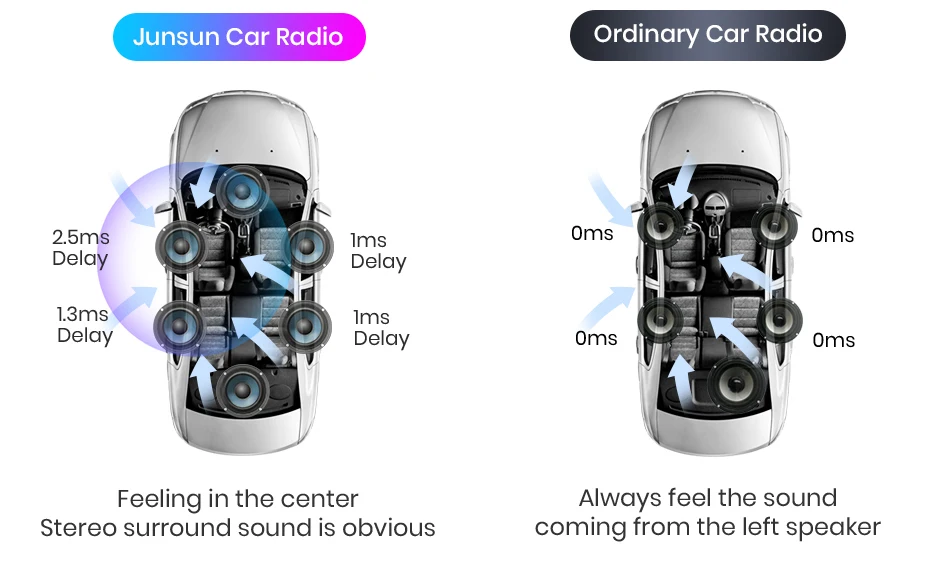
Smoothing out the unstable, richer mid-range, and full-background sounds. Supporting equalizer and position adjustment. Better Sound delivers a better journey.
PS: V1 Plus supports it; the UI of different versions is different, but all functions are available.
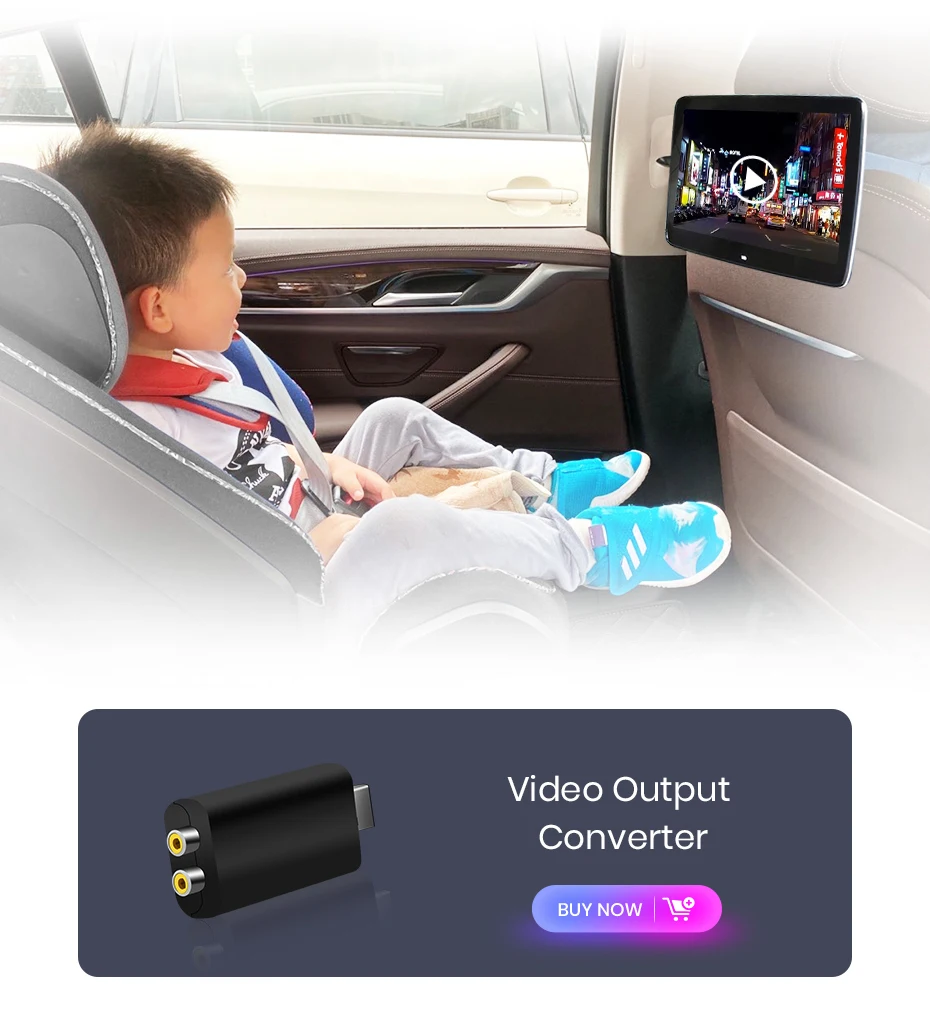
Buy the following accessories to enable you to connect additional device, allowing your passengers to watch movies or play video games in the backseat.
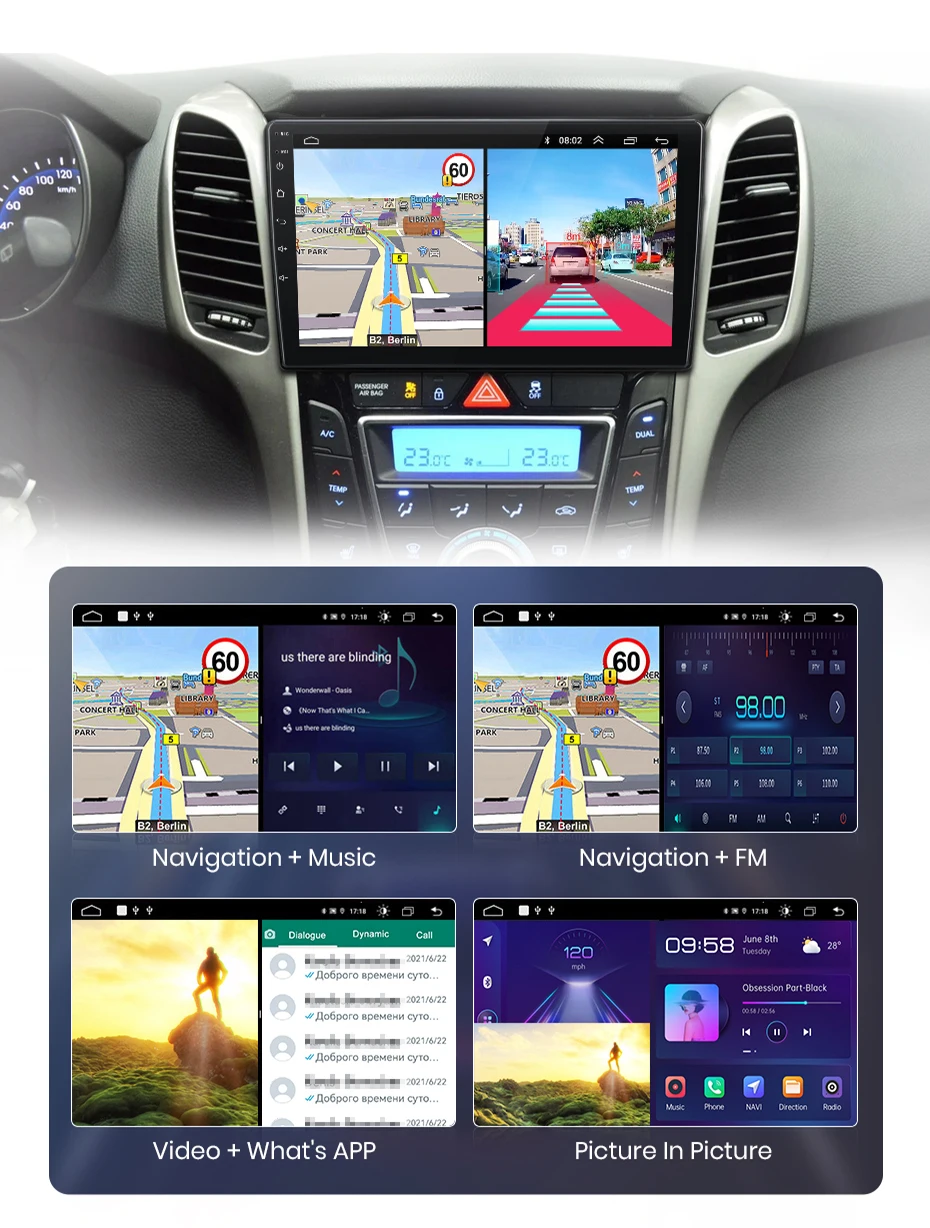
Junsun has pre-installed offline maps and is permanently free to update; And support real-time road conditions when connecting with the Internet.
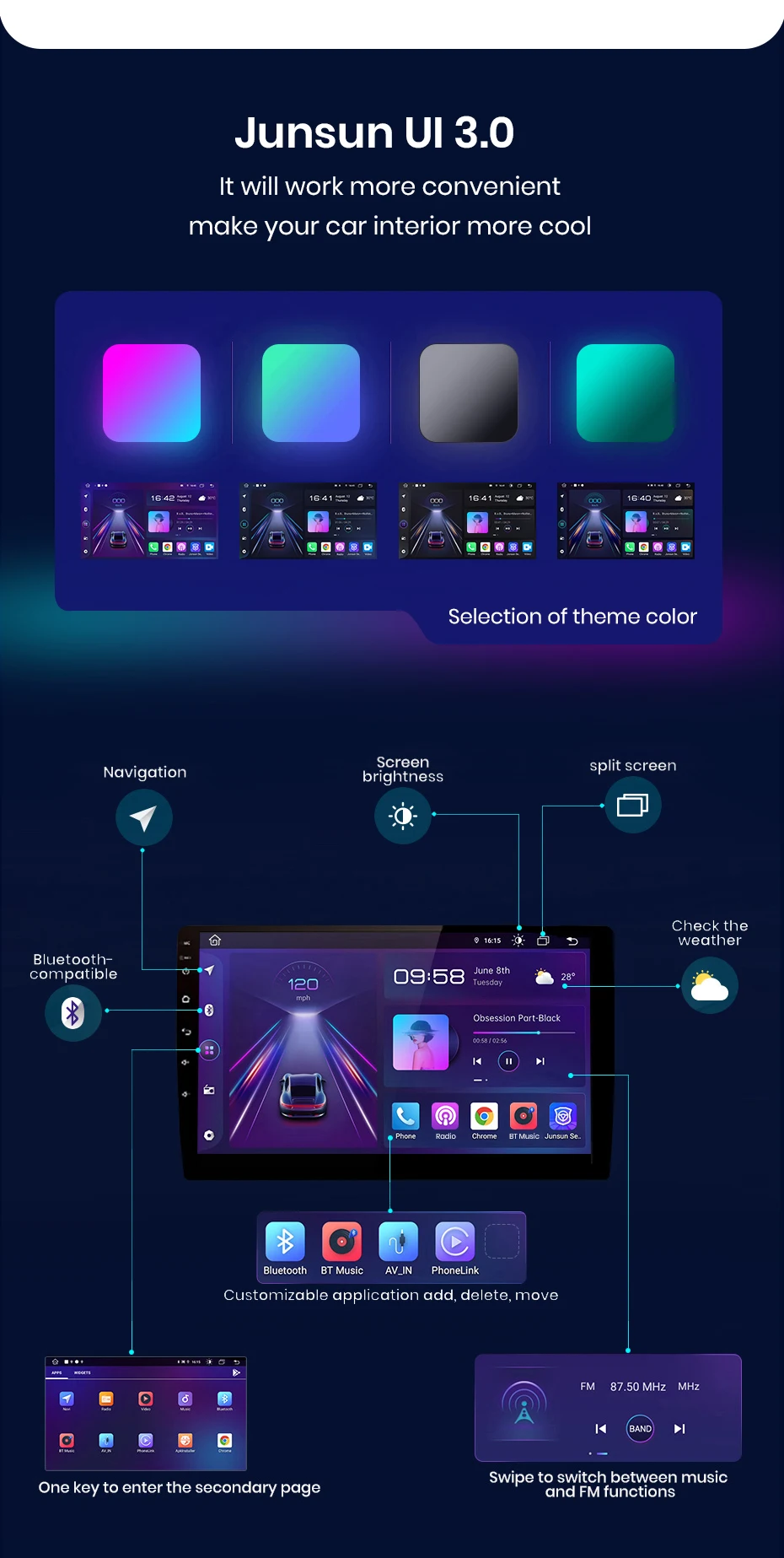
You can use navigation and other applications at the same time, such as a music playlist or switching between ADAS DVR functions, etc., making operation more convenient.
When reverse the car automatically switch to the reverse screen with the parking line to do the safety.
FAQ
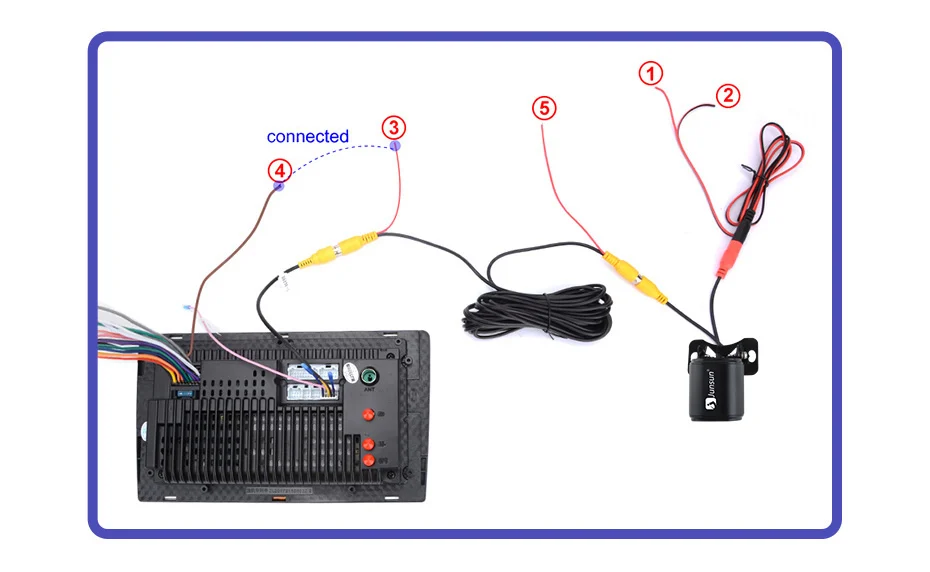
1. How to connect the watch view camera?
1) Red cable ② is connected to the backup light "+" 2) Black cable ① is connected to “GND” 3)The reverse detection cable ④(Brown color) is connected to the red cable ③ which extending from the video output cable, please follow the picture below to connect.
If the screen displays fairly normally after V1 PLUS/V2 PLUS Connection, please enter the factory settings to adjust the camera format: setting-Car Information-About Device-8878-Blackcar Setup-change the CamType /CamFormat to match the camera format;
2.How to set steering wheel controls?
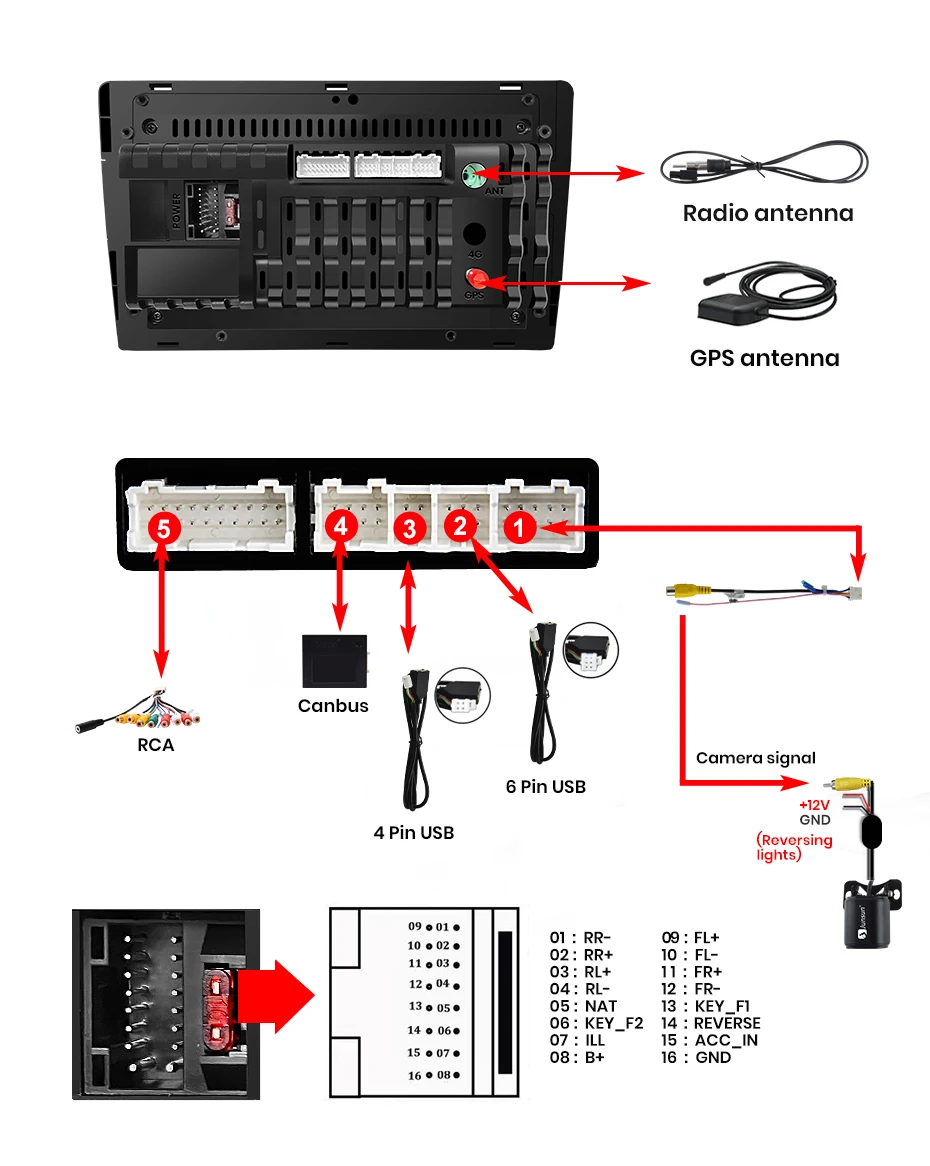
1) There is no Canbus in the product, if you purchased V1 / V1.C / V1 Pro / V1 Pro.C / V1 Plus, refer to the image for details;
2) There is no Canbus in the product, if you purchased V1 Plus/V2 Plus 3D, please do to the picture to set;
3.How to connect wireless Carplay and Android Auto?
For the first connection, need to turn on the phone's Bluetooth to pair with the car's Bluetooth. After successful pairing, the car radio will automatically switch to the Zlink or AutoLink interface. At this time, the phone pops up a message prompting "use CarPlay with Zlink or AutoLink" Then turn on the WiFi of the mobile phone, and the CarPlay will be connected
4.How to connect wired Carplay and Android Auto?
Please use your original data cable to connect the phone to the 4 PIN USB cable, then turn on the Carplay/Android Auto function on your phone and the "AutoLink" or "ZLink5" icon on the device to connect.