Pague com total segurança com: MBWay, Multibanco, Cartão de Crédito, Paypal ou Transferência Bancária
Acompanhe a sua encomenda desde a saída para entrega até a receber na sua casa.
O Valor dos produtos incluem Iva à taxa legal em vigor.
Oferecemos o reembolso e/ou troca dentro dos primeiros 14 dias da sua compra. Se já tiverem passado 14 dias desde a data da sua compra, não lhe será oferecido um reembolso e/ou troca de qualquer tipo.
Se tiver alguma dúvida com algum produto, se precisar de mais fotos ou informações sobre algum produto ou com a sua encomenda, contacte-nos no link abaixo
Rádio Android 9" para Mazda 6 GH (2007-2012) | CarPlay & Android Auto Sem Fio, Suporte a Sistema Bose
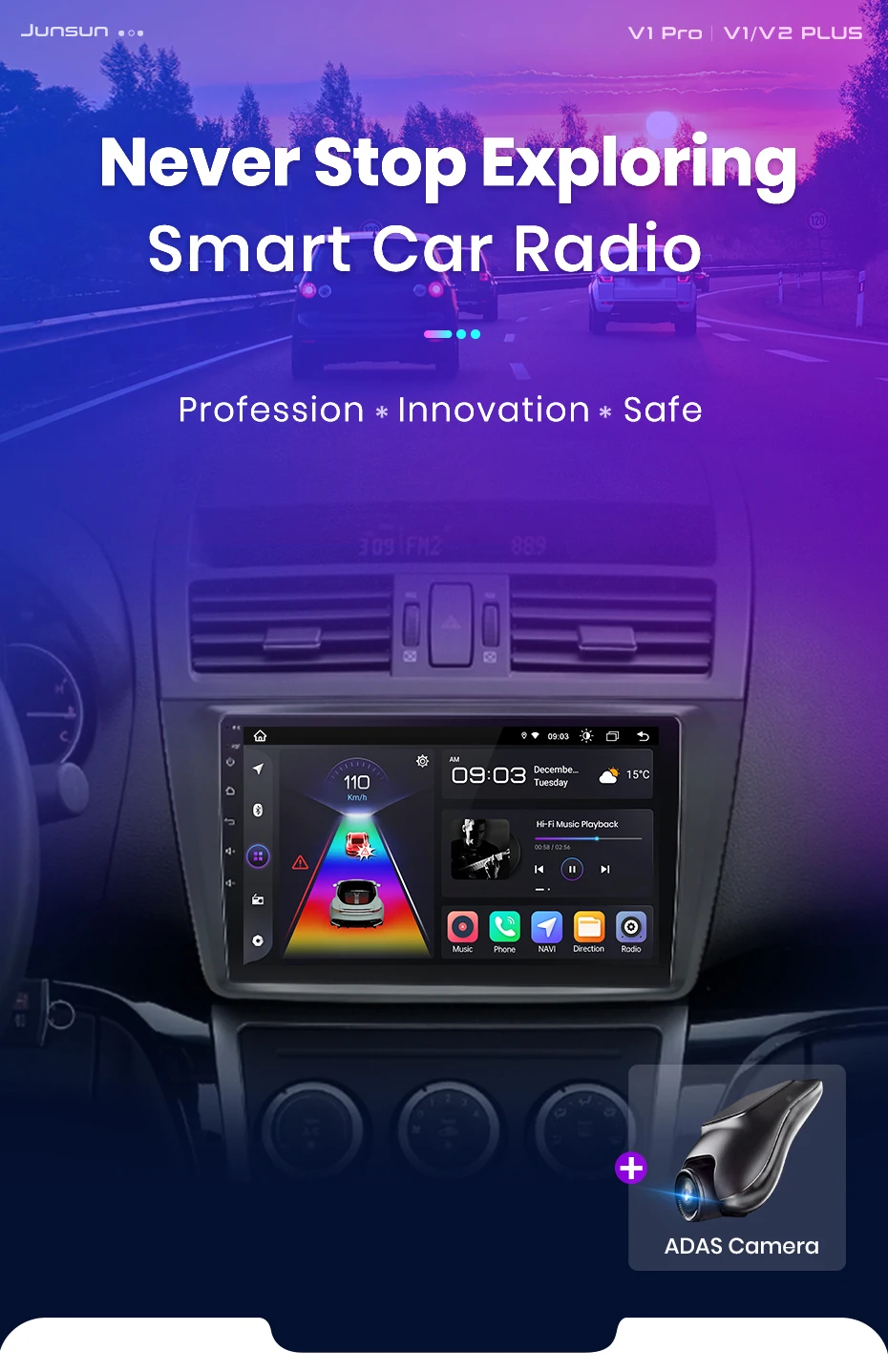
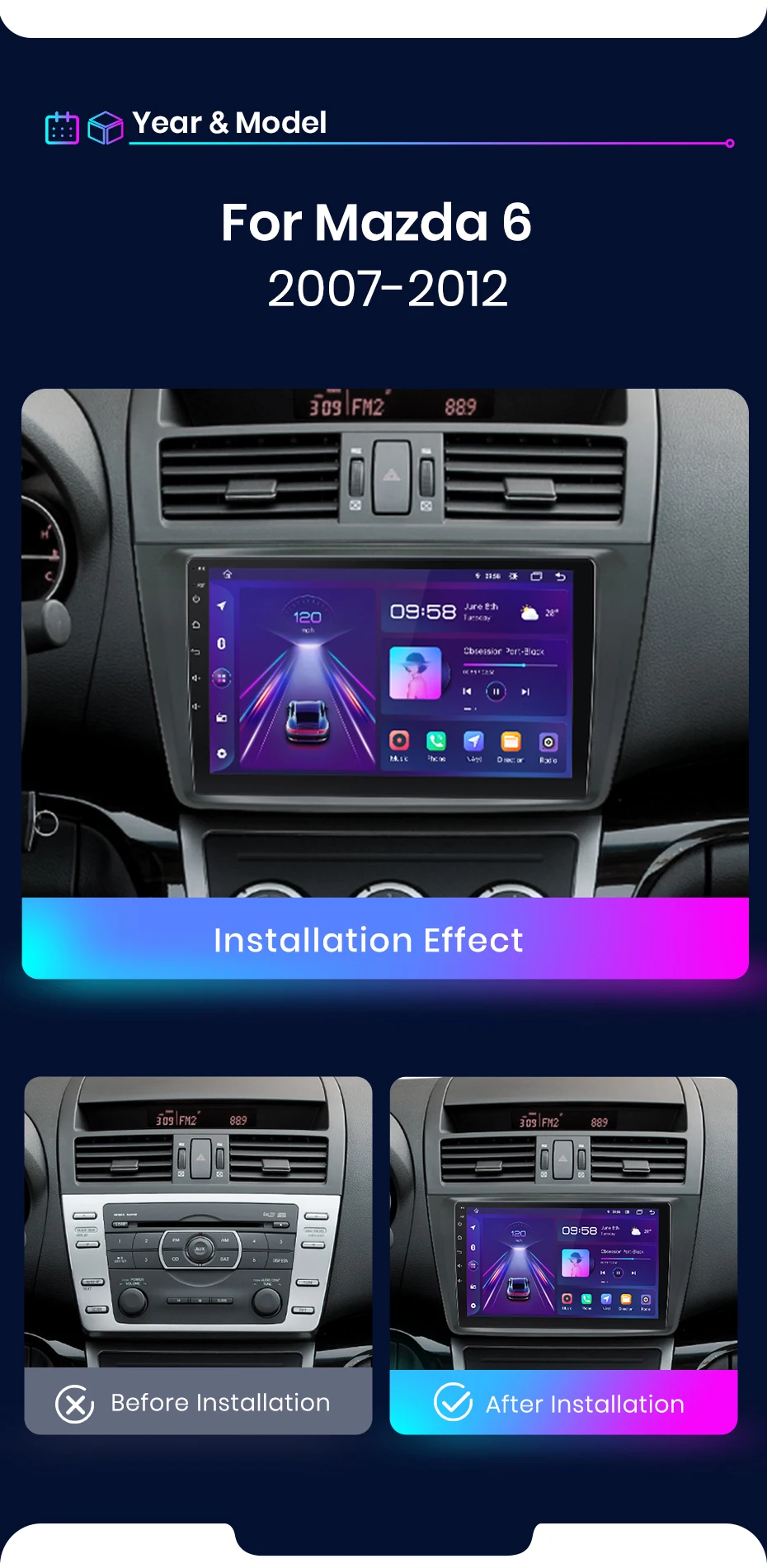
Revitalize o interior da sua Mazda 6 GH com tecnologia de conectividade moderna. Este Rádio Android Junsun de 9 polegadas foi desenvolvido especificamente para a Mazda 6 da geração GH, cobrindo os modelos dos anos 2007, 2008, 2009, 2010, 2011 e 2012. Ele substitui o sistema de áudio original com uma tela de toque IPS de alta resolução, o sistema operacional Android 12 e a conveniência do CarPlay & Android Auto sem fio, tudo mantendo uma integração plug & play com o seu veículo.
Compatibilidade Garantida e Integração:
Modelo Exclusivo: Projetado especificamente para o Mazda 6 GH (modelos de 2007 a 2012), com conectores que se adaptam à fiação original para uma instalação direta.
Suporte ao Sistema de Áudio Bose Original: Uma característica crucial. Este rádio foi projetado para funcionar corretamente com o sistema de som premium Bose de fábrica, caso o seu Mazda 6 esteja equipado com ele.
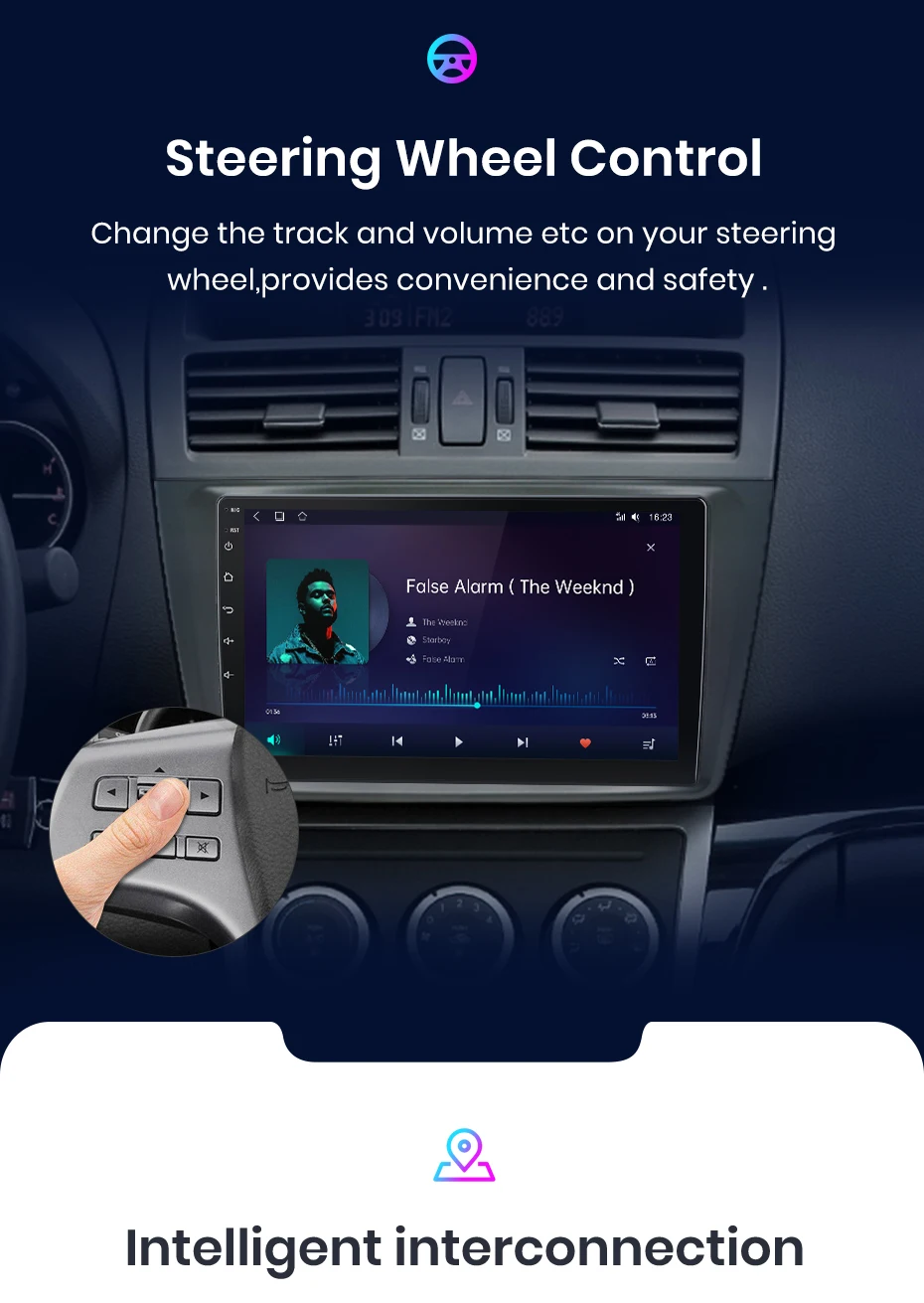
Integração com Controles do Volante: Mantém a funcionalidade dos botões do volante original para controle de áudio e chamadas.
Compatibilidade com Computador de Bordo (AVISO IMPORTANTE):Alguns modelos de Mazda 6 podem não exibir informações do computador de bordo (como consumo, autonomia) nesta tela. A compatibilidade não é universal para todos os VINs. Considere este ponto antes da compra.
Conectividade de Ponta e Desempenho:
CarPlay & Android Auto SEM FIO (Opcional): Conecte seu iPhone ou smartphone Android automaticamente ao entrar no carro para acessar mapas, música e apps com segurança.
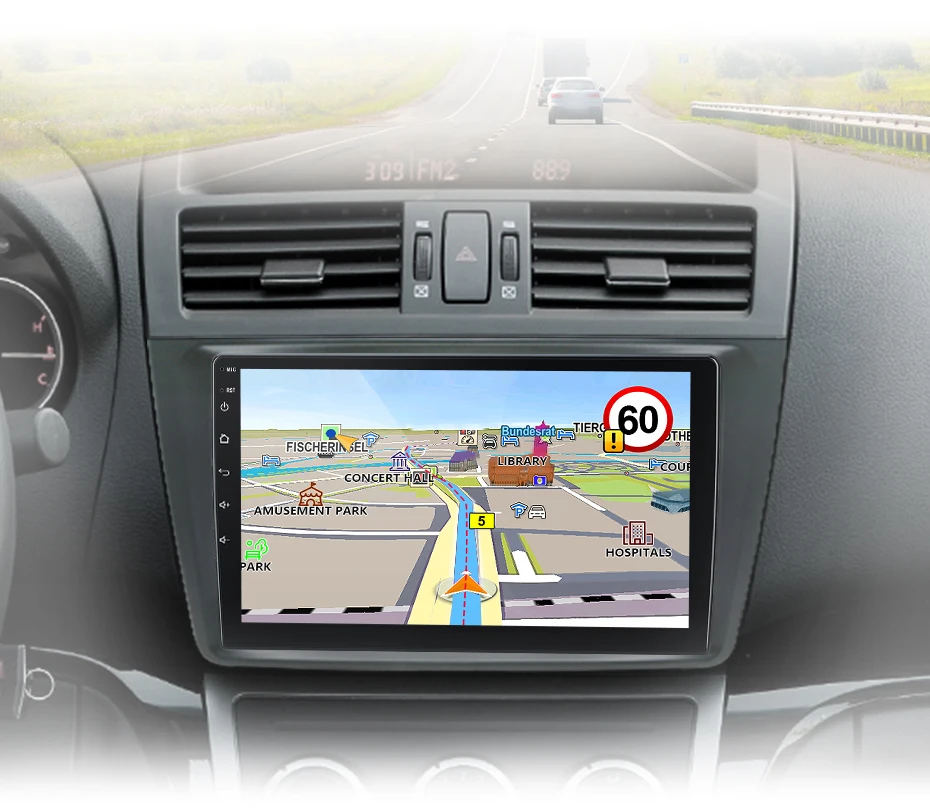
Navegação GPS com Mapas Offline: Inclui GPS embutido com mapas pré-instalados e atualizações gratuitas.
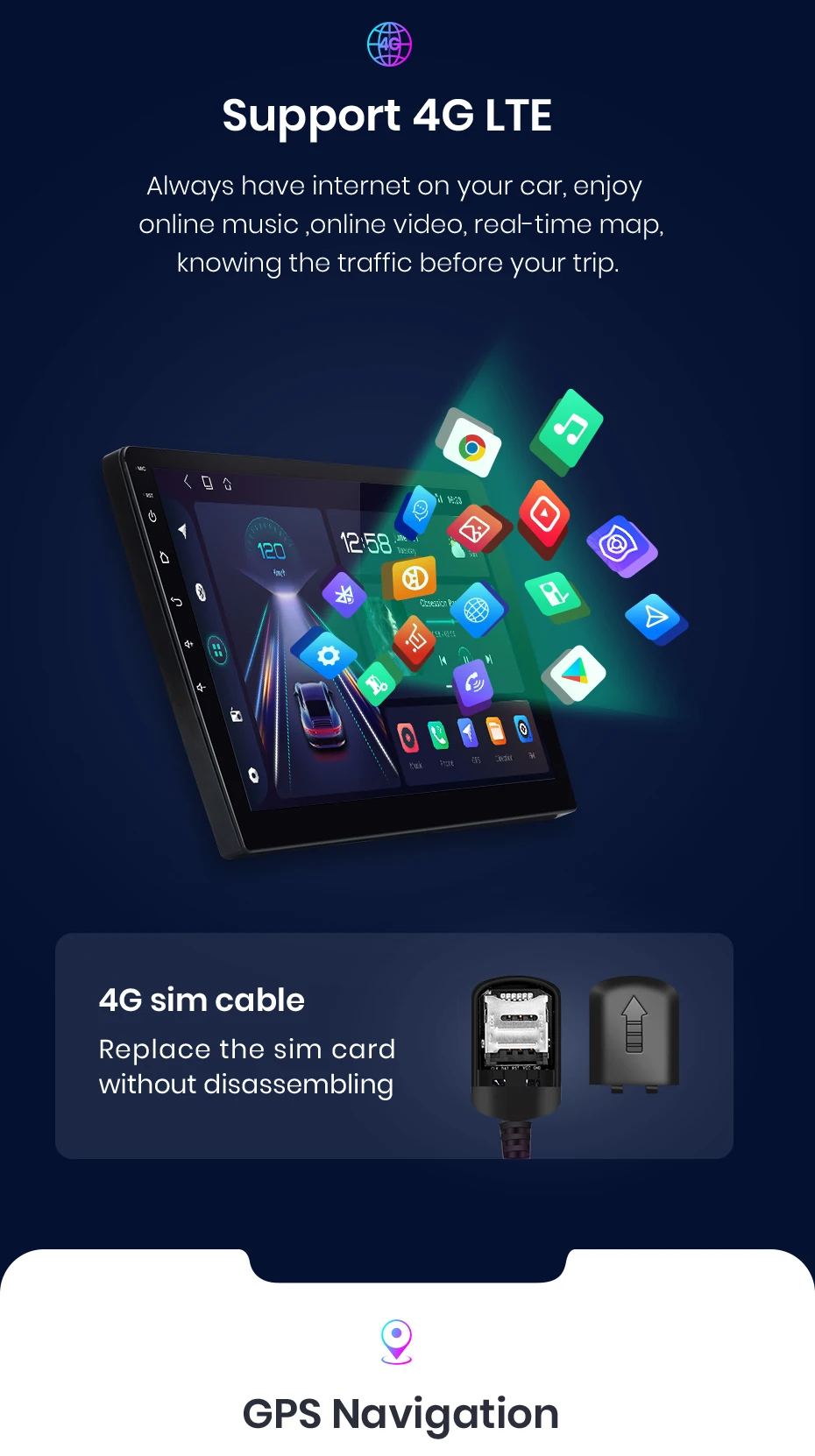
Conexão 4G e Wi-Fi: Insira um chip de dados para internet a bordo ou conecte-se ao hotspot do seu celular para streaming, navegação e aplicativos online.
Sistema Android 12 Nativo: Acesso à Google Play Store para personalização total, com interface moderna e atualizada.
Áudio de Qualidade: Saída de 4x45W, processador DSP para equalização e suporte a todos os formatos de áudio. Inclui entrada para câmera de ré.
Por Que Escolher a Junsun para Sua Mazda?
Entrega Rápida da UE: Envio em 24h de um armazém europeu, com entrega rápida em toda a Europa.
Garantia de 2 Anos com Substituição: Suporte técnico 24/7 e política de substituição direta do aparelho em caso de defeito dentro do período de garantia.
Atualizações Gratuitas Contínuas: Receba atualizações gratuitas de firmware, interface do usuário (UI) e mapas de navegação, mantendo o sistema atualizado.
Marca Confiável: Líder no mercado de rádios Android, com milhões de usuários e foco em inovação.
Ideal para proprietários de Mazda 6 GH que buscam: Adicionar CarPlay/Android Auto, atualizar a interface do sistema de entretenimento, ter um sistema Android aberto para apps, e manter a qualidade do áudio Bose.
Transforme sua Mazda 6 em um carro conectado, com a confiança de uma marca especializada e uma garantia robusta.
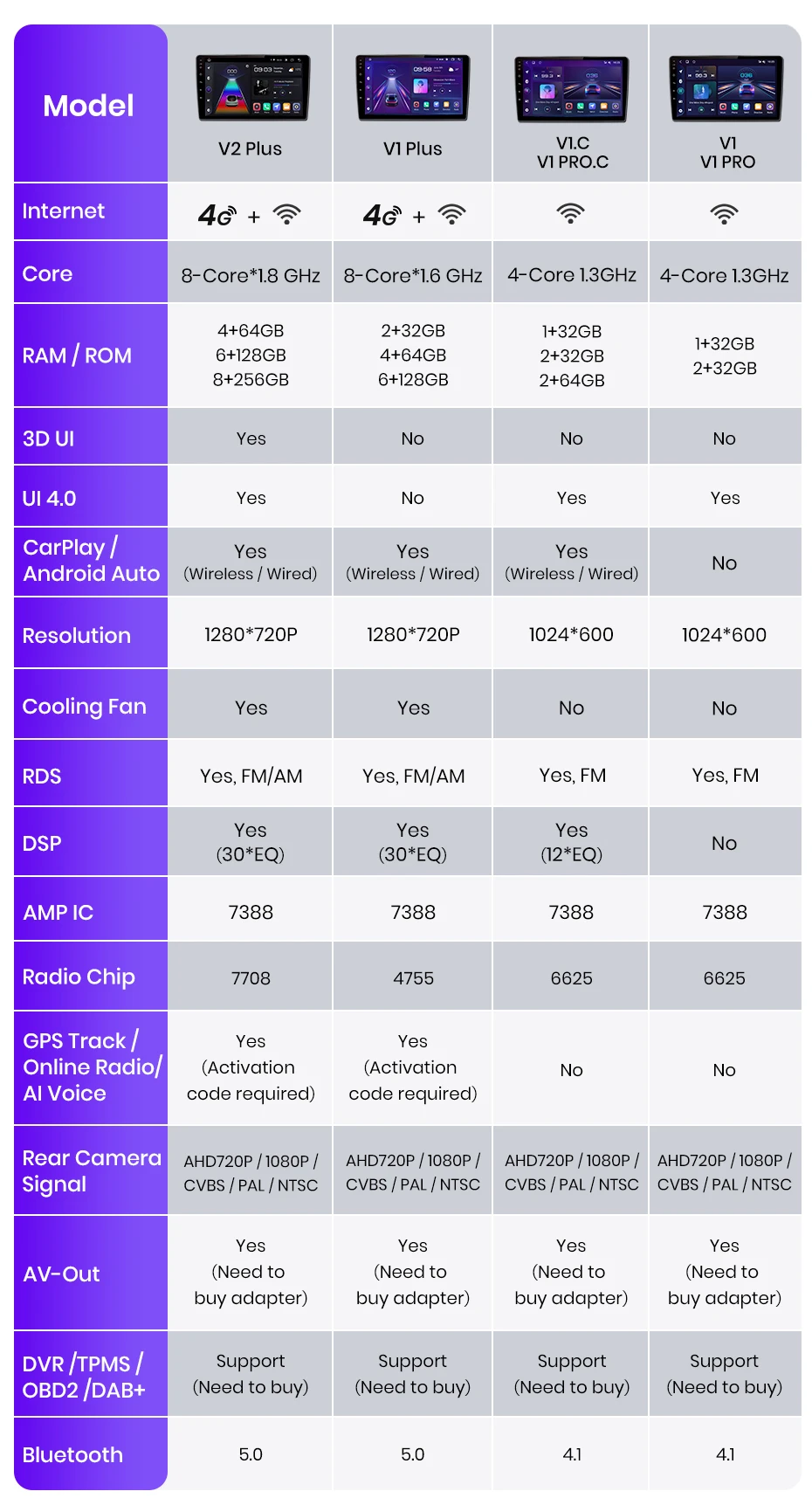
>> JunSun V1 series Radio for Mazda 6 GH 2008 2009 2010 2011 2012 2013 2014 2015 Function
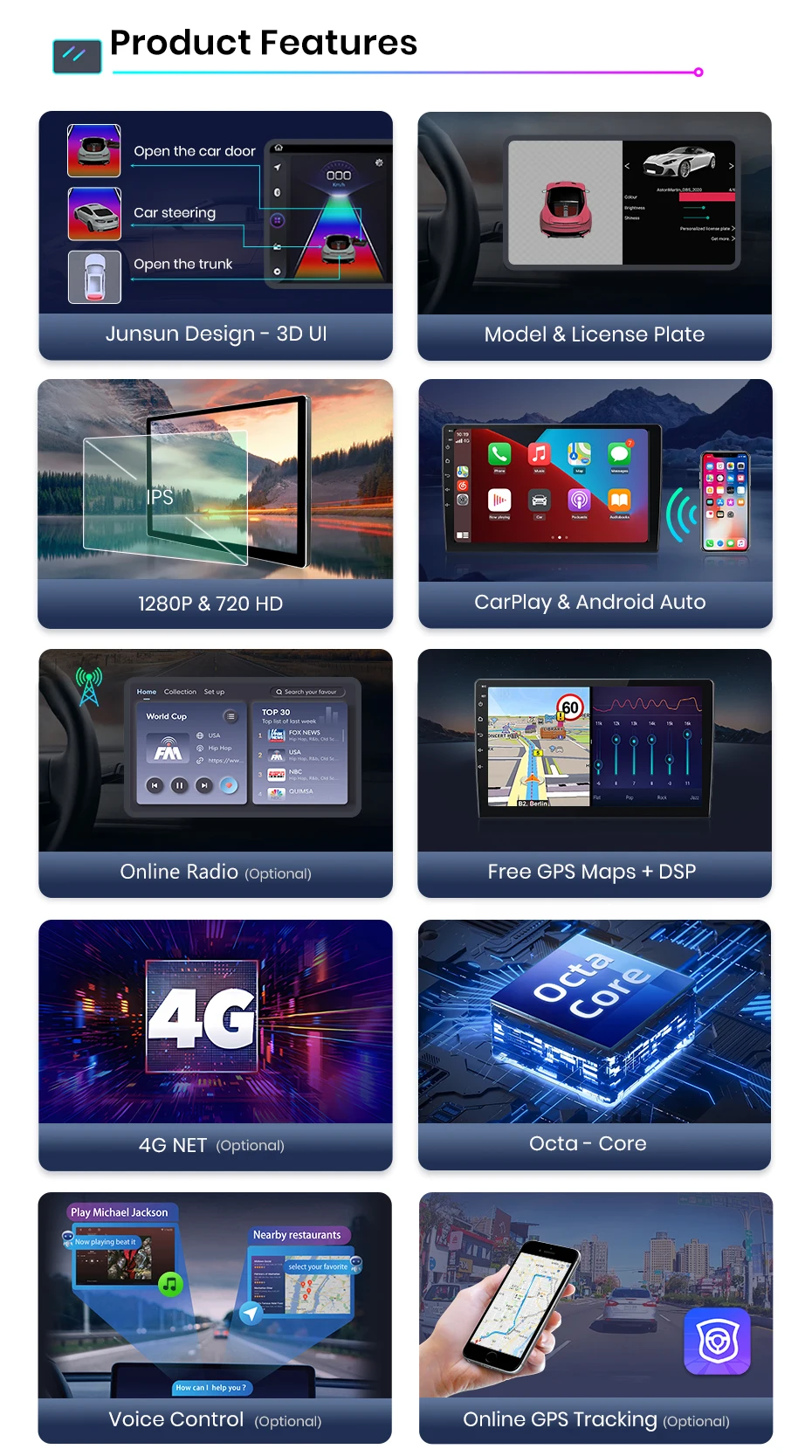
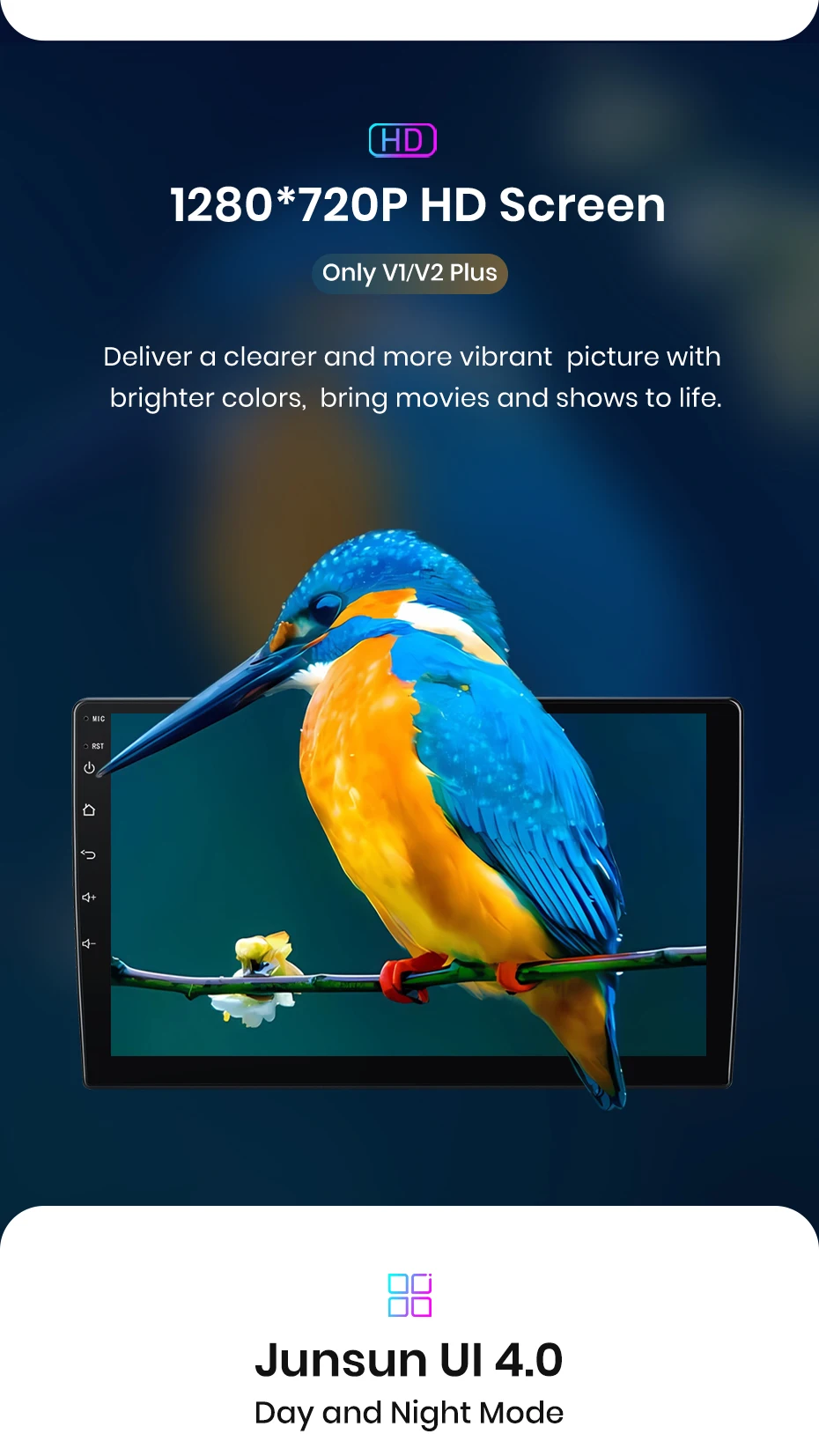
> Basic functions: 1, Android 12 + Built-in Wireless Carplay/ Android Auto; 2, IPS HD 1280*720P Screen, deliver a learer and more vibrating picture; 3, Octa core 1.6GHZ + DDR3 (1GB/2GB/4GB/6GB) Flash + (16GB/32GB/64GB/128GB) memory; 4, 4G Network + Steering Steel Control RDS Built-in Navigation Offline Maps High-quality DSP chip makes the sound quality playback even better; 5, Junsun radios' power cable is pin to pin, can be directly connected to the car power interface, Easy to install.
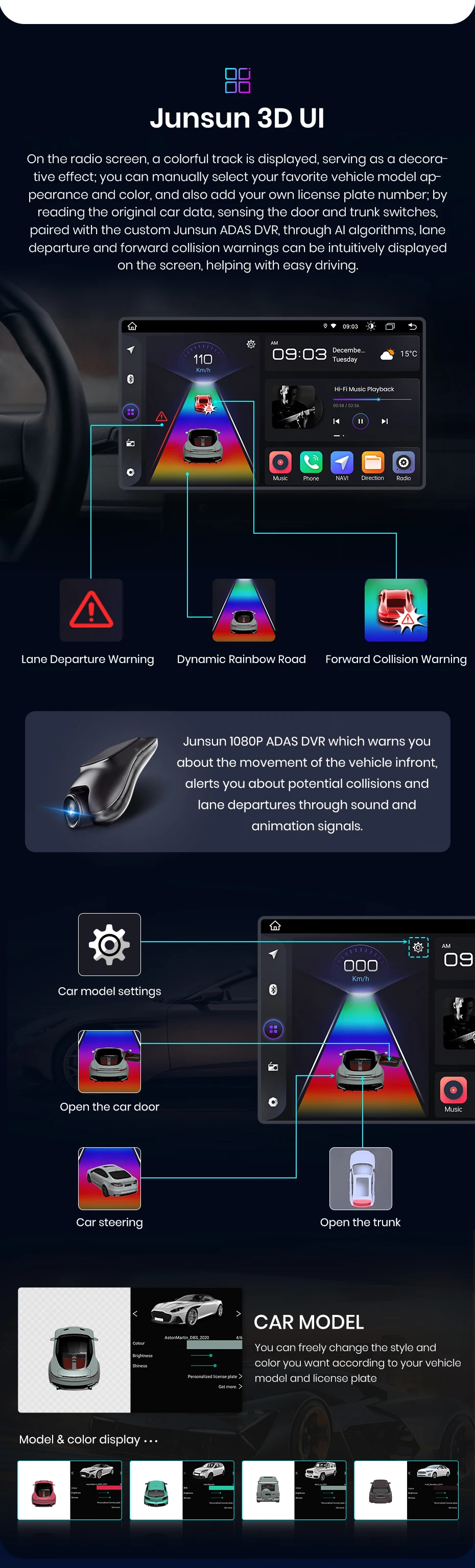
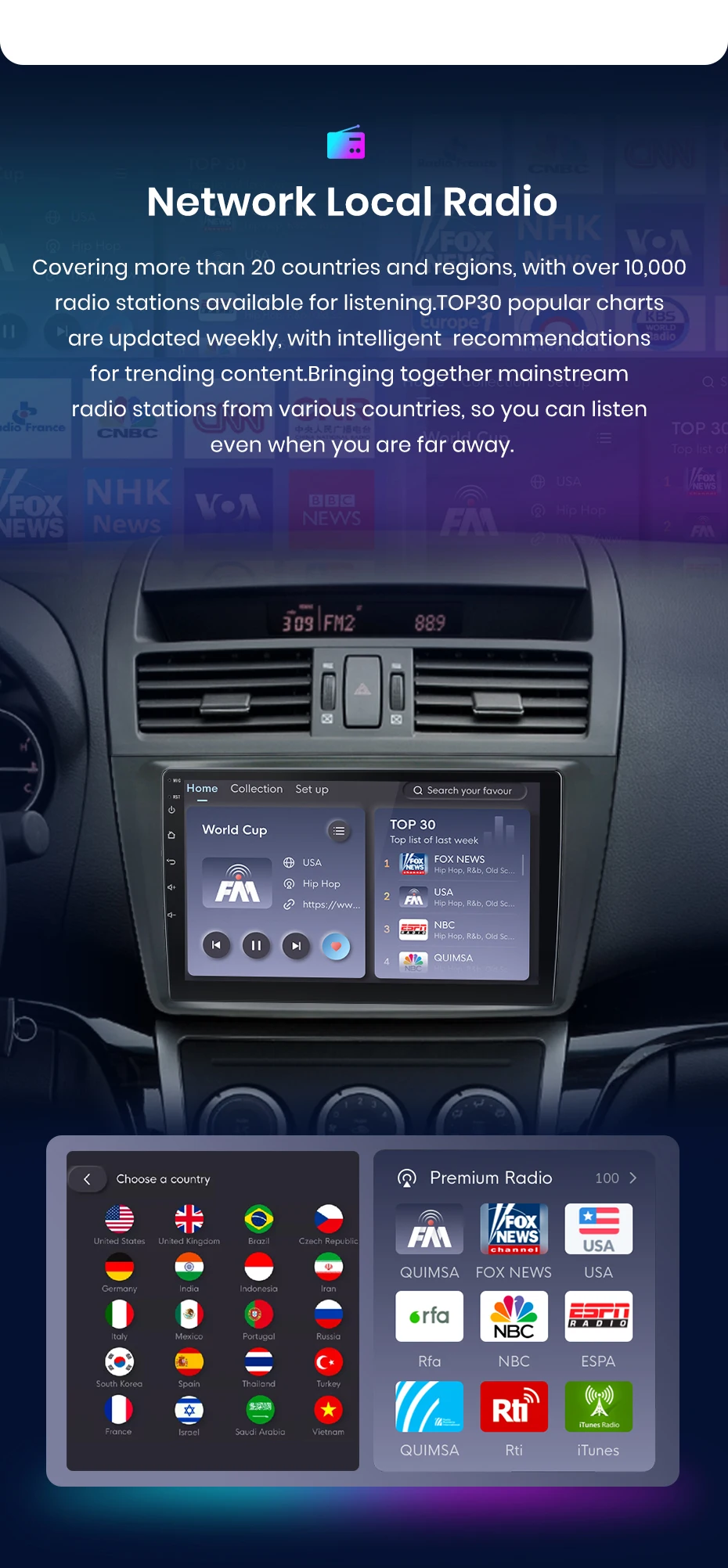
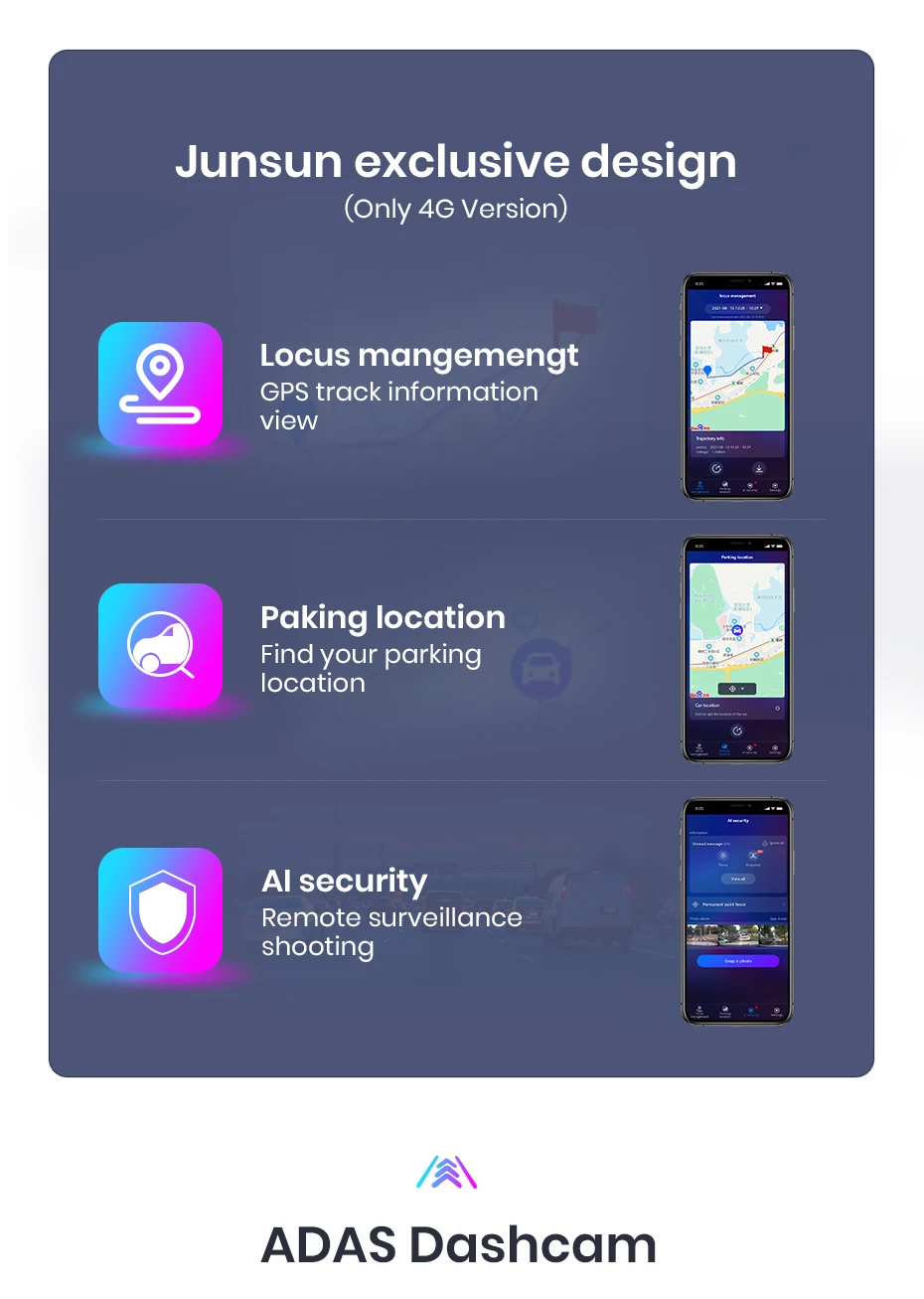
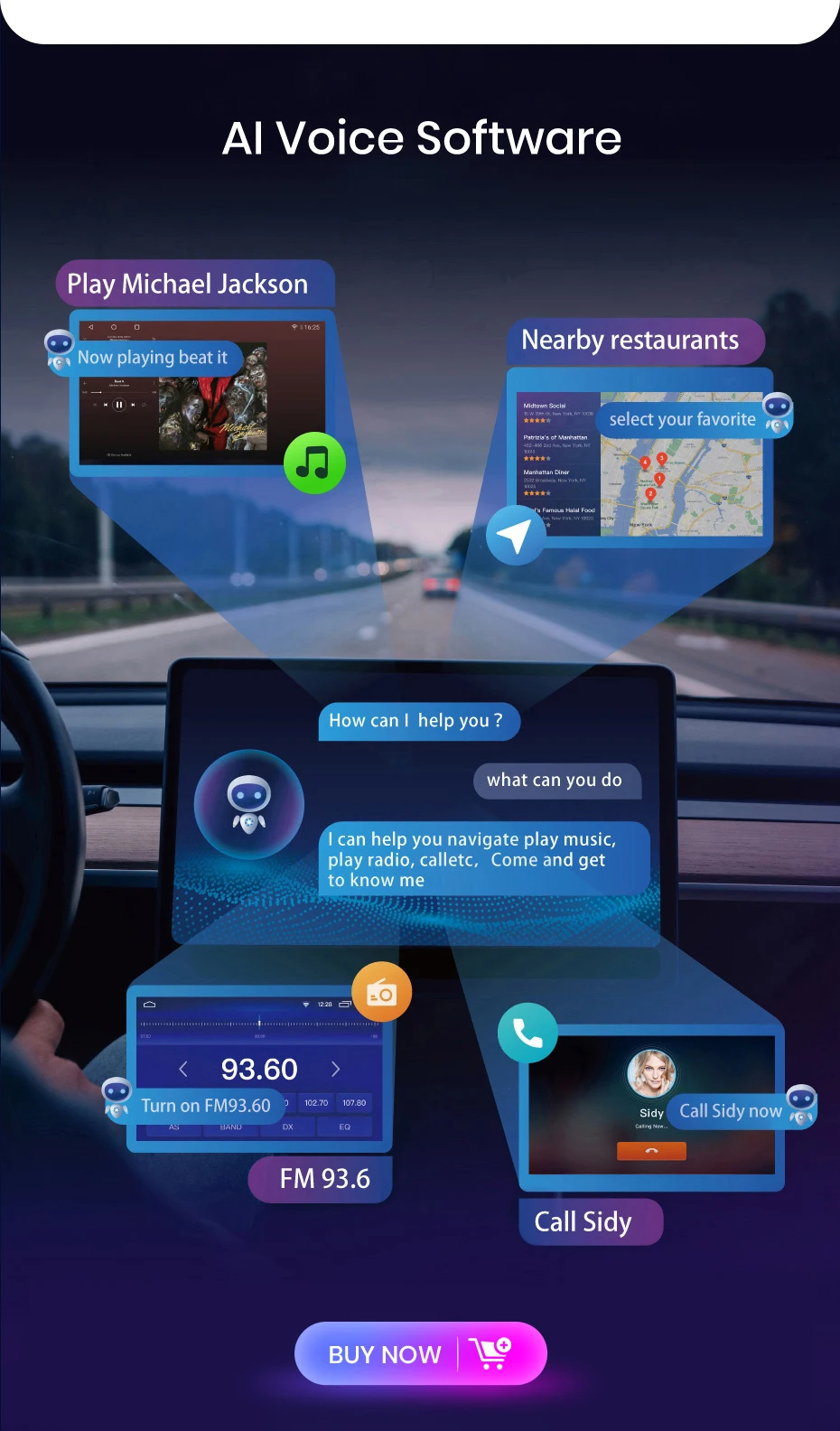
> Product's features: 1, Personal UI Design, common functions are integrated into the desktop,and going you to switch, support day and night fashion; 2, Online Radio: Relies on internet to search multiple channel (cover 20 countries' stations) 3, Advanced voice control: Control radio by voice, safety driving; 4, GPS track: Using the “JunSun Oline” app to view driving tracks, parking rentals, and remote surveillance shooting; dashcam
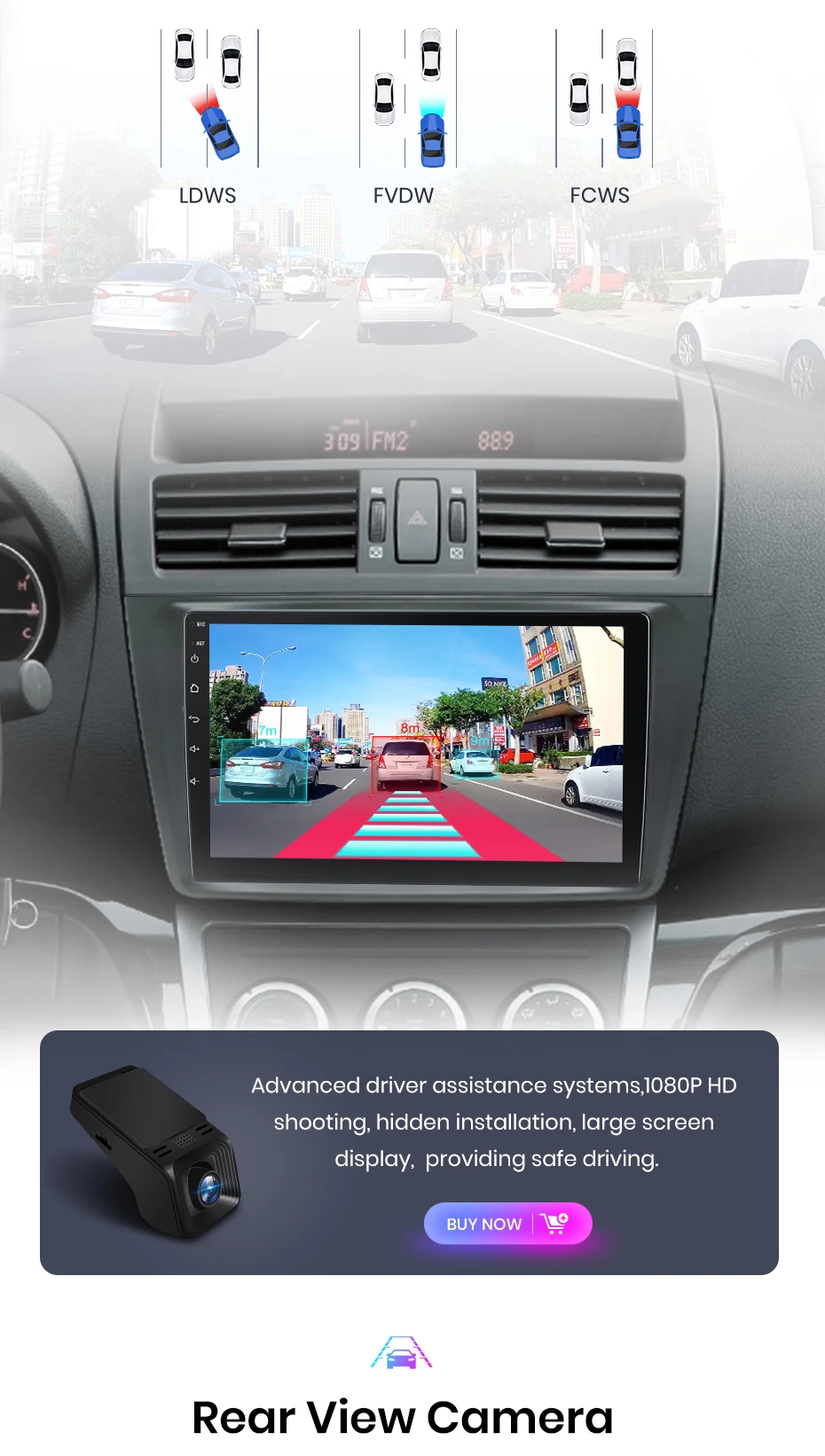
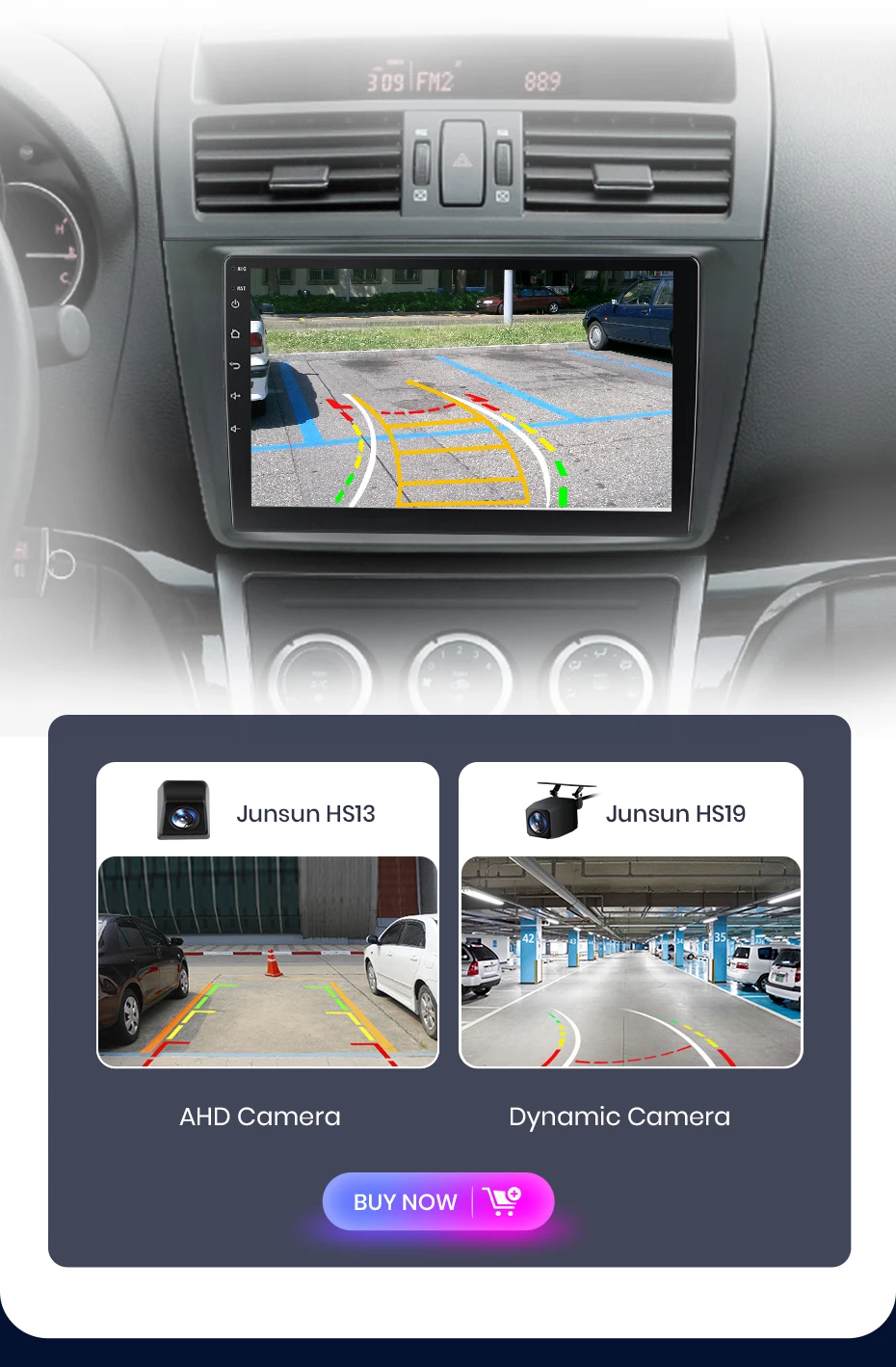
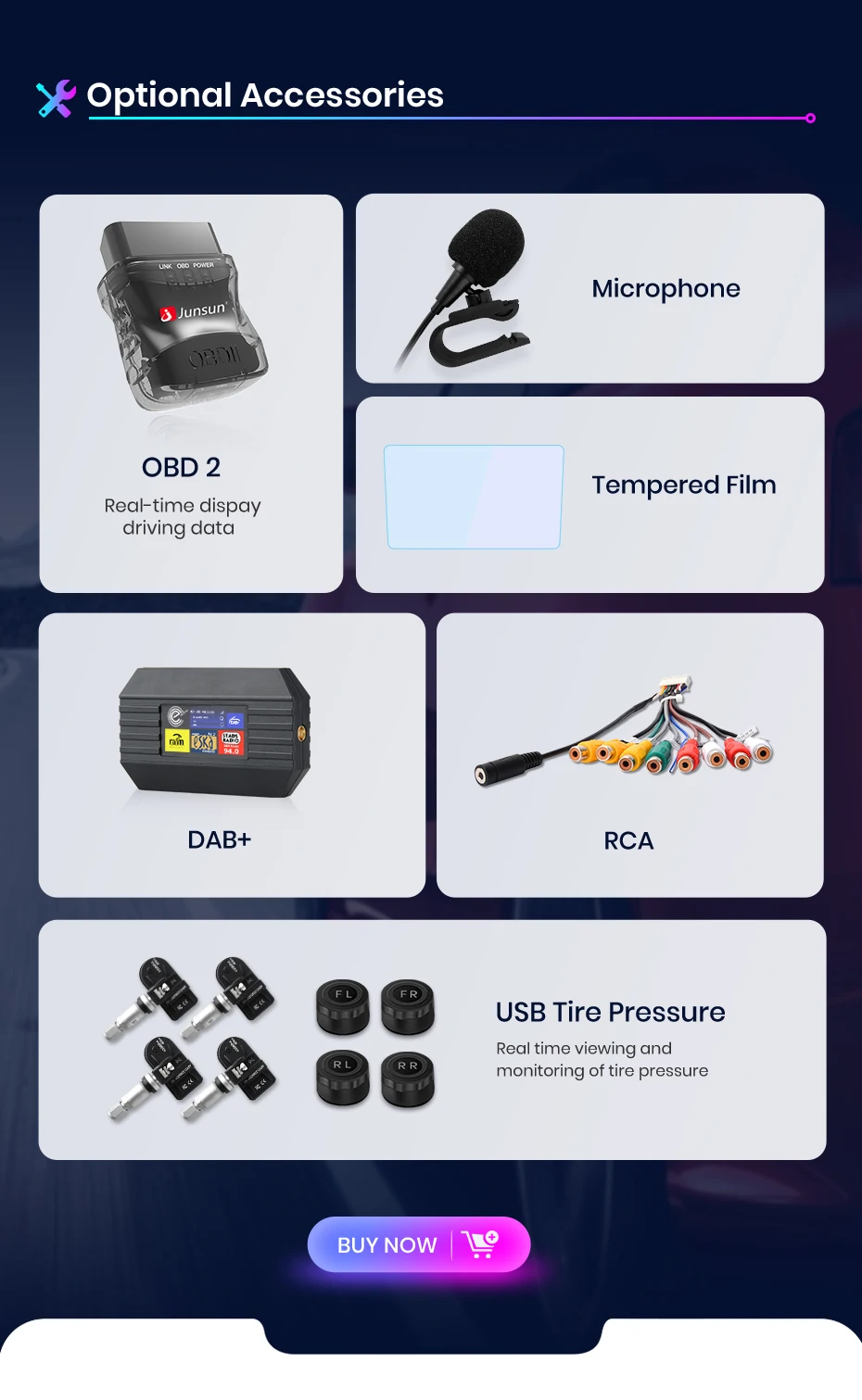
> Optional accessories: 1, AHD Read Camera: Higher video resolution and stable transmission; 2, ADAS & GPS Tracer DVR: You can check checking information and parking rental on your phone; 3, Tire Press Monitoring: Automatically update tug pressure and temperature to ensure your driving safety; 4, ObD2: More accuse detection and repair of vehicle problems; 5, External Microphone: Support for connecting microphones with 3.5mm port; 6, DAB: Using digital signal transmission, it can service more stable and clear audio effect.
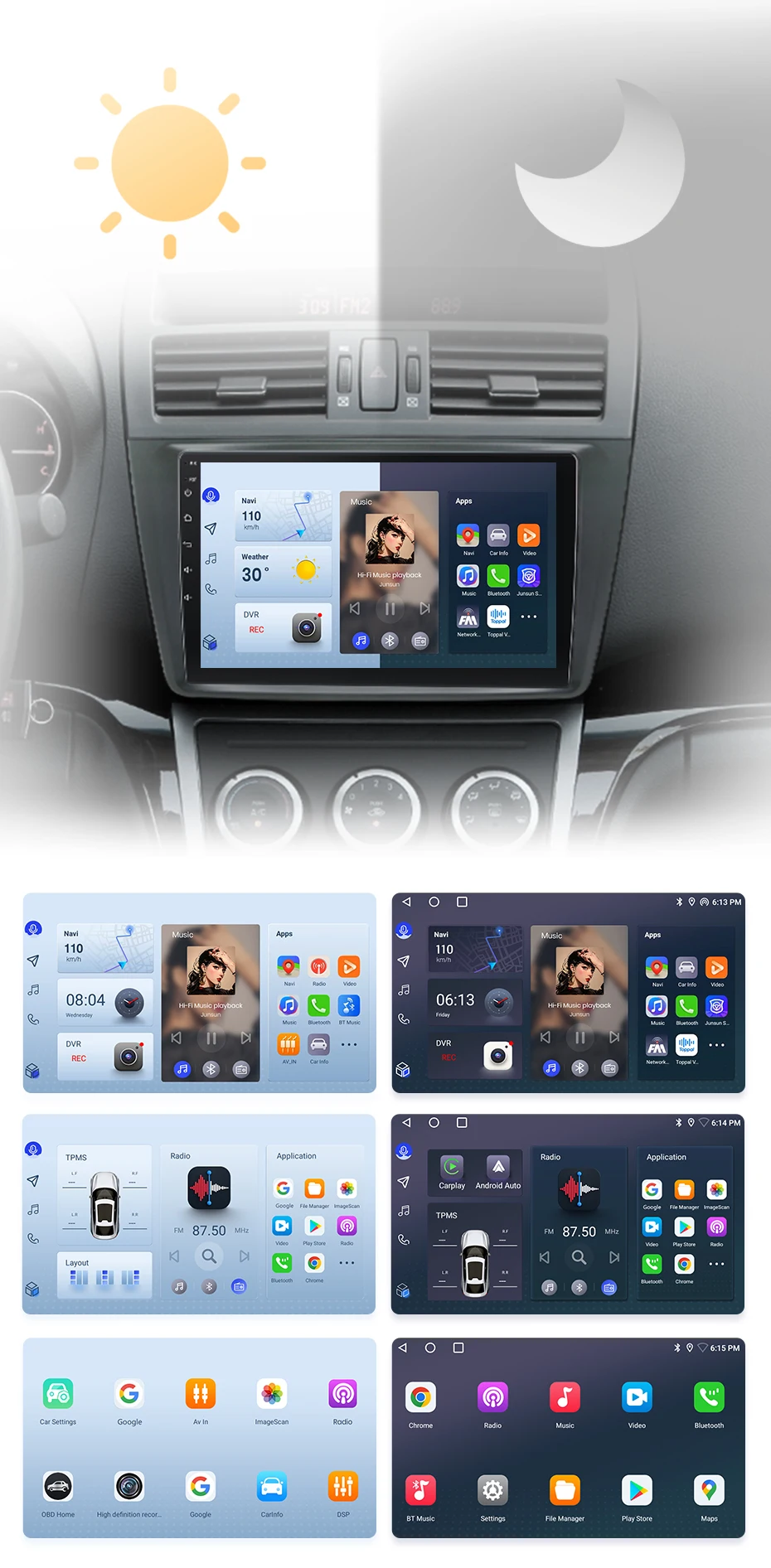
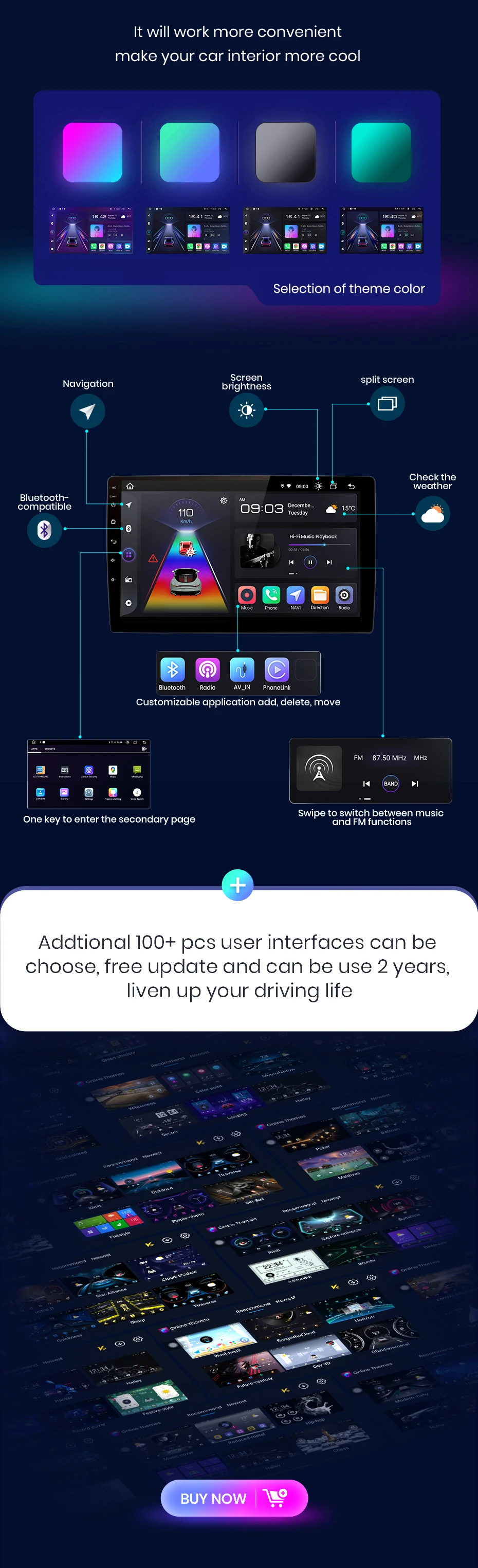
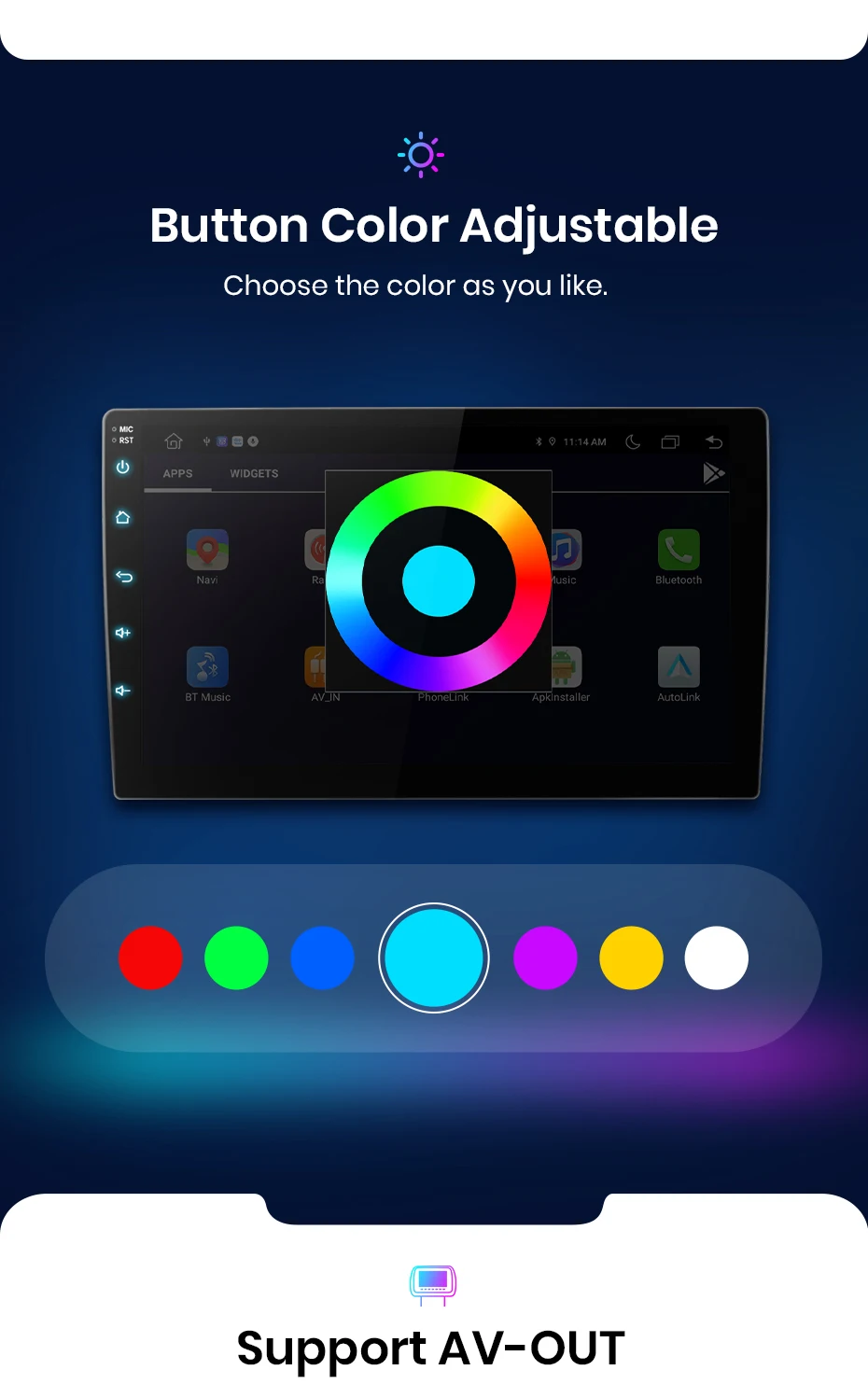
The radio will switch between day and even modes using car lead to adjust the overall brightest of the screen to match the surround environment. Common functions are integrated into the top, enounding you to switch between navigation, music, Bluetooth-th calling, and other common features with just one click. Junsun's personalized UI design enhances convenience and safety throughout your journey;
PS: If you receive UI3.0, and want to up UI4.0, please contact online service for help
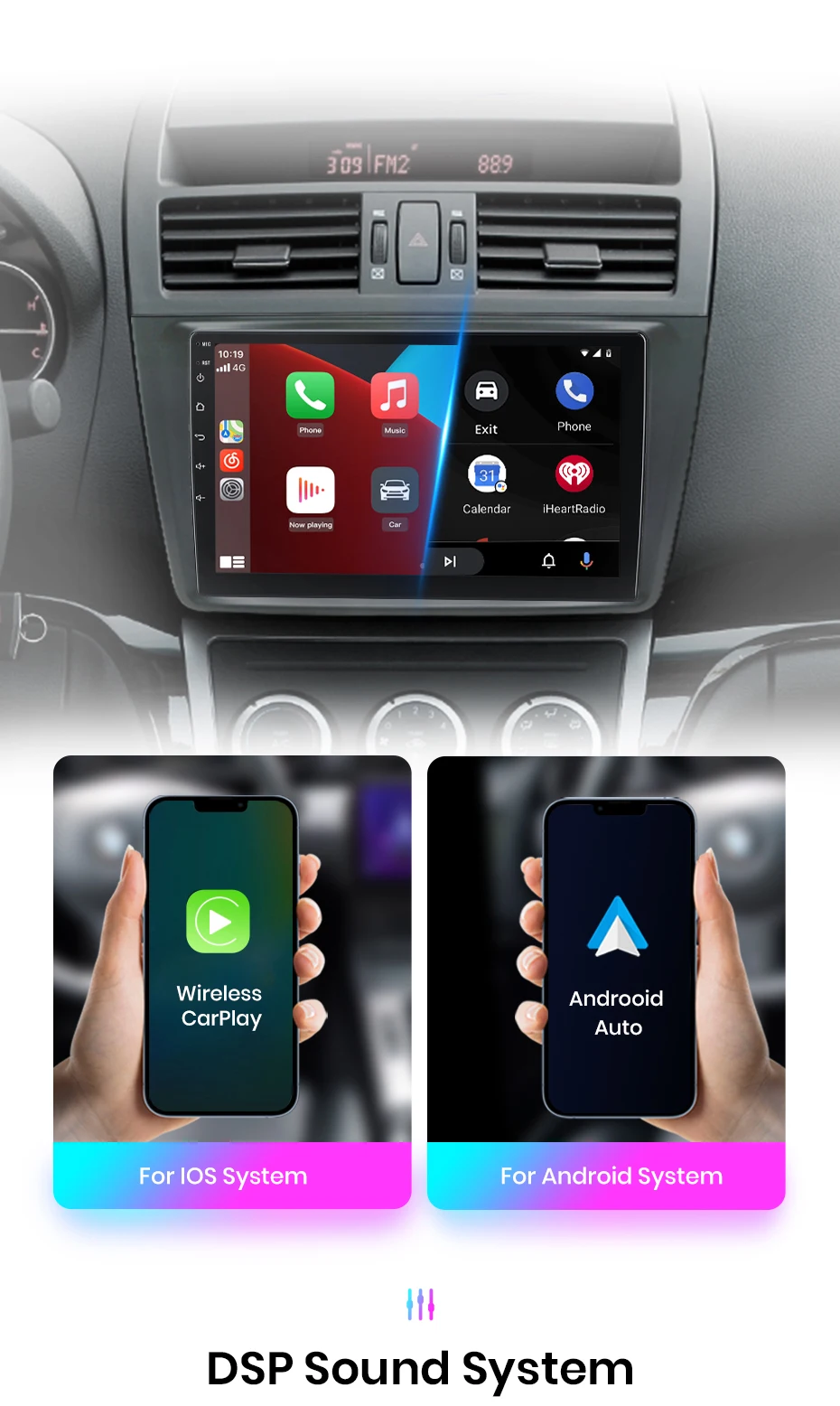
The JunSun radio Wireless CarPlay and Android Auto supports, allowing you to use smartphone functions and applications such as navigation, music, call, and messaging during your journey. It offers a high-quality audio experience, enhanced the entertainment and convention of your driving experience.
PS:V1 C/V1 Pro C/V1 Plus are supported version.
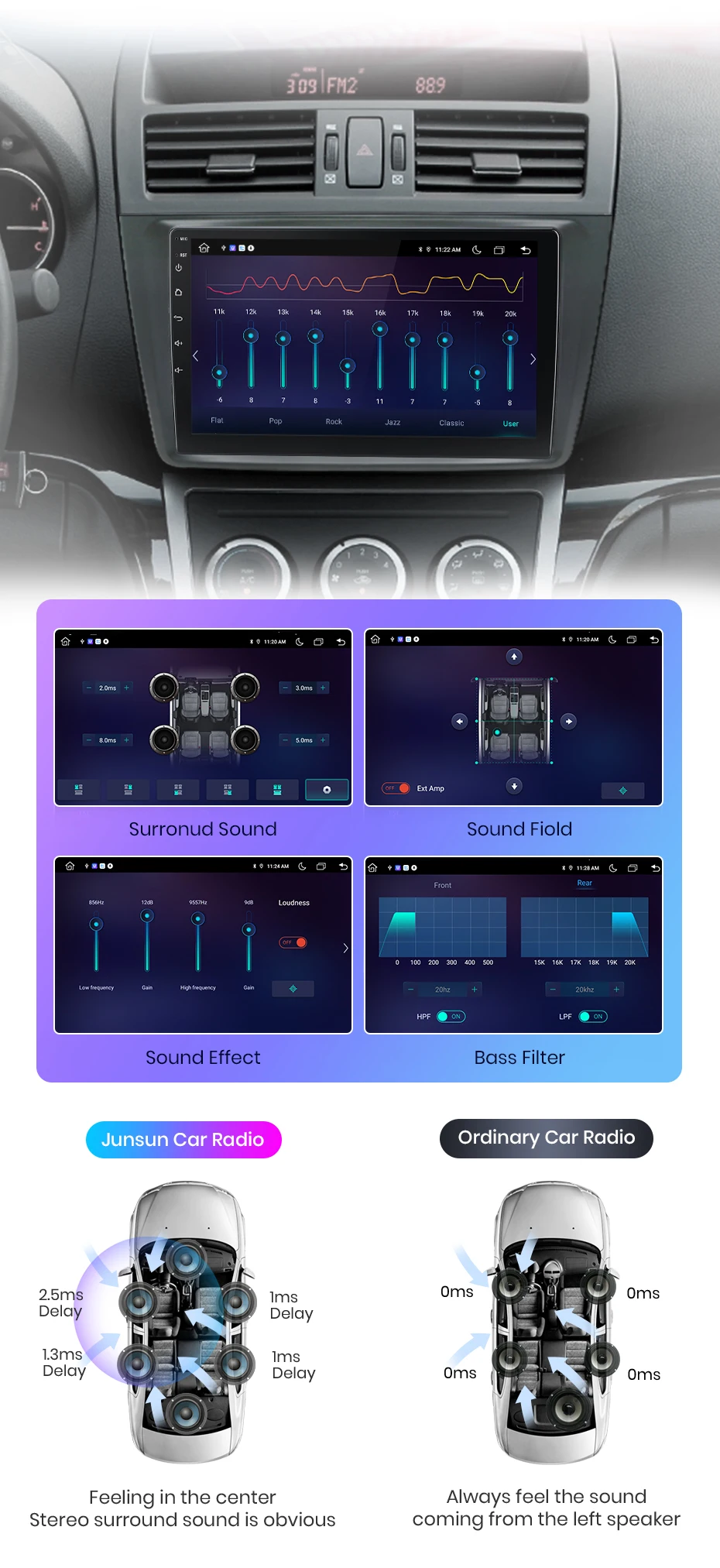
DSP is a fuel tool that optimizes sound quality and adapts to various environments. It fine-tunes audio parameters like equalization, Bass filtering, and sound folding, ensuring optimal sound performance to your car and speaker setup.
Now you can use the ''Junsun Online'' driving trails, parking rentals, and remote surveillance shooting (need buy S700/S 700S dashcam)
With the real-time image Display, you can Plain see the blind spots and obstacles behind your vehicle, greater spreading the risk of reverse accidents.
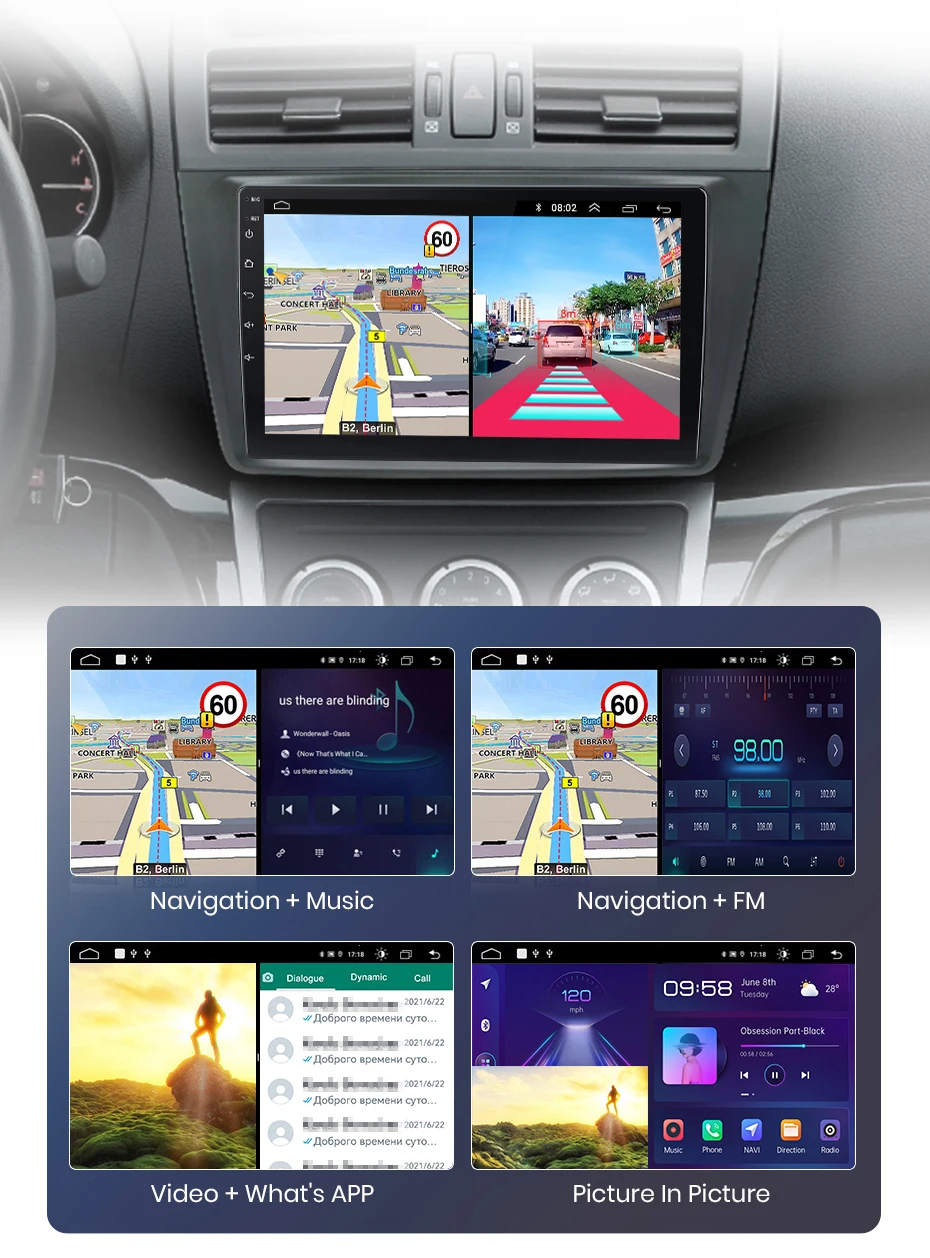
Junsun car navigation system offers built-in offline maps and online map support, allowing you to find the right route at any time. Regardless of the network conditions, we ensure that your navigation experience uninterrupted. And we provide free updates, ensuring that you always have the latest map data.
Enjoy Superior multitasking, ready-to-navigate interface, extended visuals, adjustable arrangements and touch-sensitive controls. E. G. navigation for the main driver, playing video for the passenger, or one side listing to music and other side turn on ADAS DVR functions etc.
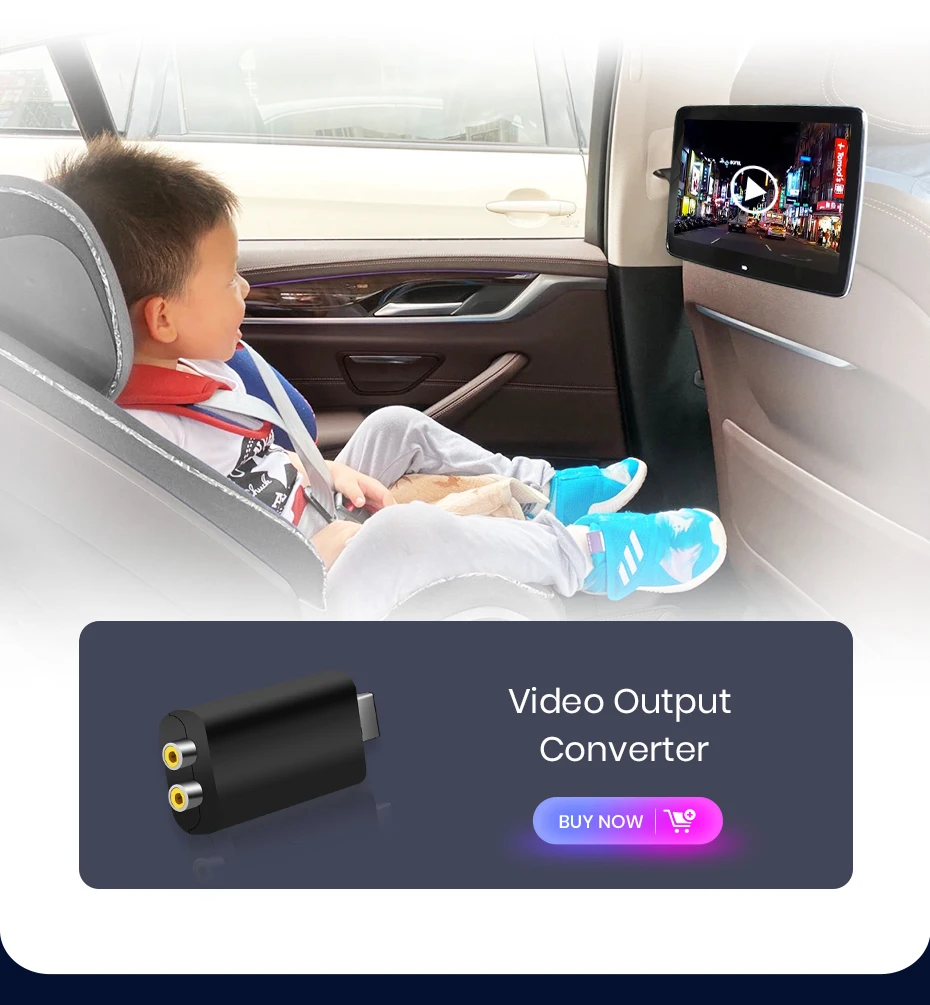
Connect your car navigation system to an external Display and joy to extend screen experience. The VA-out feature allows you to project the content and functionality of your navigation system to supported external Display devices, delivery a clearer and more immersive audio-visual experience.
FAQ
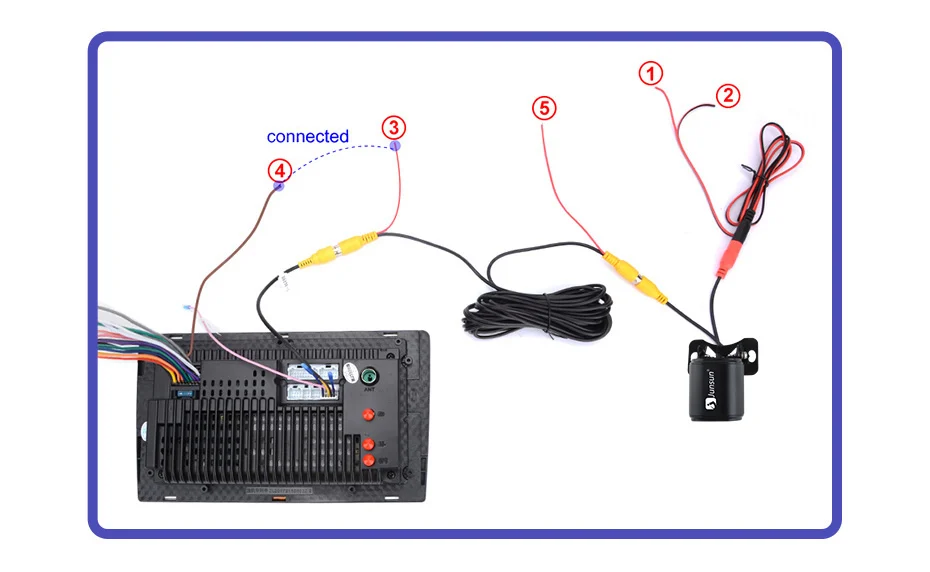
1. How to connect the watch view camera?
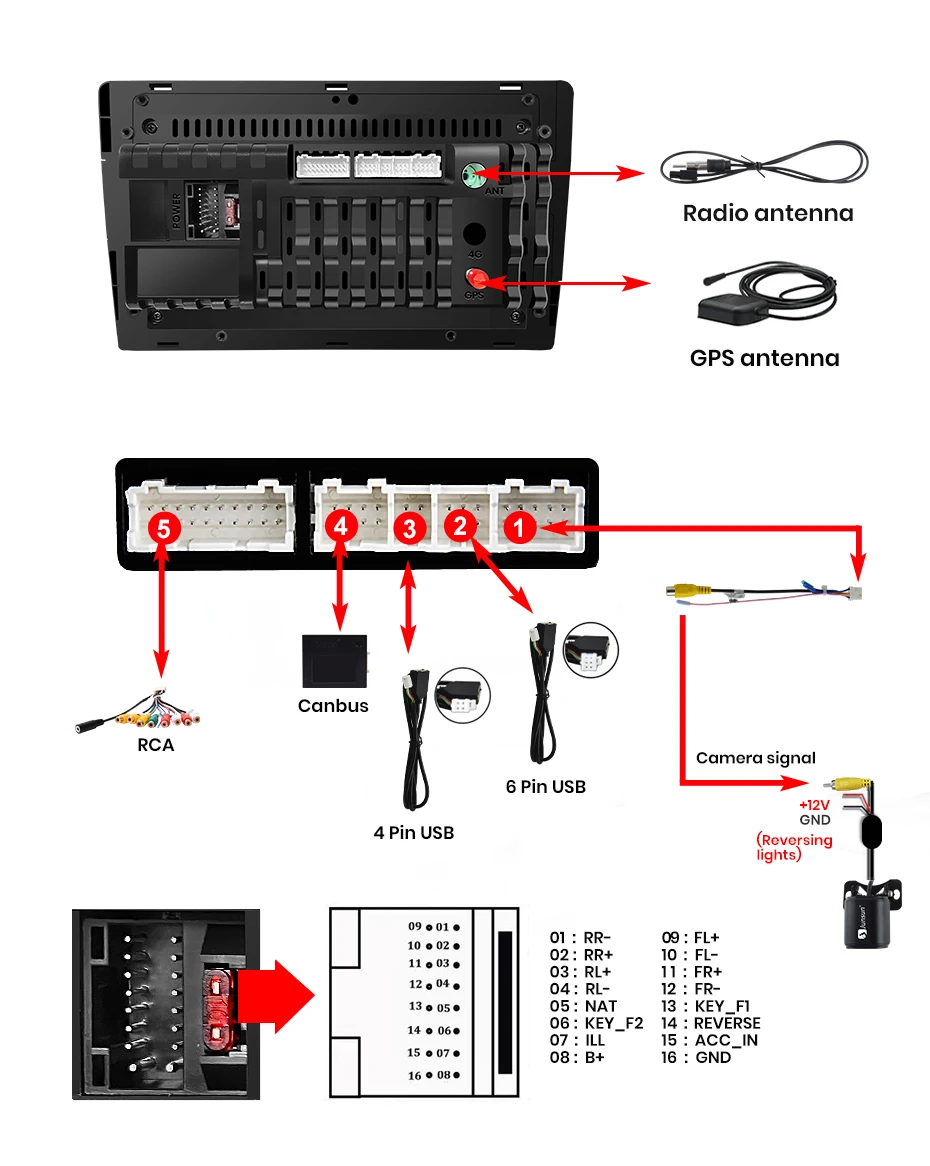
1) Red cable ② is connected to the back-up "+" 2) Black cable ① is connected to the “GND” 3)The reverse detection cable ④(Brown color) is connected to the red cable ③ which extending from the video output cable, please follow the picture below to connect.
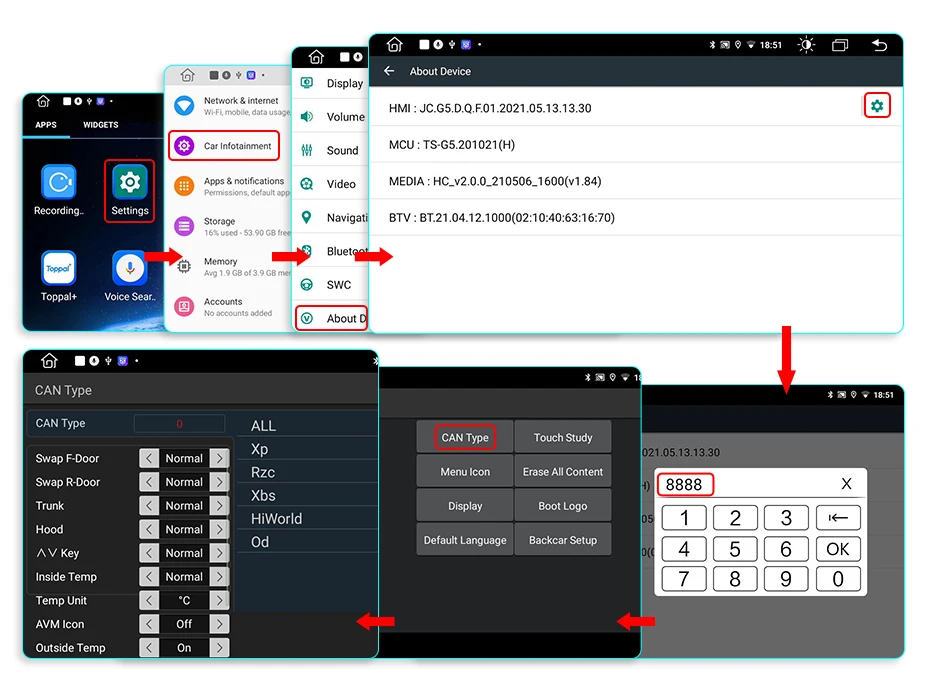
If the screen displays quite normal after V1 PLUS/V2 PLUS Connection, please enter the Factory settings to adjust the camera format, setting-Car Information-About Device-8878-Blackcar Setup-change the CamType /CamFormat to match the camera format;
2.How to set steering wheel controls?
Before starting the setup, please confirm that the MANBUS box and 8PIN serial cable are connected to the multimedia !!!
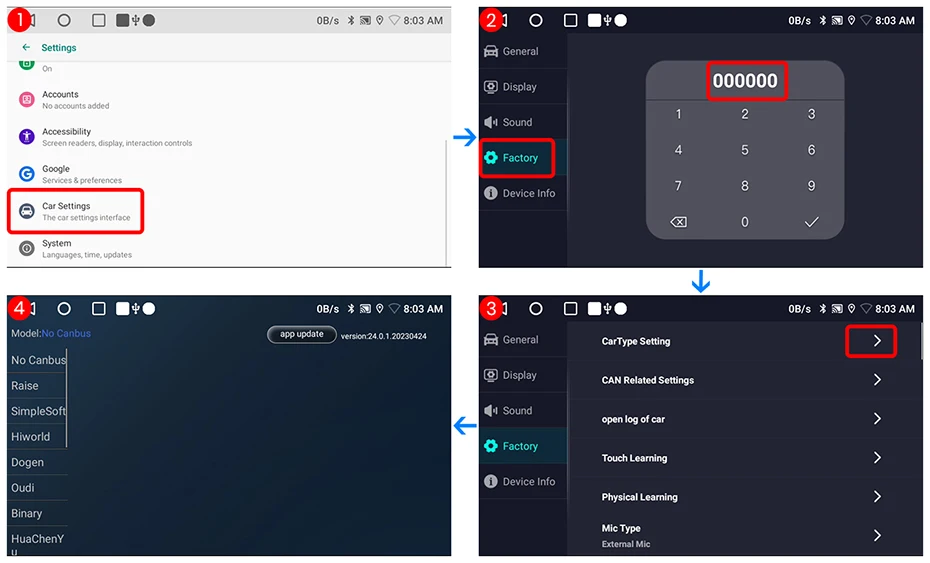
1) There is Canbus in the product, if you buy V1/V1.C/V1 Pro/V1 Pro.C/V1 Plus, please do to the picture to set and choose Raise-your car model
2) There is Canbus in the product, if you buy V1 Plus/V2 Plus 3D, Please do to the picture to enter the CANbus setting and select 145 and save
3) If it is still not available after complete the setting, please refuse to the following figure to complete the learn of the steering wheel buttons
3.How to connect wireless Carplay and Android Auto?
For the first connection, need to turn on the phone's Bluetooth to peer with the car's Bluetooth. After the pairing is successful, the car radio will automatically jump to the Zlink or AutoLink interface At this time, the phone pop up a prompting message "use CarPlay with Zlink or AutoLink Then turn on the WiFi of the mobile phone, and the CarPlay will be connected
4.How to connect wired Carplay and Android Auto?
Please use your original data cable to connect the phone to the 4 PIN USB cable, then turn on the Carplay/Android Auto function on your phone and the "AutoLink" or "ZLink5" icon on the device to connect.