

Centro de Comando Premium para sua Mercedes Vito/Viano W639 (2003-2015) - Rádio Android 10" Junsun XT89
Partilhar este produto
Descrição
Descrição
Centro de Comando Premium para sua Mercedes Vito/Viano W639 (2003-2015) - Rádio Android 10" Junsun XT89
Transforme a cabine da sua Mercedes-Benz Vito ou Viano (W639, anos 2003 a 2015) em um hub de tecnologia e entretenimento. O Sistema Multimídia Android Junsun XT89 com tela de 10" é a atualização definitiva, oferecendo Apple CarPlay e Android Auto totalmente sem fio, um poderoso Android 13 e integração completa com os sistemas do veículo. Perfeito para uso familiar, profissional ou como van de luxo.
Compatibilidade Garantida:
Projetado especificamente para a geração Mercedes-Benz Vito/Viano W639, dos anos 2003 a 2015. Confirme o formato do seu console central antes de encomendar.
Potência e Conectividade de Nível Superior:
- Conectividade Sem Fio Total: Conecte instantaneamente seu iPhone (CarPlay Wireless) ou smartphone Android (Android Auto Wireless) sem cabos. Acesse mapas ao vivo, playlists, mensagens e chamadas com segurança e integração perfeita.
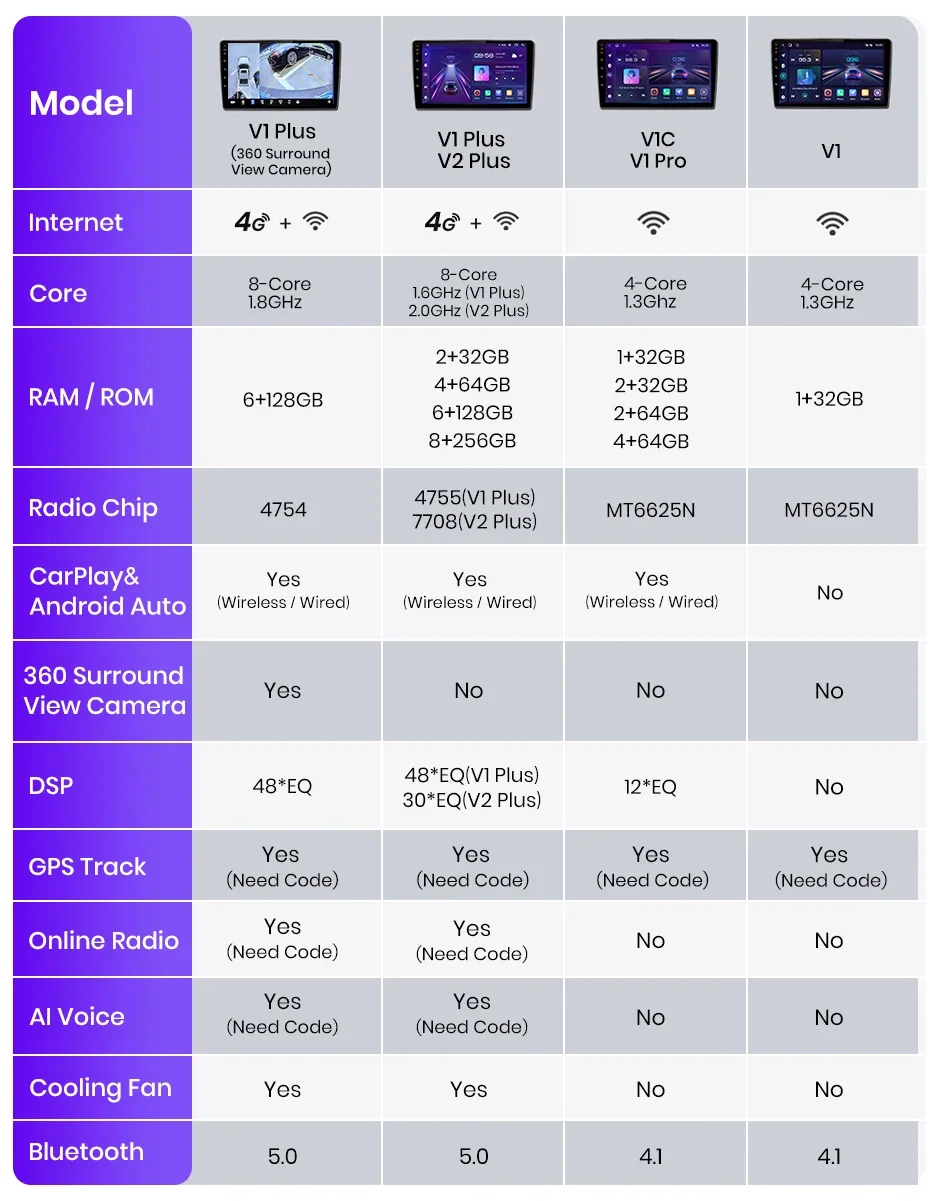
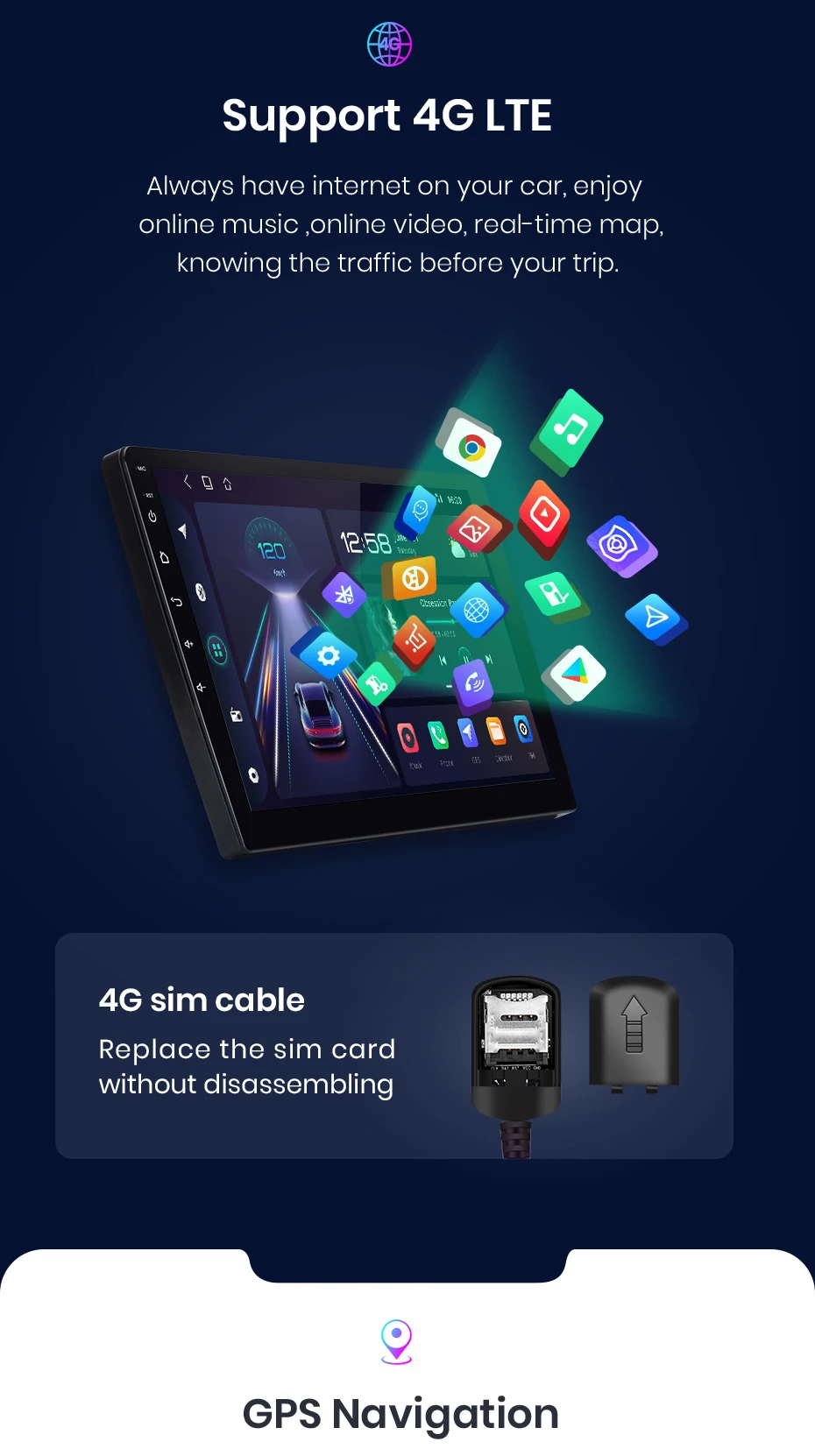
- Sistema Android 13 de Alto Desempenho: Com 4GB de RAM, 128GB de ROM, processador MTK 8-Core (até 3.0Ghz) e suporte a chip 4G LTE externo, a unidade é extremamente rápida, estável e suporta qualquer aplicativo da Google Play Store (Waze, Spotify, Netflix para passageiros, etc.).
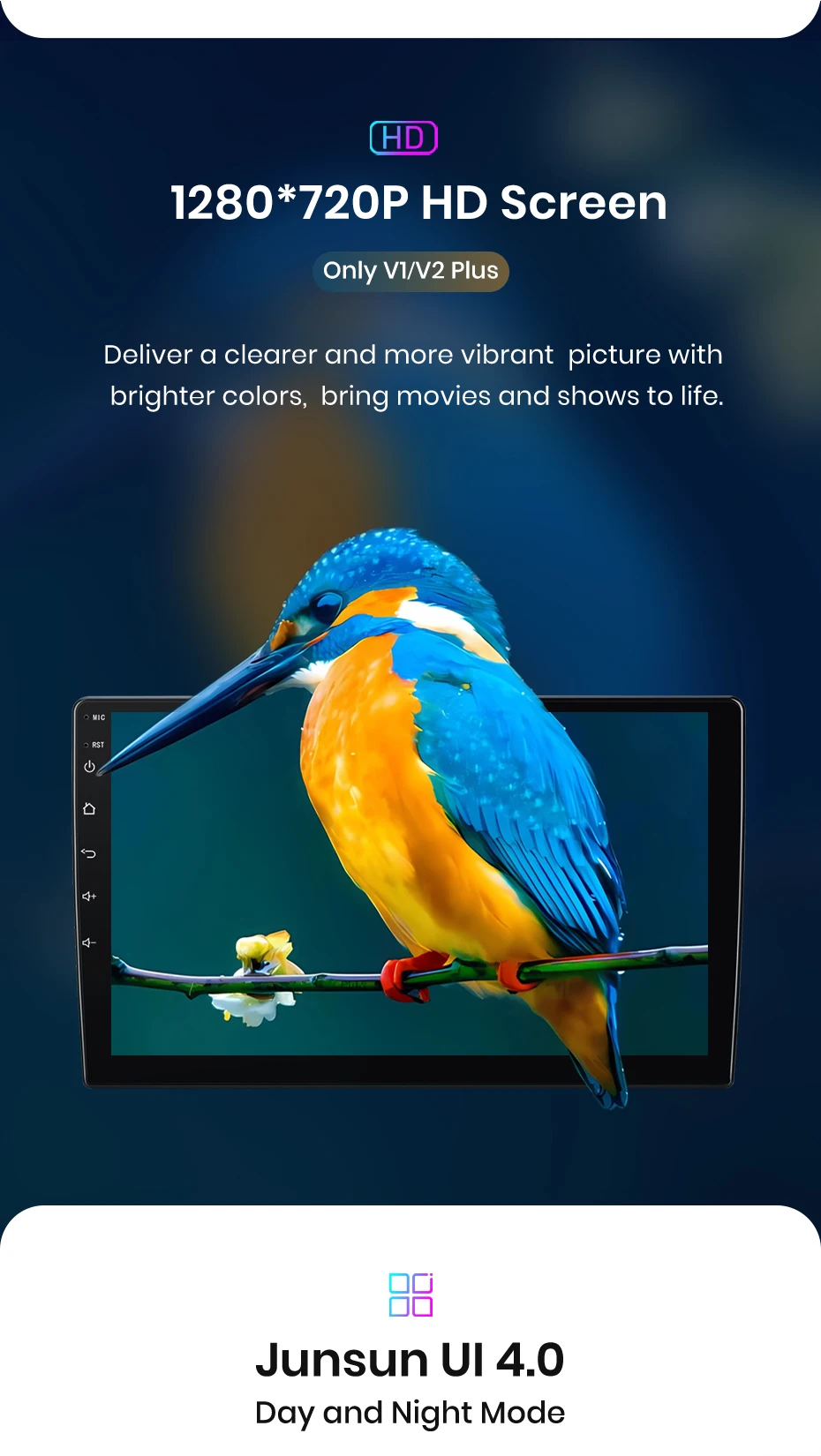
- Tela IPS de 10" Sensível ao Toque: Tela grande e de alta resolução (1280x720) com excelente visibilidade para o motorista e passageiros, instalada perfeitamente no espaço 2 Din do painel W639.
- Funcionalidades Inteligentes Integradas para Van/MPV:
- GPS Offline/Online: Navegação precisa com mapas pré-instalados ou aplicativos online.
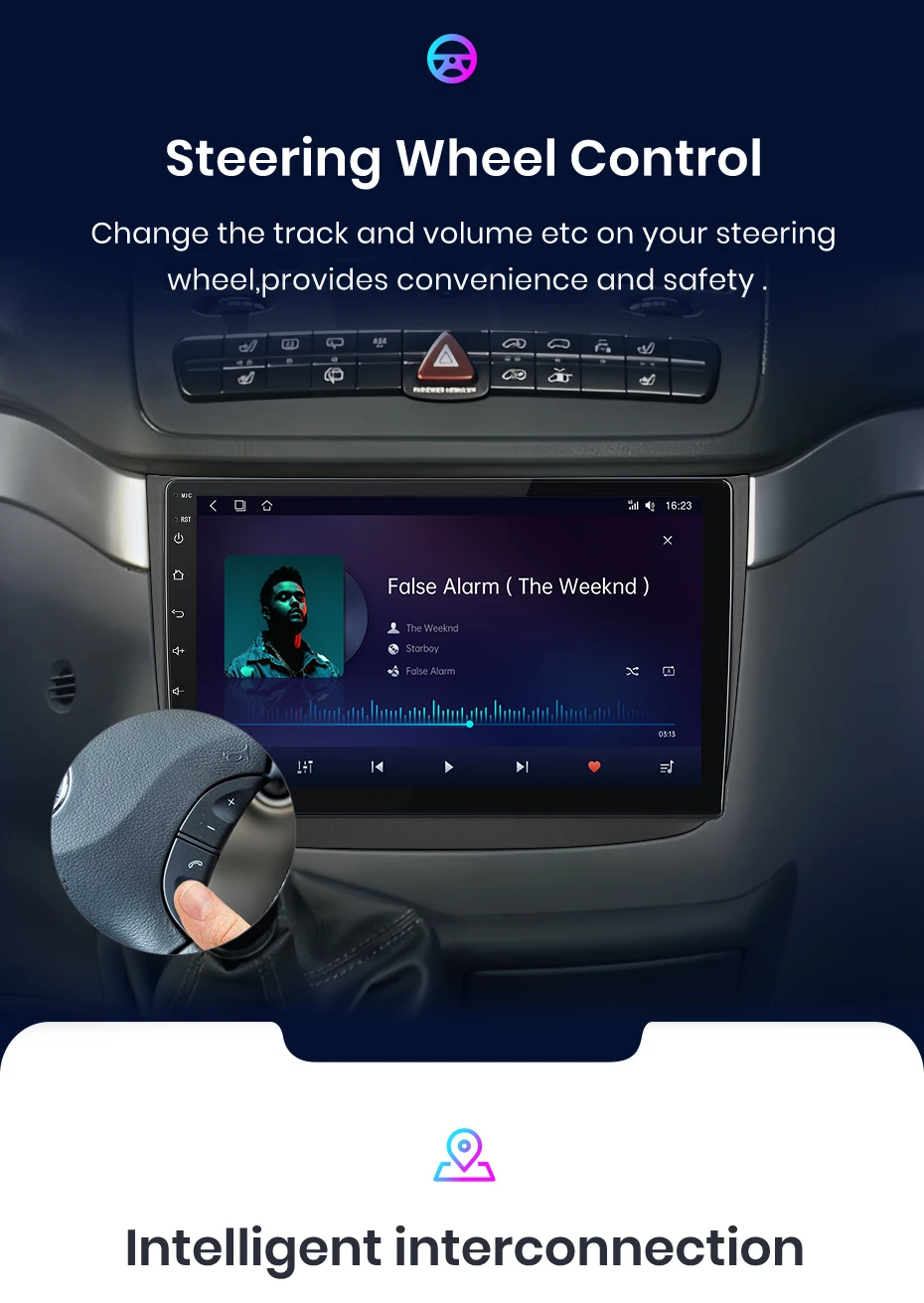
- Controle pelo Volante Original: Mantenha todas as funções das borboletas do volante.
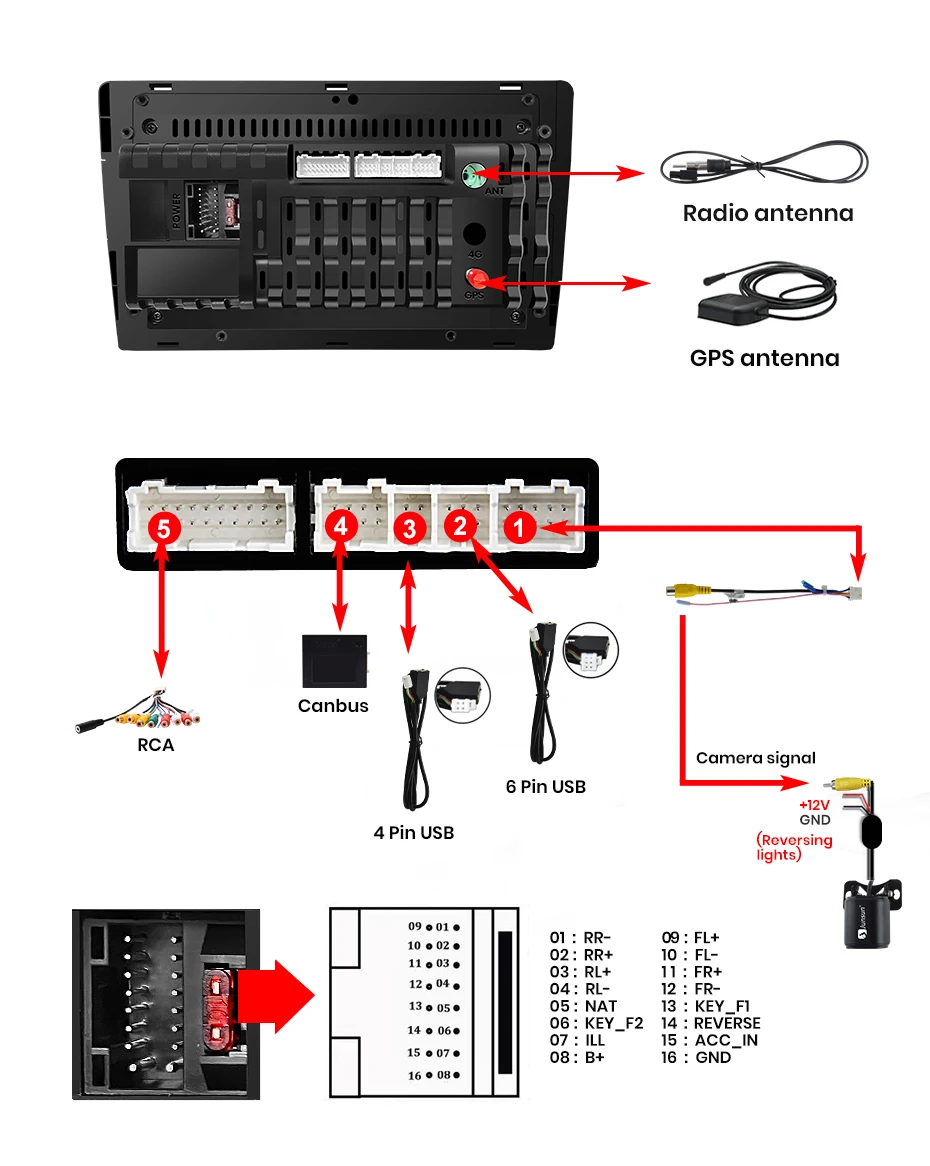
- Suporte a Câmera de Ré: Conecte uma câmera para facilitar manobras com um veículo grande (entrada RCA incluída).
- Integração CAN-BUS: Acesso a informações do veículo e configurações personalizadas.
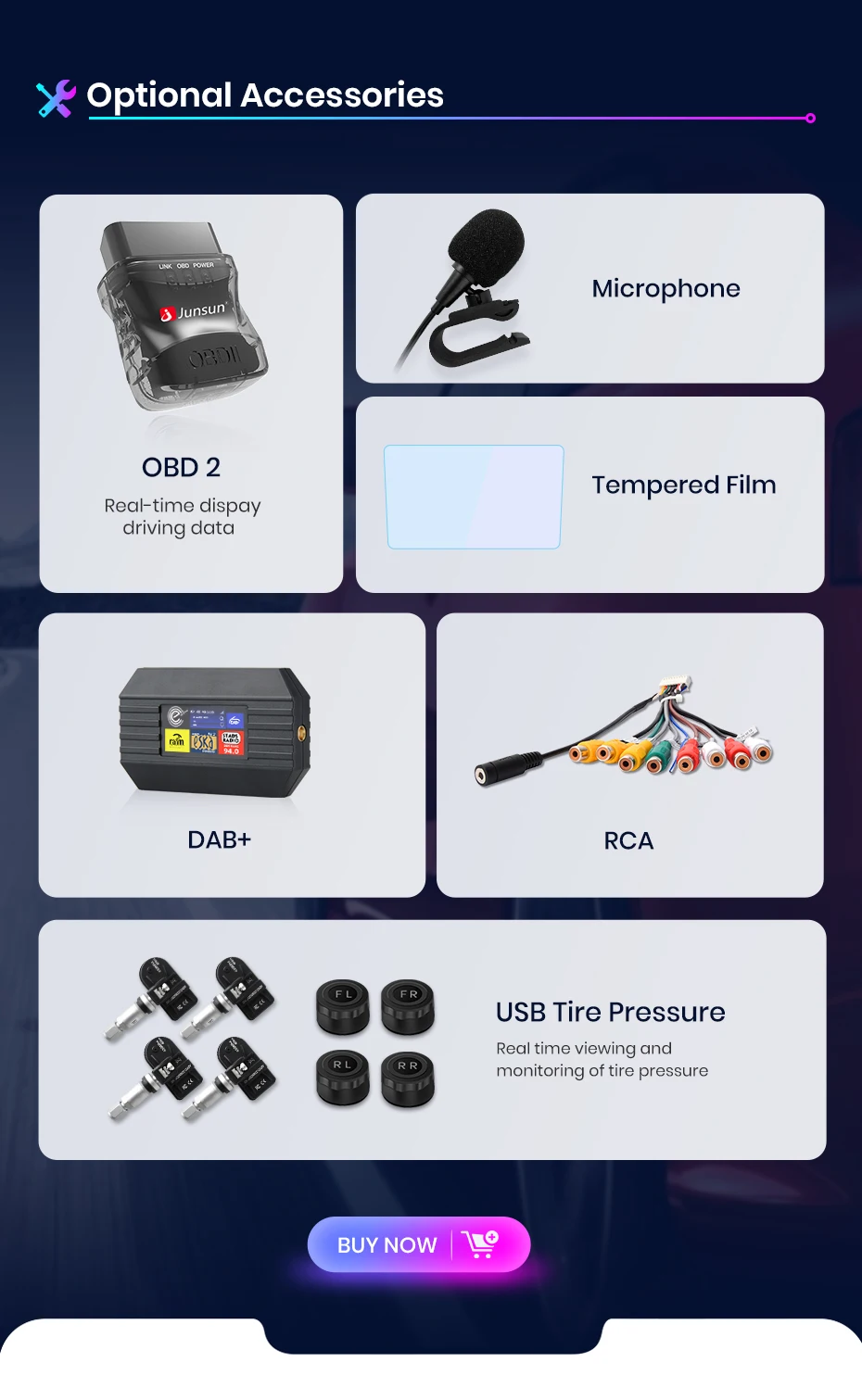
- Monitor de Pressão de Pneus (Opcional): Conecte sensores para maior segurança.
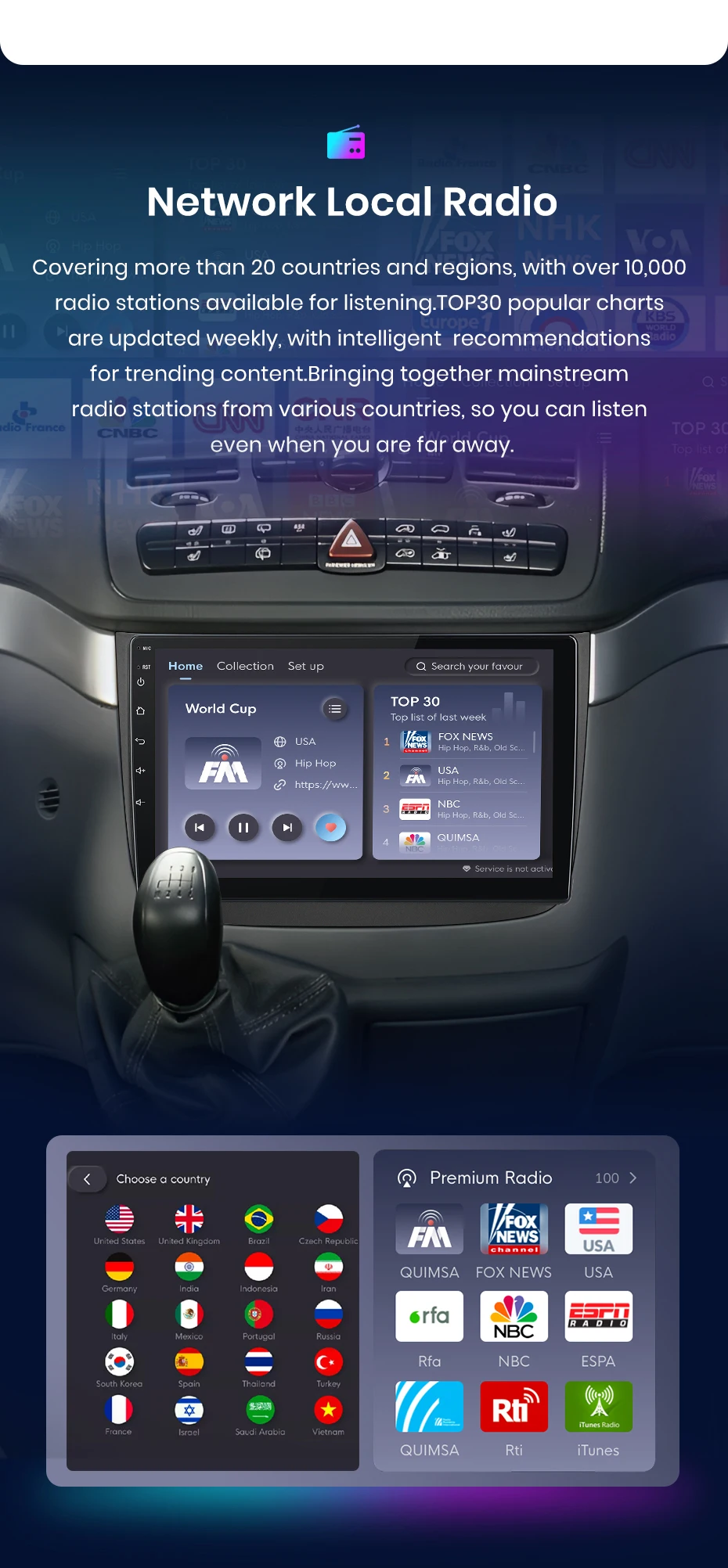
- Rádio Internet & Controle por Voz com IA: Controle por voz e acesso a milhares de estações online.
- Áudio Potente para Espaços Amplos: Saída de 4x45W para um som claro e envolvente em todo o interior da van.
- Garantia e Suporte Excepcionais: Aproveite a garantia estendida de 3 anos e suporte técnico especializado. Oferecemos serviços de instalação profissional em vários países (consulte disponibilidade).
Kit de Instalação Completo Inclui: Unidade principal Junsun XT89 10", Cabo de alimentação específico para Vito/Viano W639, Cabo USB, Antena GPS externa, Cabos de vídeo RCA, Suportes e hardware de montagem.
Eleve a Experiência a Bordo da Sua Mercedes. Compre o Junsun XT89 Hoje!



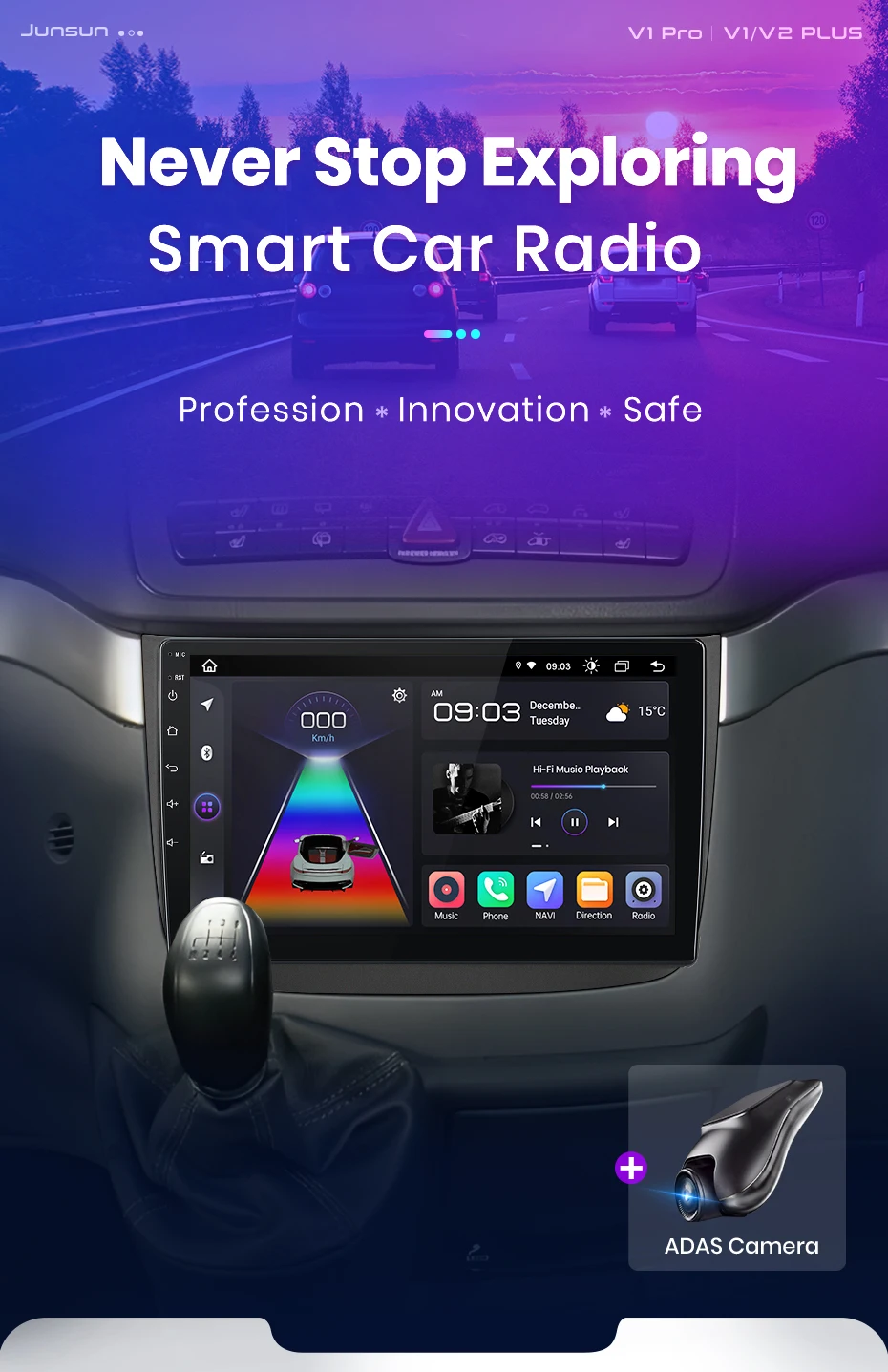
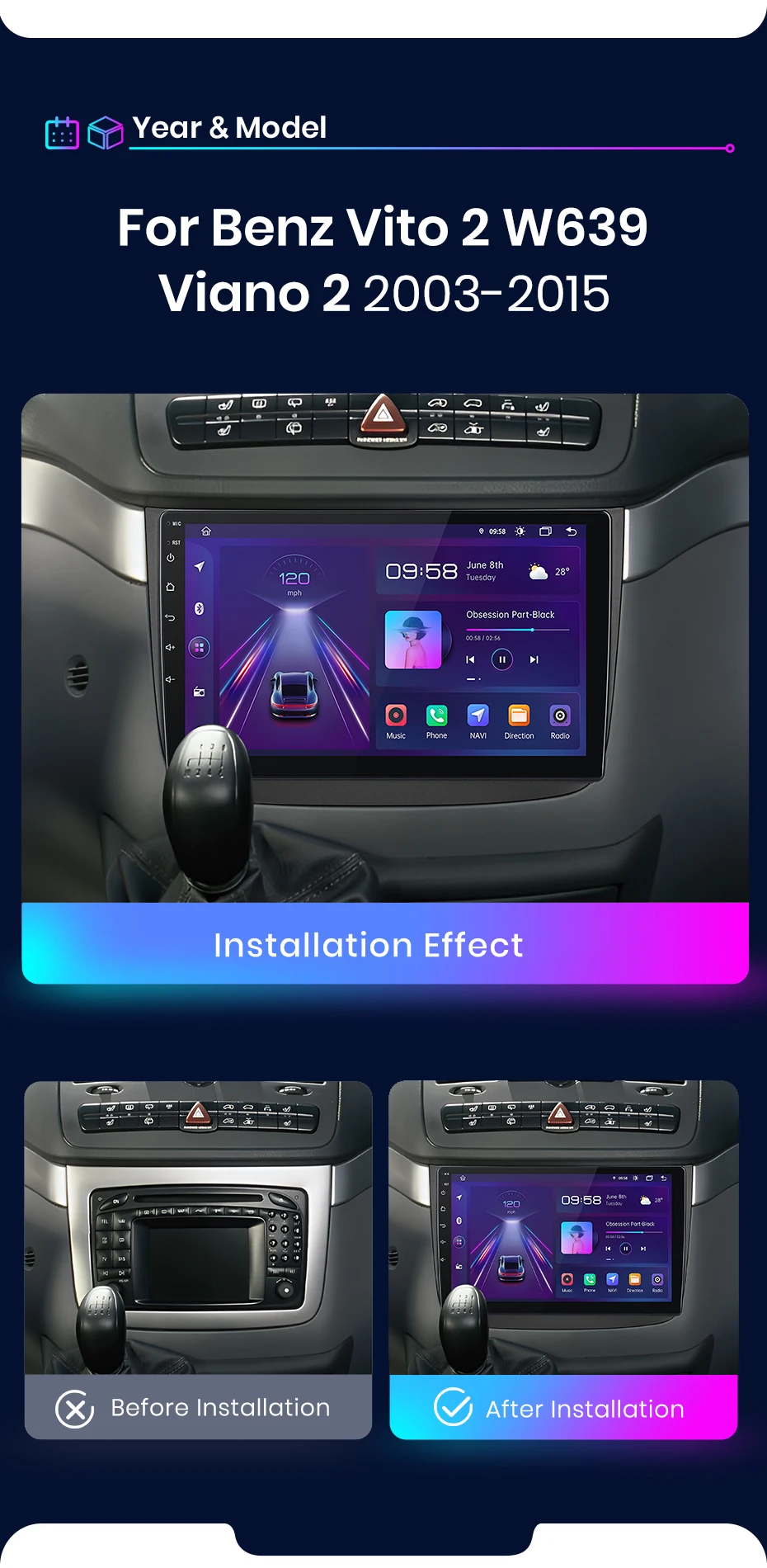
>> Junsun V1 series Radio for Mercedes-Benz Vito 2 W639 Viano 2 2003 2004 2005 2006 2007 2008 2009 2010 2011 2012 2013 2014 2015
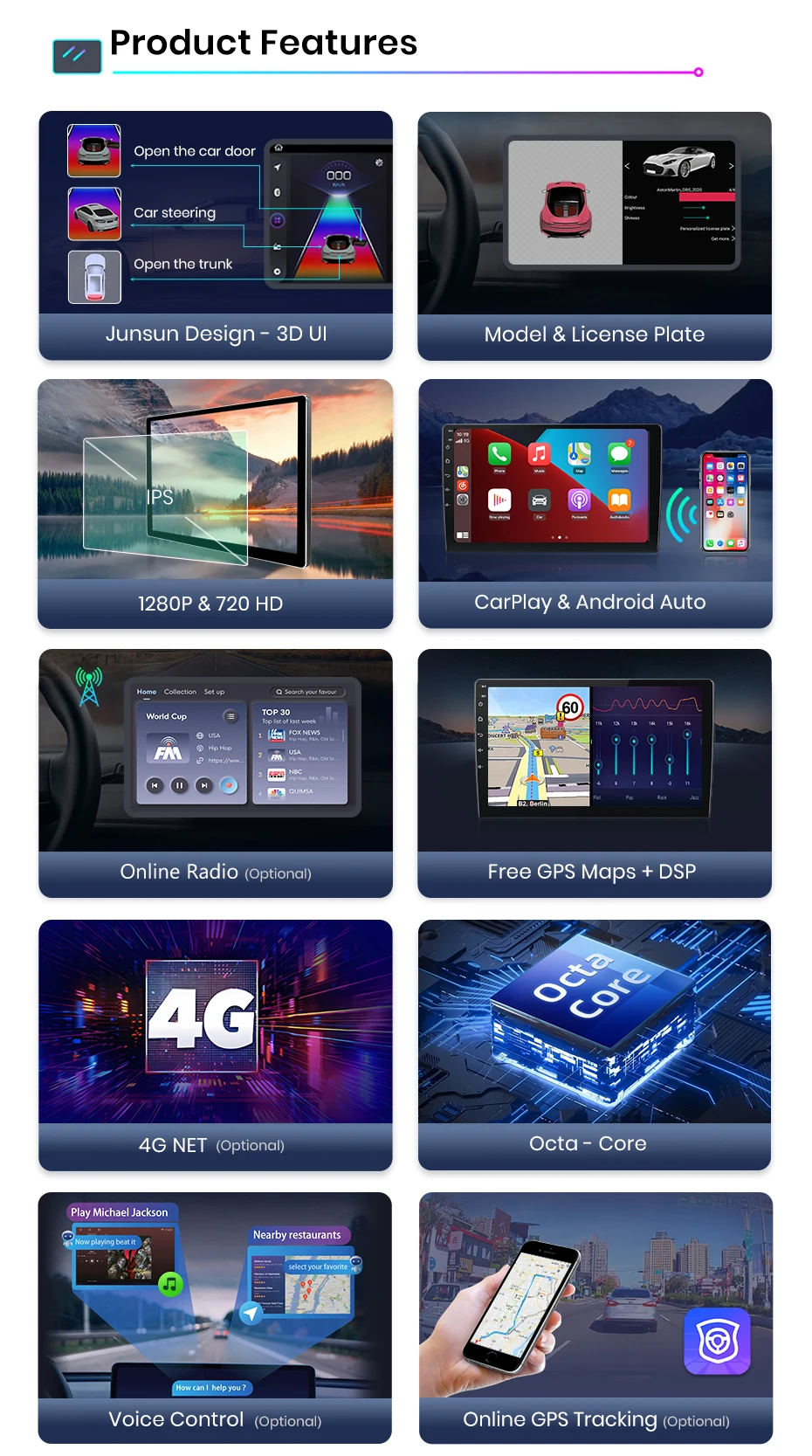
【Multi-functional car audio】Android 14(Now the radio is Android 13, if you want to up to grade, please contact us to up), Bluetooth 5.0, IPS 1280*720(7inch is 1024*600) screen resolution, online/offline navigation, WIFI & 4G, Steering wheel control, FM/RDS Radio, split screen, DSP
【For Apple Carlay & Android Auto 】Use your phone in a smart, safe way while you drive. Go directions, make cuts, send and receive messages, and enjoy your favorite music. Siri & Google Assistant can help you do all of these things. All you have to do is AK.
【Superior Car Audio Normance】This Android because radio has built-in DSP. And there are 12-48 band graphic equalizer, going you to adjust and tailor the listing experience to fit your taste.
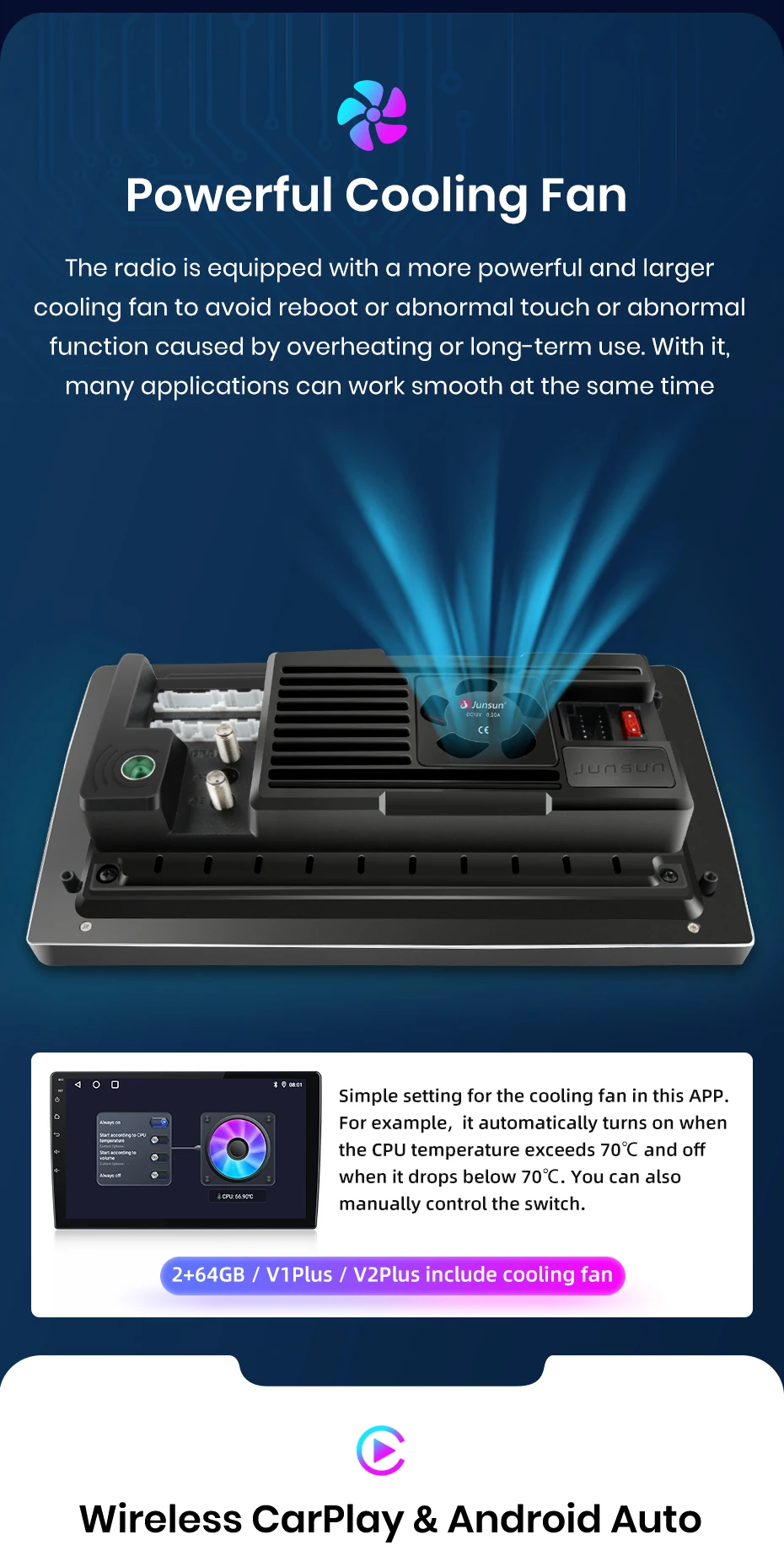
【Powerful Cooling Fan】The radio is equipped with a more fuel and larger cooling fan to avid reboot or abnormal touch or function function causal by overheating or long-term use. With it, many can work smooth at the same time applications
【Upgrade Bluetooth5.0 Version】This car radio with Bluetooth Provide has more stable connection for your smartphone and Bluetooth devices, it can capture your voice clear and your phone call experience, allows you to enjoy a superior music listing experience!
【IPS Display Car head Unit】The screen is expanded to IPS with resolution of 1280*720, which brings better color accusations, contrast,and brightness. Enjoy immersive visual experience and simple operation on the 9/10 Inch big screen. Comes with JunSun UI themes that you can choose from, support day and night model, provide you a safe & comfortable drive experience is special at night.
【More Version Support for Updates】With OTA updates, you can keep this radio up-to-date by fixing software from and enhanced security. Just a few TKS, and your video is on the path to self-protection! Note: The Update is for the software, not an Android system grade.(V2Plus not support)
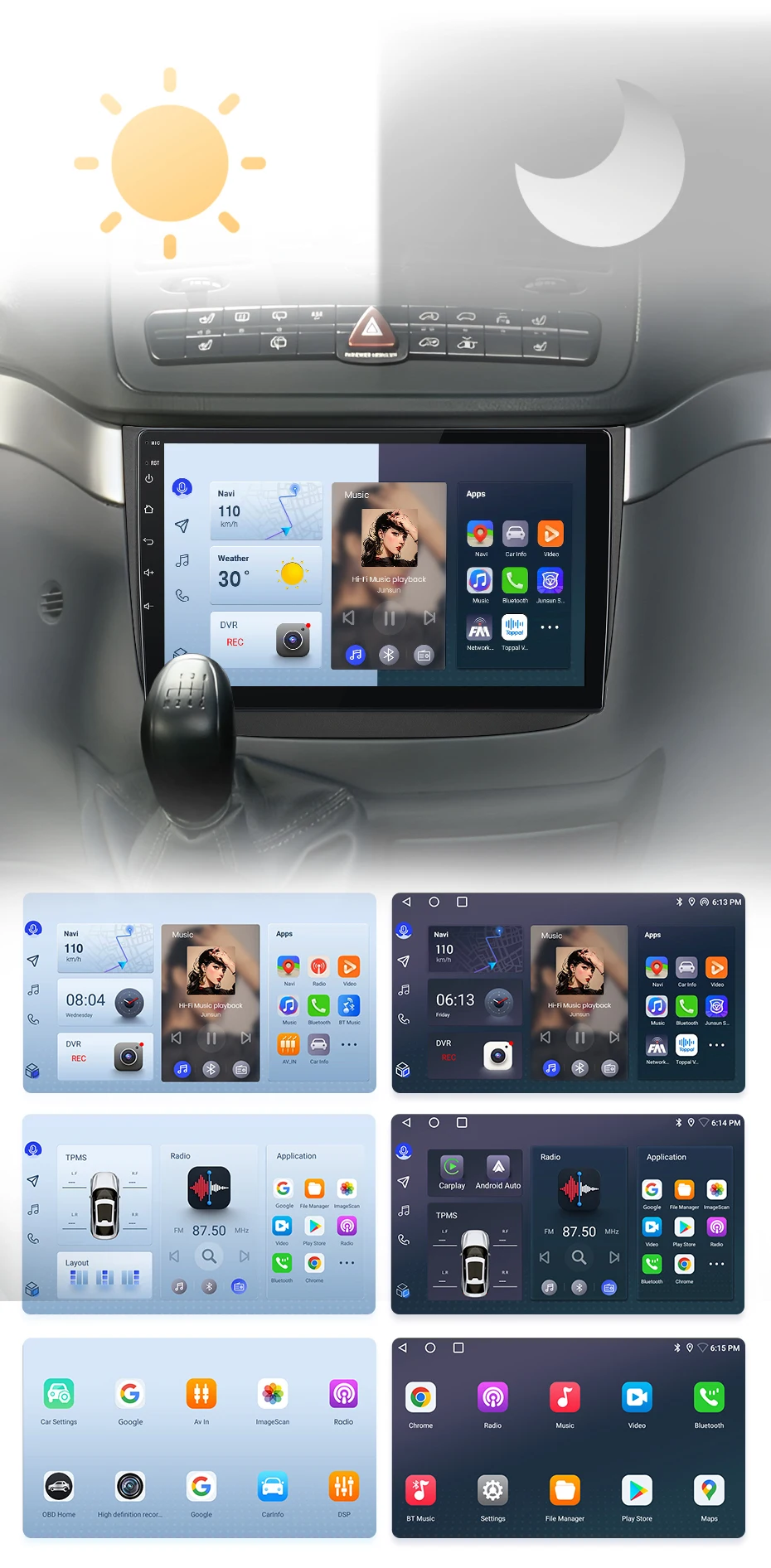
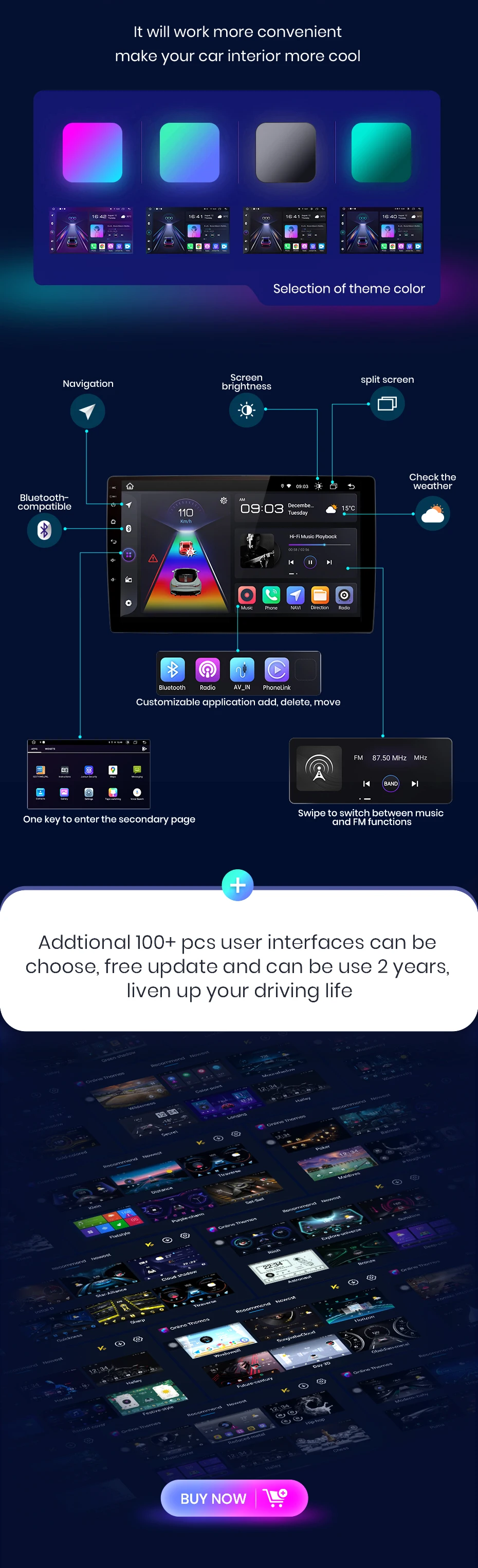
The radio will switch between day and even modes using car lead to adjust the overall brightest of the screen to match the surround environment. Common functions are integrated into the desktop, enounding you to switch between navigation, music, Bluetooth-th call, and other common features with just one click. Junsun's personalized UI design enhances convenience and safety throughout your journey;
PS: If you receive UI3.0, and want to up UI4.0, please contact online service for help
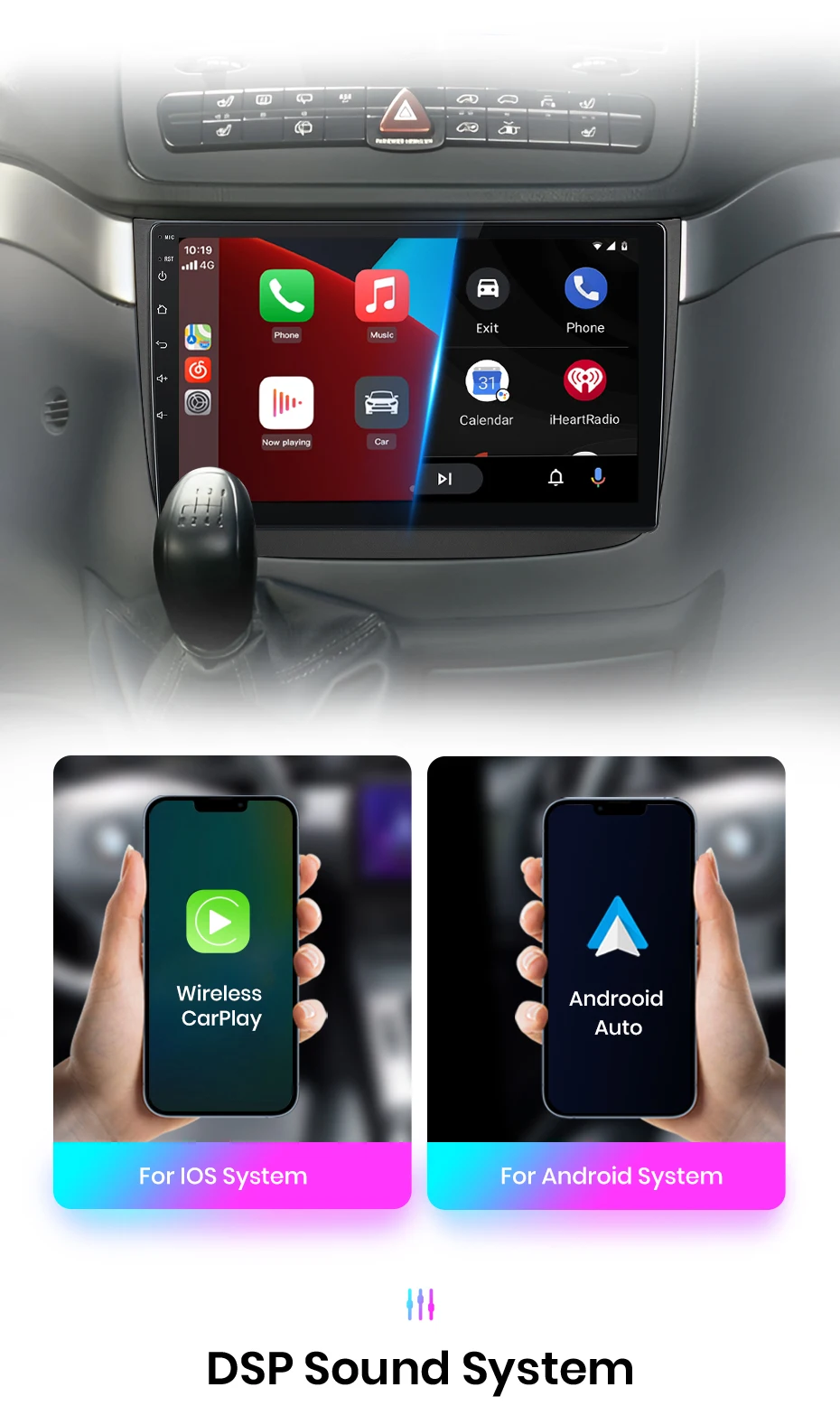
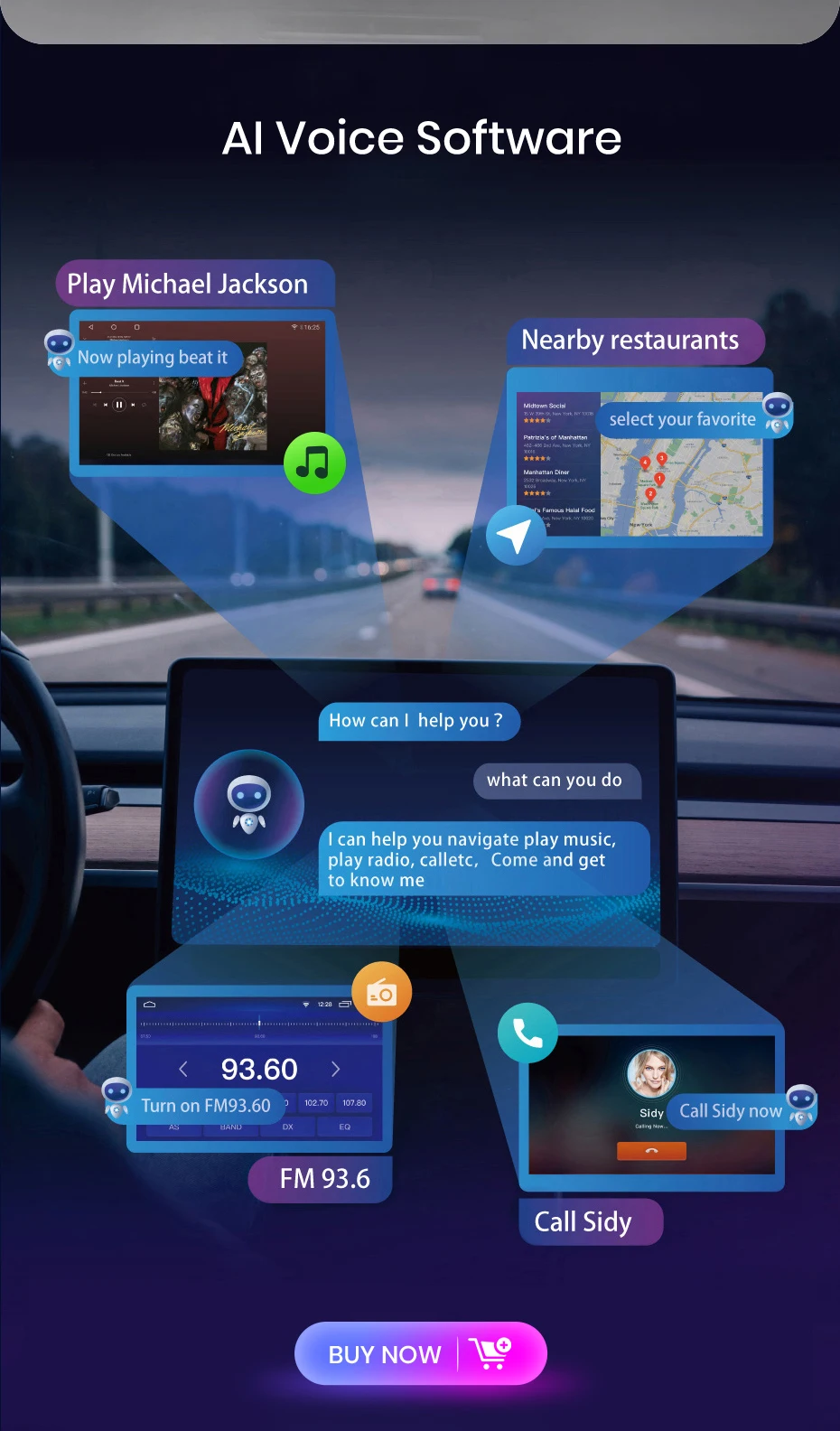
The JunSun radio Wireless CarPlay and Android Auto supports, allowing you to use smartphone functions and applications such as navigation, music, call, and messaging during your journey. It offers a high-quality audio experience, enhanced the entertainment and convention of your driving experience.
PS:V1 C/V1 Pro C/V1 Plus are supported version.
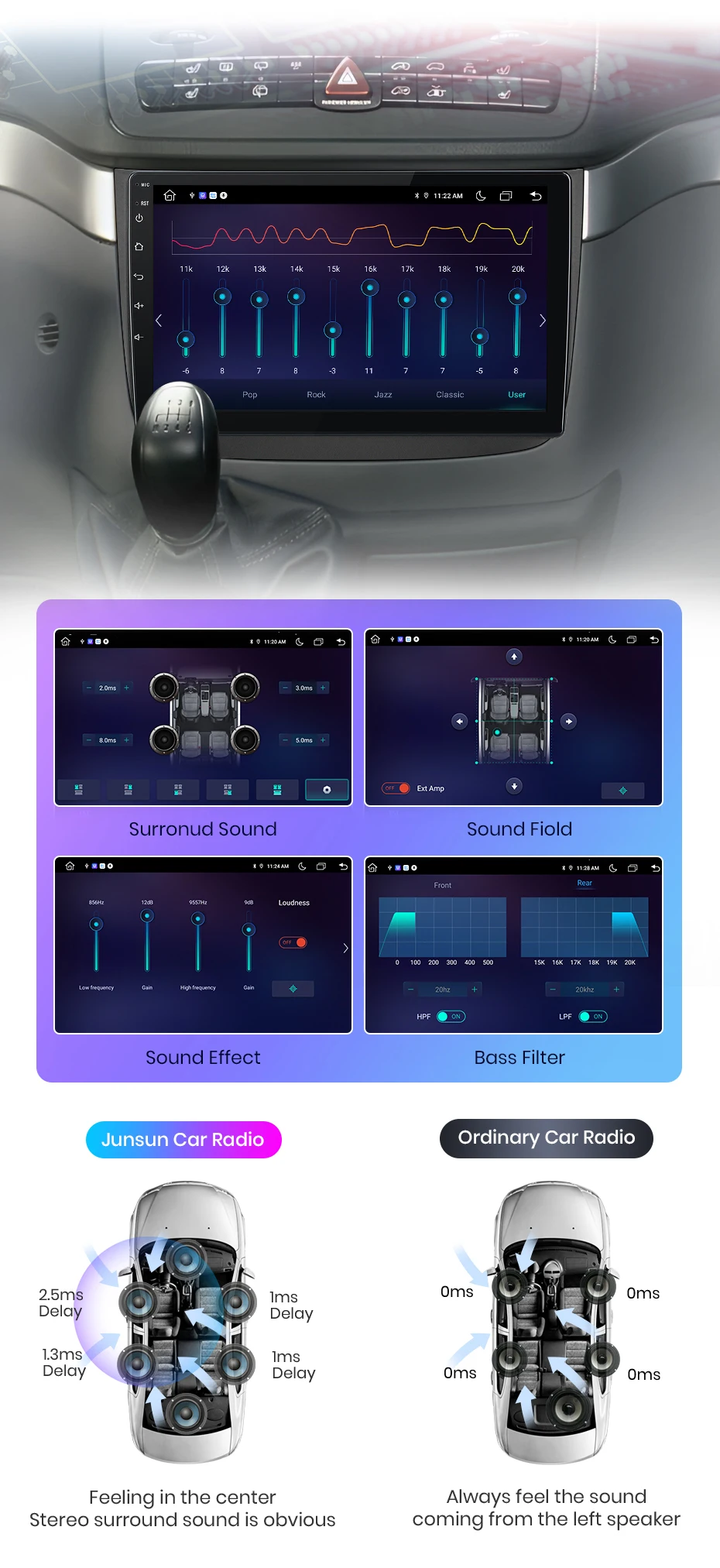
DSP is a fuel tool that optimizes sound quality and adapts to various environments. It fine-tunes audio parameters like equalization, Bass filtering, and sound folding, ensuring optimal sound performance if your car and speaker setup.
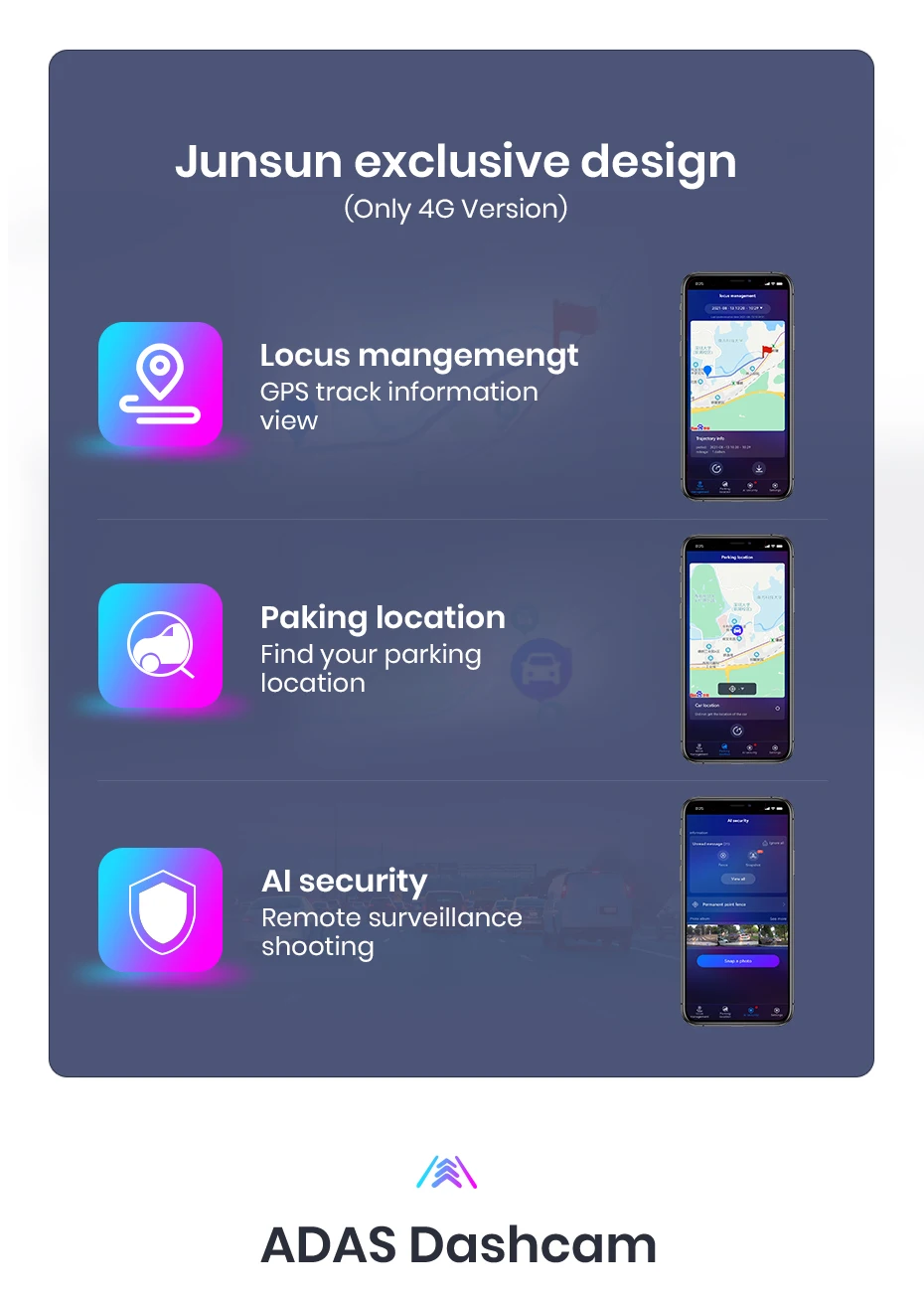
Experience the exclusive "Junsun Online" app designed by Junsun, where you can effortly track your vehicle's real-time rental, replay historical roads, and remotely monitor and capture with just one click (requires the purchase of a dashcam). This feature not only allows you to gain insight into your driving performance but also staying all driving driving safety and experience.
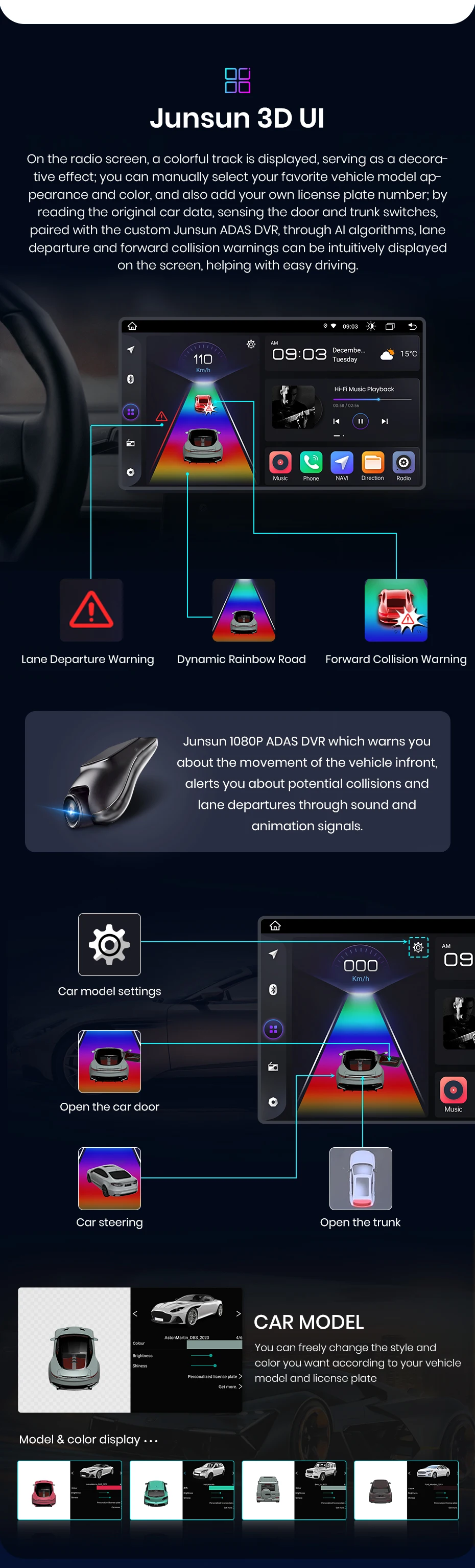
Advanced driver assistance systems, 1080P HD shooting, hidden installation, wide Display screen, providing safe driving.

With the real-time image Display, you can Plain see the blind spots and obstacles behind your vehicle, greater spreading the risk of reverse accidents.

Junsun car navigation system offers built-in offline maps and online map support, allowing you to find the right route at any time. Regardless of the network conditions, we ensure that your navigation experience uninterrupted. And we provide free updates, ensuring that you always have the latest map data.
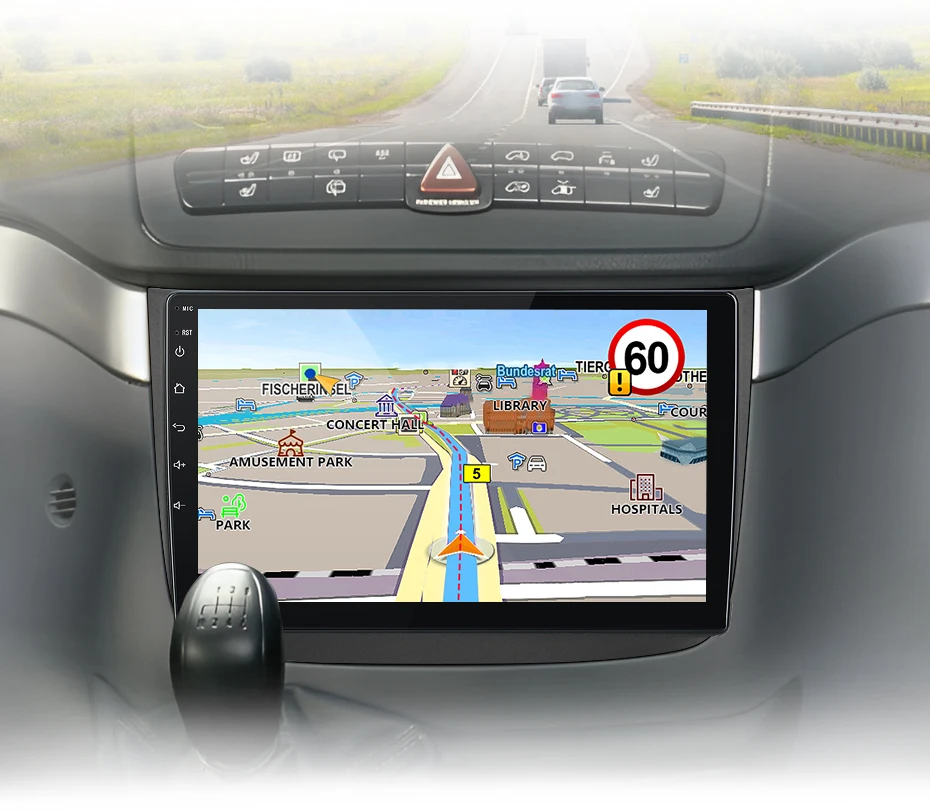

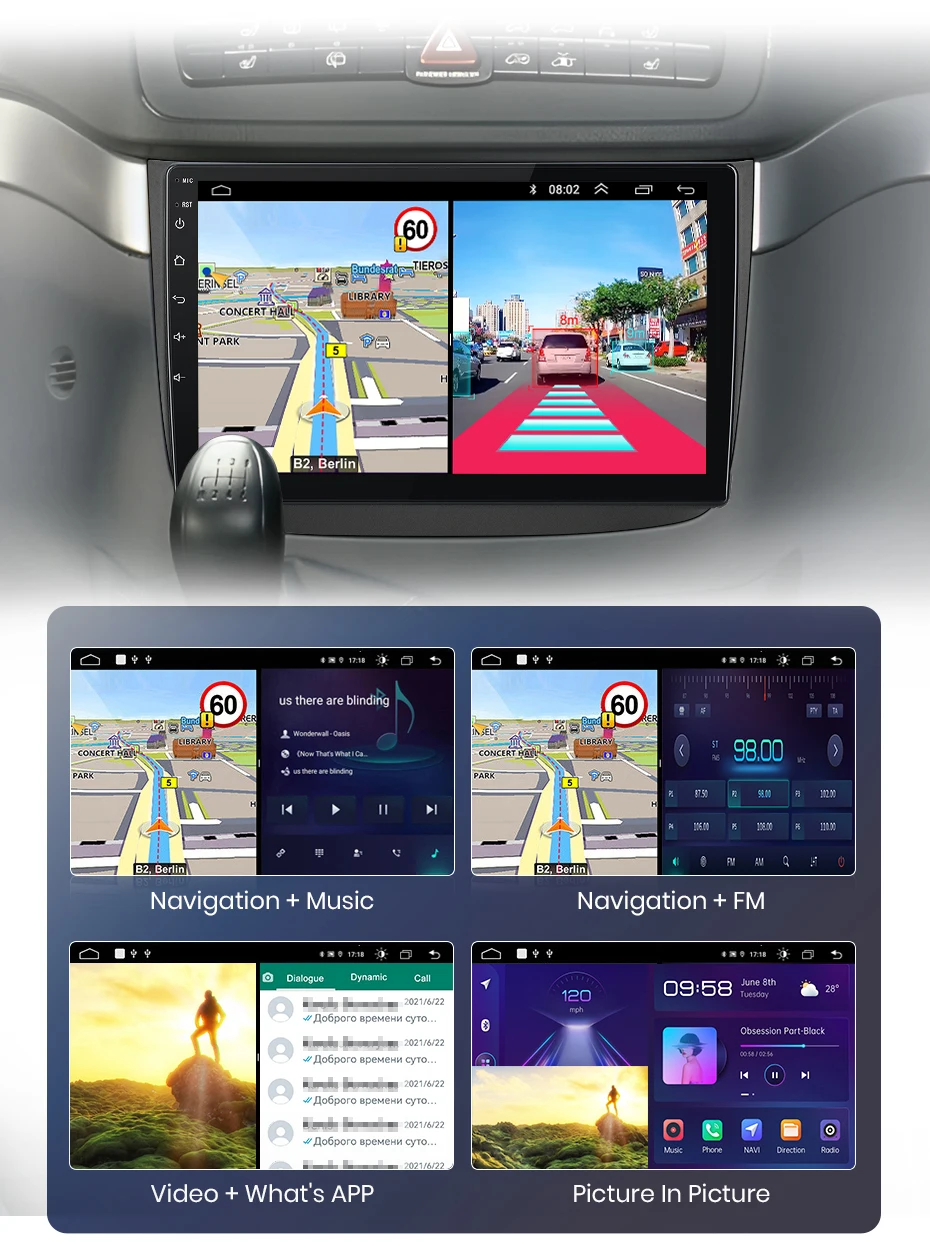
Enjoy Superior multitasking, ready-to-navigate interface, extended visuals, adjustable arrangements and touch-sensitive controls. E. G. navigation for the main driver, playing video for the passenger, or one side listing to music and other side turn on ADAS DVR functions etc.
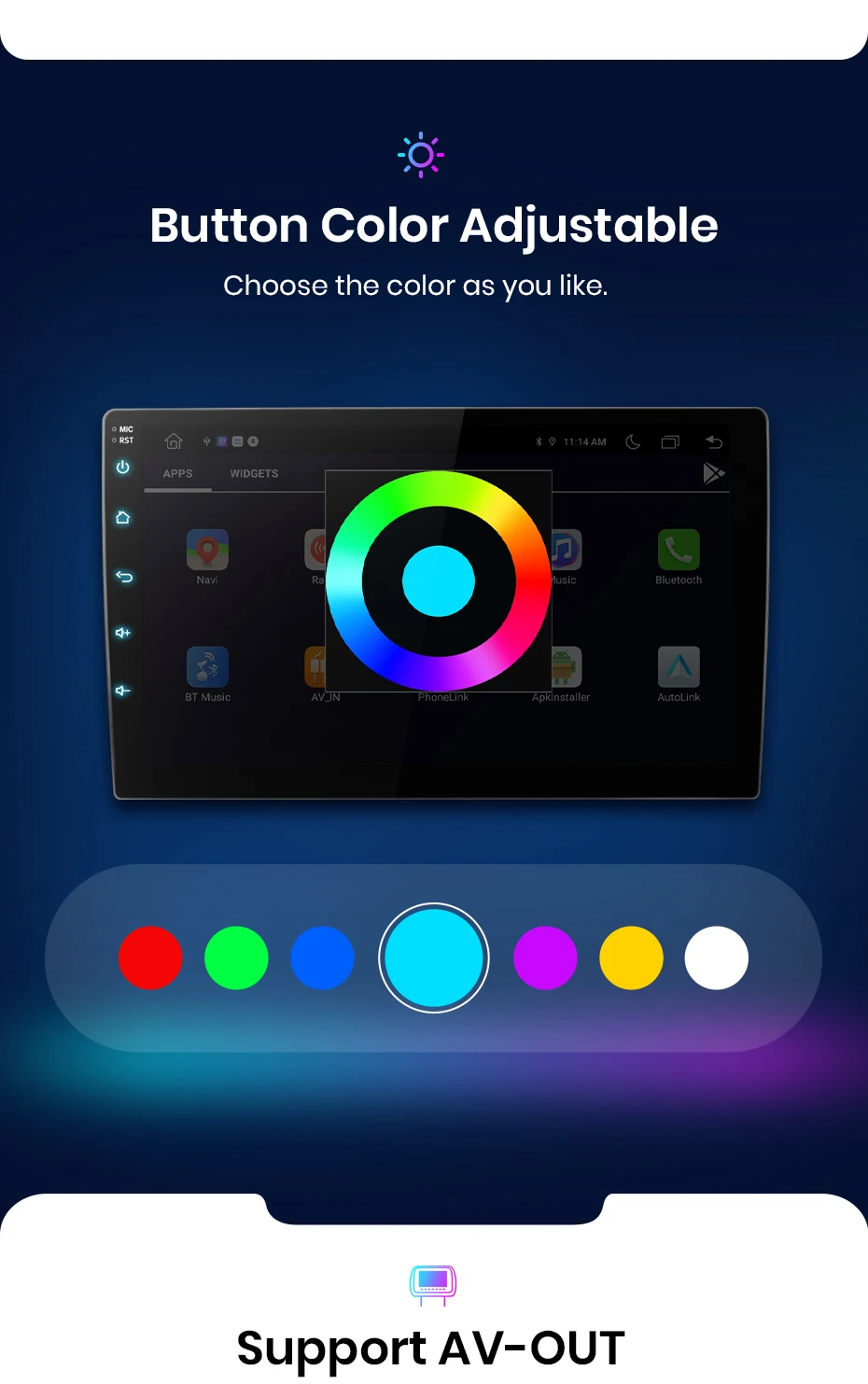
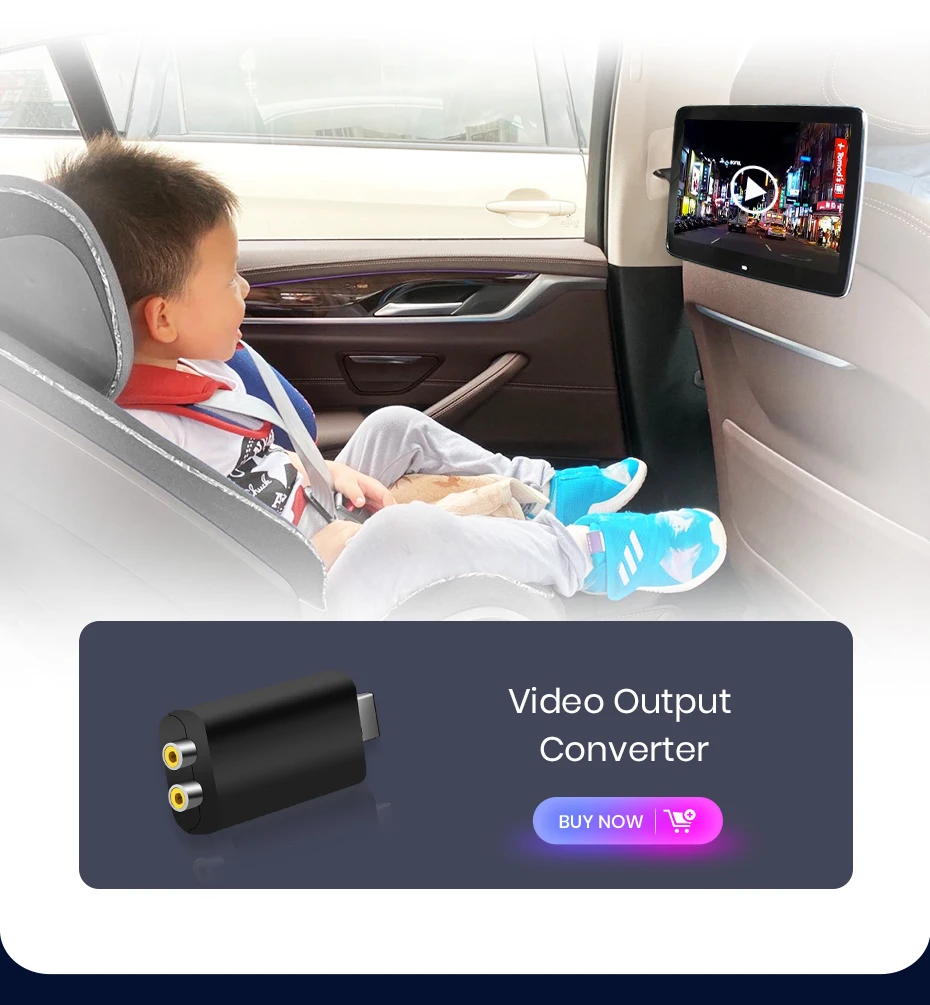
Connect your car navigation system to an external Display and joy to increase screen experience. The VA-out feature allows you to project the content and functionality of your navigation system to supported external Display devices, delivery a clearer and more immersive audio-visual experience.

FAQ
1. How to connect the watch view camera?
1) Red cable ② is connected to the backup light "+"
2) Black cable ① is connected to the “GND”
3)The reverse detection cable ④(Brown color) is connected to the red cable ③ which extending from the video output cable, please follow the picture below to connect.
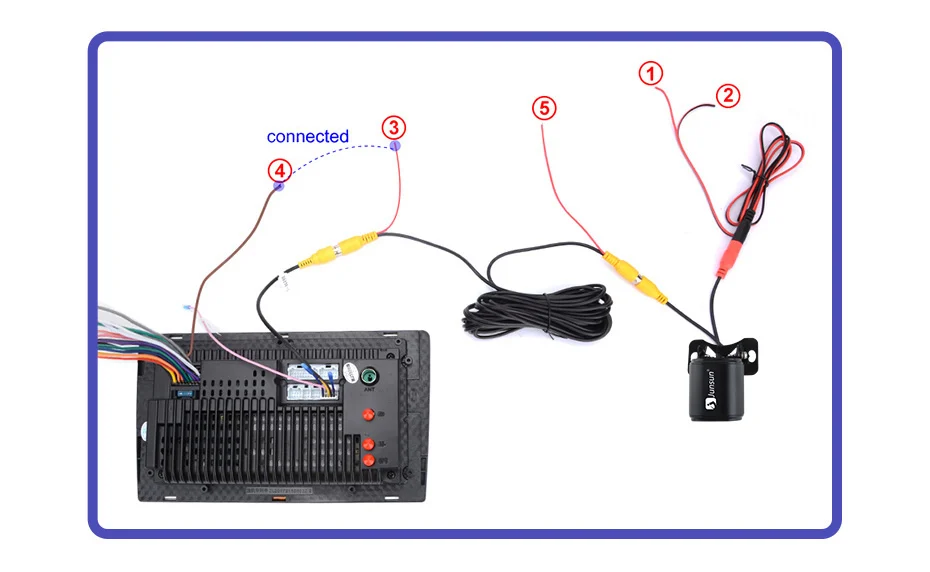
If the screen displays quite normal after V1 PLUS/V2 PLUS Connection, please enter the Factory settings to adjust the camera format, setting-Car Information-About Device-8878-Blackcar Setup-change the CamType /CamFormat to match the camera format;
2.How to set steering wheel controls?
Before starting the setup, please confirm that the MANBUS box and 8PIN serial cable are connected to the multimedia !!!
1) There is Canbus in the product, if you buy V1/V1.C/V1 Pro/V1 Pro.C/V1 Plus, please refer to the picture to set and choose Luzheng-your car model
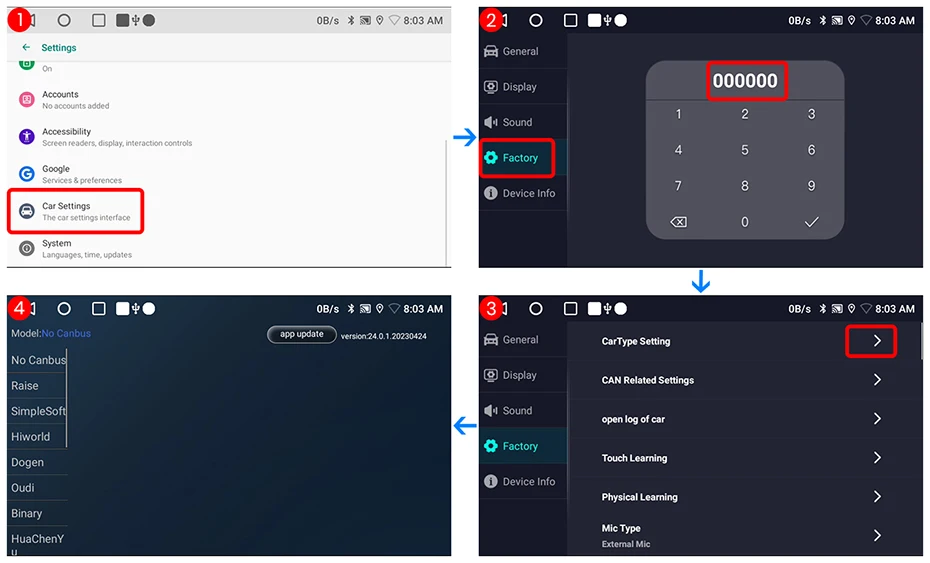
2) There is Canbus in the product, if you buy V1 Plus/V2 Plus 3D, Please do to the picture to enter the CANbus setting and select 135 or 32 and save
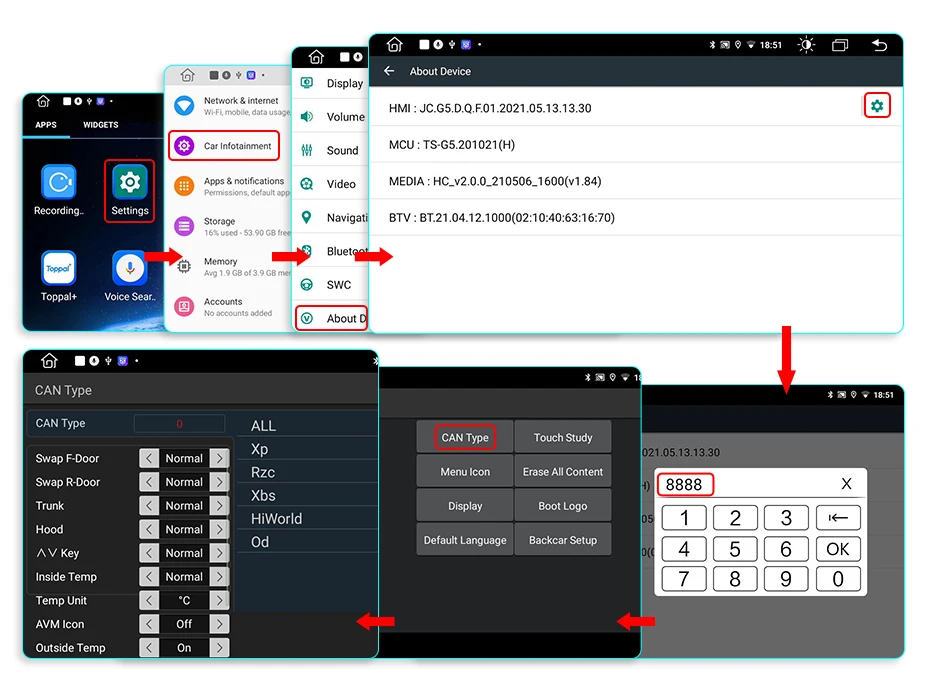
3) If it is still not available after completing the settings, please refer to the following figure to complete the learning of the steering wheel buttons


3.How to connect wireless Carplay and Android Auto?
For the first connection, need to turn on the phone's Bluetooth to peer with the car's Bluetooth.
After the pairing is successful, the car radio will automatically jump to the Zlink or AutoLink interface
At this time, the phone pop up a prompting message "use CarPlay with Zlink or AutoLink
Then turn on the WiFi of the mobile phone, and the CarPlay will be connected
4.How to connect wired Carplay and Android Auto?
Please use your original data cable to connect the phone to the 4 PIN USB cable, then turn on the Carplay/Android Auto function on your phone and the "AutoLink" or "ZLink5" icon on the device to connect.
5.How to change the Boot Logo?
Because of copyright, logo cannot be displayed.If need, please contact Customer Service for methods to modified the logo.
6.This is the cable rental diagram for your Reference